20
NFC KEY BINDING
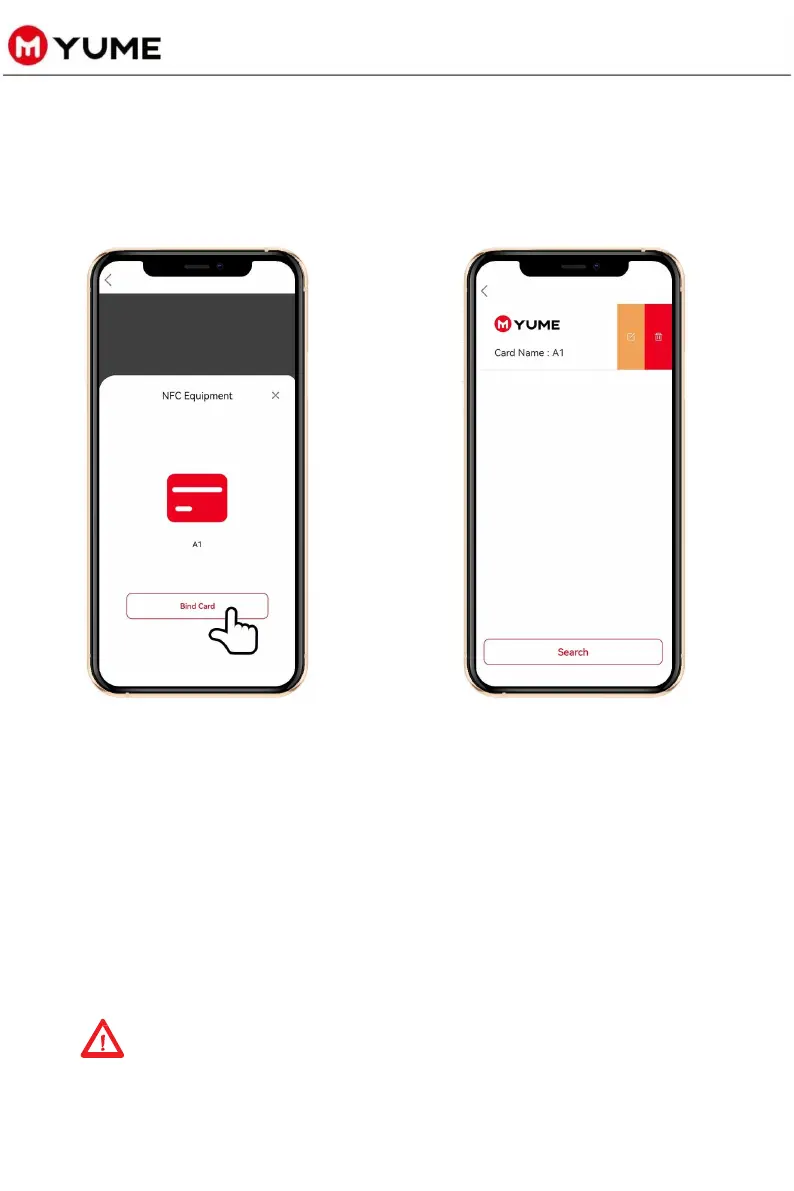
Ø Step 3: “Add NFC”
u Click "Bind Card" to
recognize your NFC
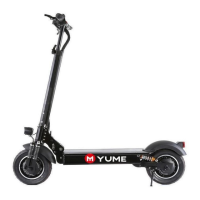
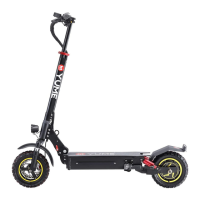
key and bind it to
your scooter.
u You may then change
the name of the NFC
connection.
Remarks: Click “Add” to bind multiple NFC tags.
Repeat the third step of NFC binding to bind other NFC keys.
Ø Step 4: NFC lock/unlock your scooter
u When the scooter is turned on and detects the NFC key
near the vehicle sensing area, the scooter is automatically
locked/unlocked without a password.



 To Next Page