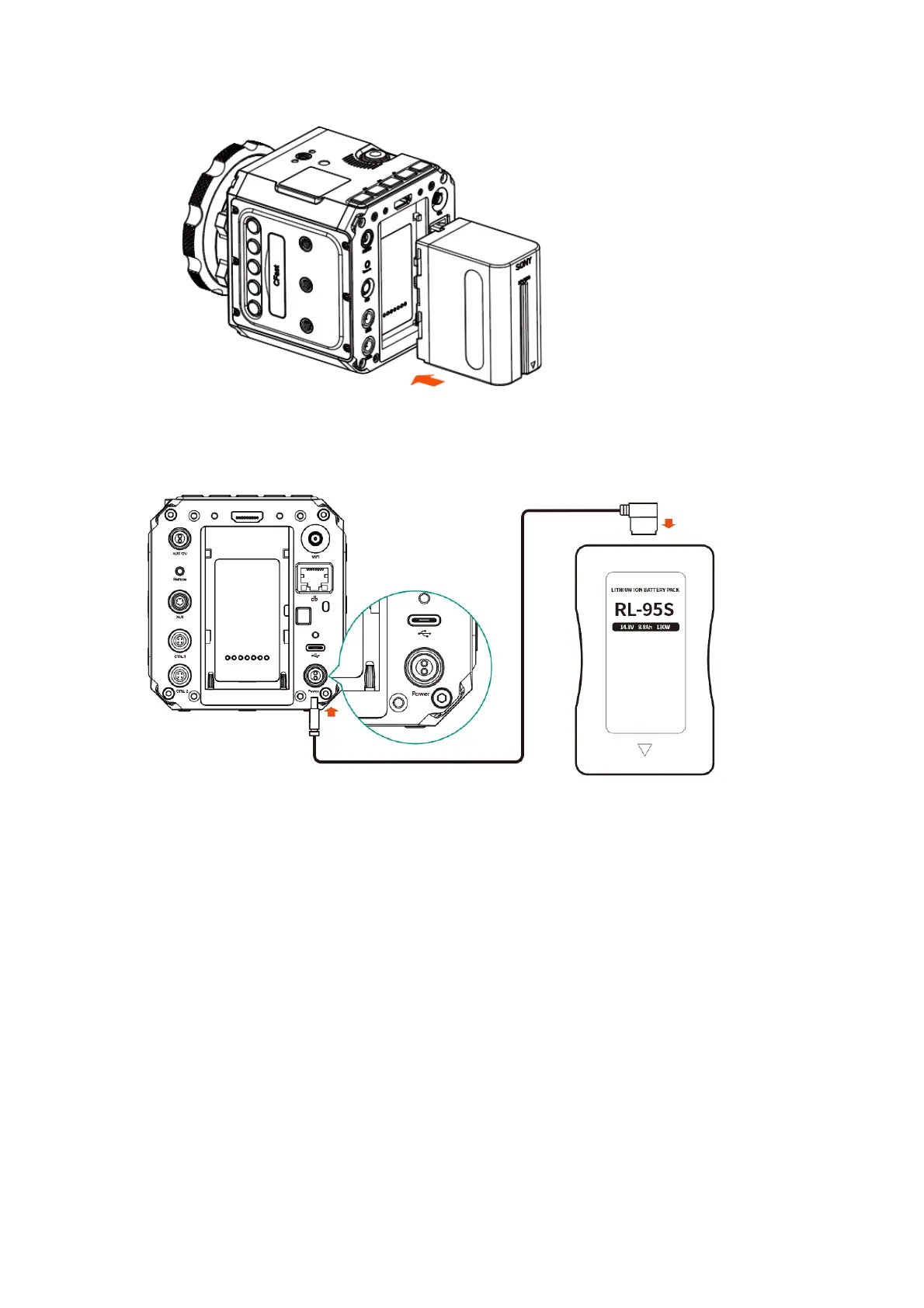
V Mount Battery: Connect the camera to a V mount battery (with D-TAP port) with the
power cable (D-TAP plug).
1.8. Storage
The camera uses CFast 2.0 card or SSD as storage.
CFast card: The camera has 1 x internal CFast card slot, which supports CFast 2.0
standard. Insert the CFast card with correct direction, push it to the end until it’s locked.
To take out the CFast card, push in the card and it will be unlocked, then take it out
from the slot.



 To Next Page
 Loading...


