4. If the version of the firmware file in CFast card is the same as or lower than the
camera’s one (to refresh or downgrade the firmware), there will be no pop-up
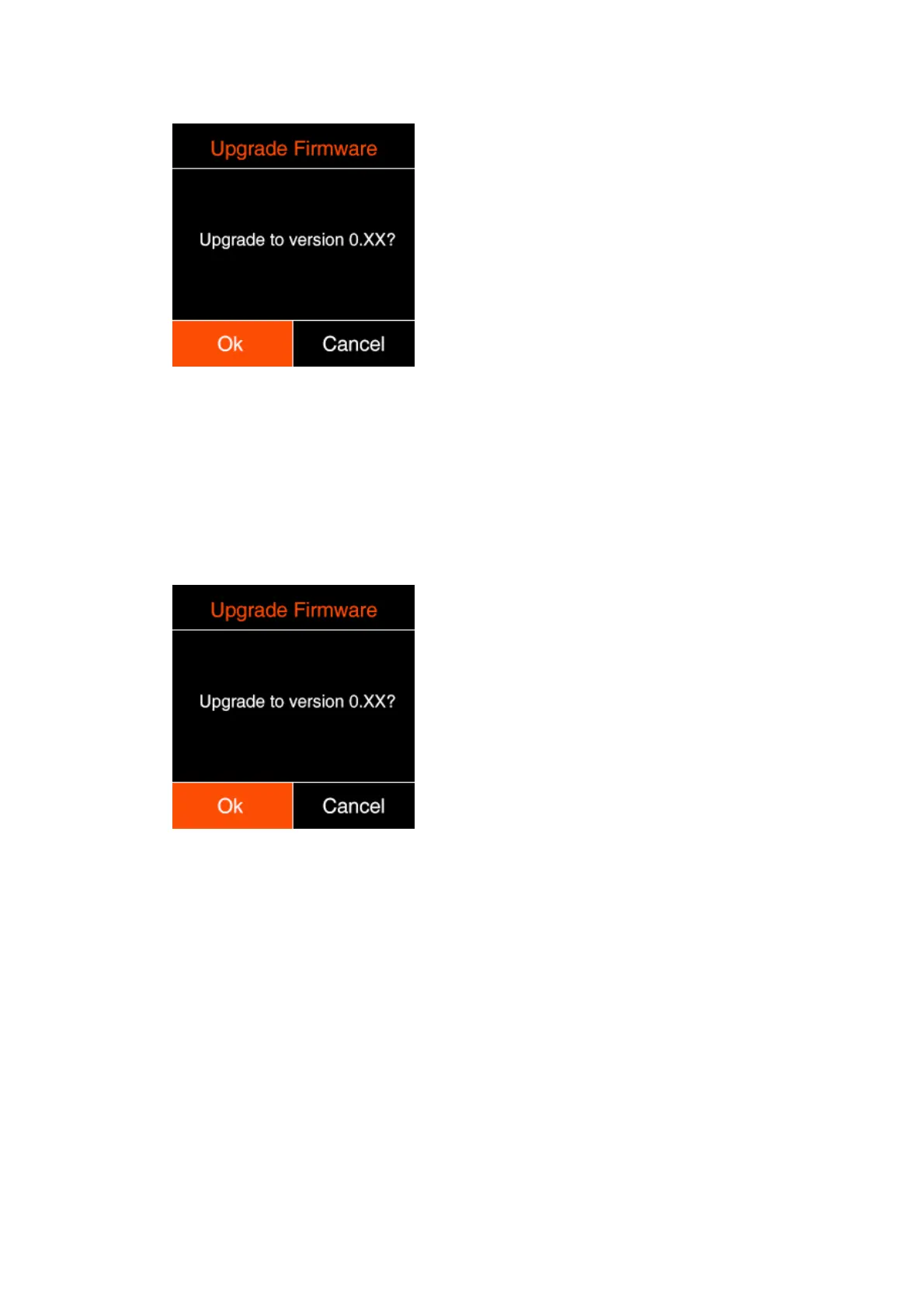
message when the camera is powered on. Go to Version in System setting, press
OK button and you will see the pop-up message for firmware update. Select “OK” and
press OK button to update the firmware*.
* Please make sure the camera will not power off during the firmware upgrade /
update process.
8. Camera Maintenance
As the camera is a precise instrument, please do not flop it or let it suffer physical
strike.
As the camera is a non-waterproof of camera, please do not use it in water or a
humid environment.



 To Next Page
 Loading...


