eND: (to be added later).
Minimum ISO: This setting will only be enabled when ISO is set to “Auto”.
Max ISO: This setting will only be enabled when ISO is set to “Auto”.
Max Shutter Speed / Max Shutter Angle: This setting will be activated if Shutter
Speed / Shutter Angle is in Auto mode.
Max Shutter Speed:Auto/Manual (1” ~ 1/1600” )*
Max Shutter Angle:Auto/Manual(1°~ 360°)
* Minimum shutter speed “1” is optional only when variable frame rate is set to “1”.
Metering Mode: Center / Average / Spot, it sets the metering mode of exposure.
Shutter Operation: Speed / Angle
ISO Control: Fine / Native ISO
Fine: ISO can be set in detail value within ISO range (according to standard ISO
definition)
Native ISO: only native ISO can be selected.
AE Speed: Slow / Normal / Fast
Lock In Record: Off / On. Enable this function, it will automatically lock the exposure
during recording.
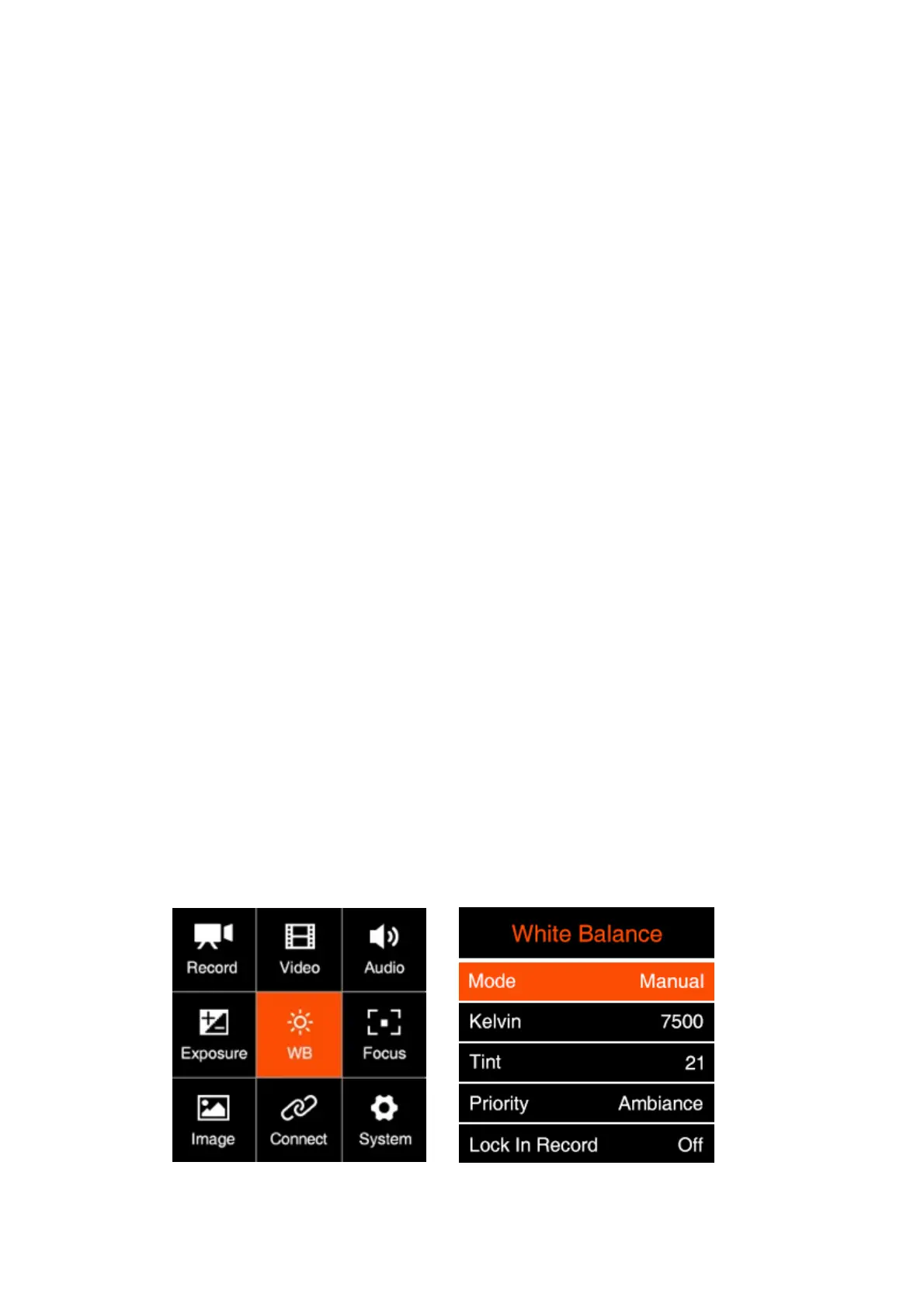
2.6. White B alance



 To Next Page
 Loading...


