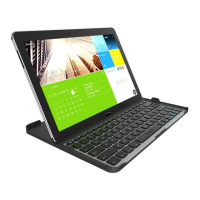
SPECIAL FUNCTION KEYS
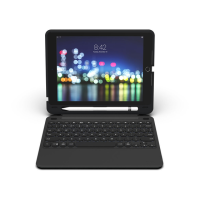
Your Slim Book keyboard has been designed with the following special
function keys to give you more control of your iPad:
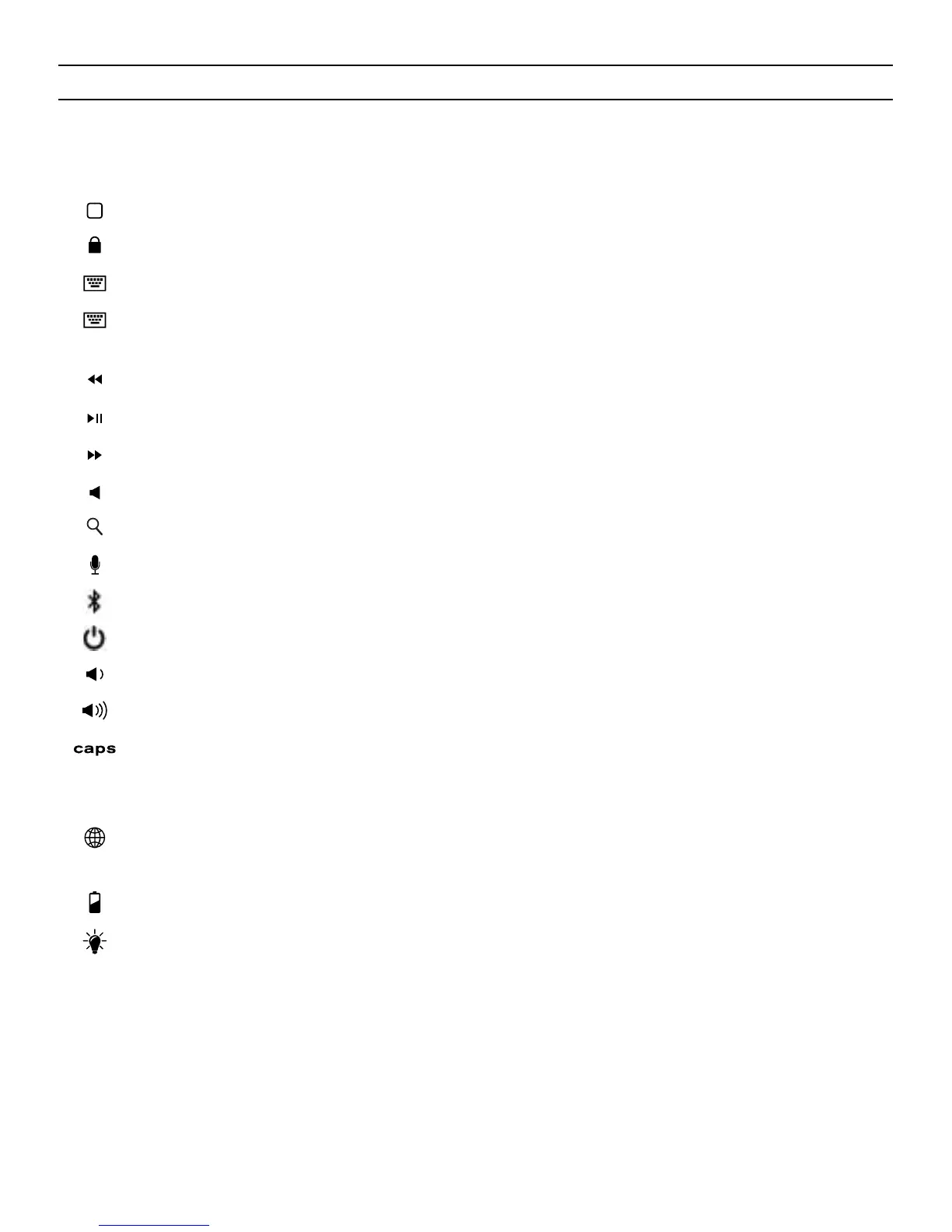
HOME – Displays your iPad’s home screen.
LOCK – Activates and deactivates your iPad’s sleep mode.
KEYBOARD HIDE/SHOW – Hides or shows your iPad’s on-screen keyboard.
FN + KEYBOARD HIDE/SHOW (iPad mini™ ONLY) – Hides or shows your iPad’s
on-screen keyboard.
PREVIOUS TRACK – Skips to the previous track on your selected playlist.
PLAY/PAUSE – Starts or pauses your current playlist.
NEXT TRACK – Skips to the next track on your current playlist.
MUTE – Mutes your iPad’s audio.
SEARCH (FOR iPAD MINI USE FN + SEARCH) – Opens your iPad’s search function.
SIRI – Opens Siri.
BLUETOOTH – Press and hold for three seconds to pair.
POWER – Turns your Slim Book keyboard on and o.
VOLUME DOWN – Decreases your iPad’s volume.
VOLUME UP – Increases your iPad’s volume.
CAPS LOCK – Activates the Caps Lock feature. When Caps Lock is on a blue
indicator light will remain lit until it is turned o. To turn Caps Lock o, simply
press Caps again.
WORLD SYMBOL –
Toggles between international keyboards (when activated in
your iPad’s settings).
FN + BATTERY SYMBOL –
Indicates remaining battery life.
FN + BACKLIGHT SYMBOL –
Activates your Slim Book’s backlight feature.
Pressing this key once will turn on the backlights, pressing it again will turn o
the backlights.
NOTE: The backlights will automatically turn o after a couple seconds if not being used. Begin typing again to activate them.
4



 To Next Page