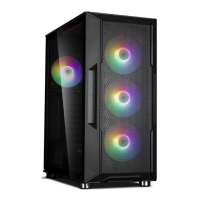
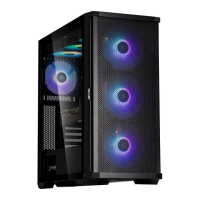
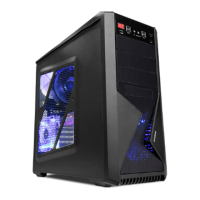
8
1. Removing the side panels
I/O Ports
# Part # Part # Part # Part
ⓐ
USB 3.0 Port
ⓑ
USB 2.0 Port
ⓒ
Microphone Jack
ⓓ
LED Control Button
ⓔ
Headphone Jack
ⓕ
USB 2.0 Port
ⓖ
USB 3.0 Port
ⓗ
Power Button
ⓐ ⓑ ⓒⓓⓔ ⓕ ⓖ ⓗ ⓘ ⓙ
• RGB(Addressable) LED Control Button
1. Short Press : 1st ~ 50th RGB LED Lighting Mode (Eects & Colors)
2. Long Press : RGB LED Lighting Mode Change
(LED Control Button → Motherboard Sync (Addressable Sync) → Lighting O)
• RGB(Addressable) LED 컨트롤버튼
1. 짧게 누름 : 1st ~ 50th RGB LED 라이팅 모드 (효과 모드 & 컬러 모드)
2. 길게 누름(5초간) : RGB LED 라이팅 모드 변경
(LED 컨트롤 버튼 → 마더보드 Sync (Addressable Sync) → LED 꺼짐)

 To Next Page
 Loading...