EasyManua.ls Logo

Zap HSM-B131B - User Manual

Default Icon
12 pages
Print Icon
To Next Page IconTo Next Page
Loading...
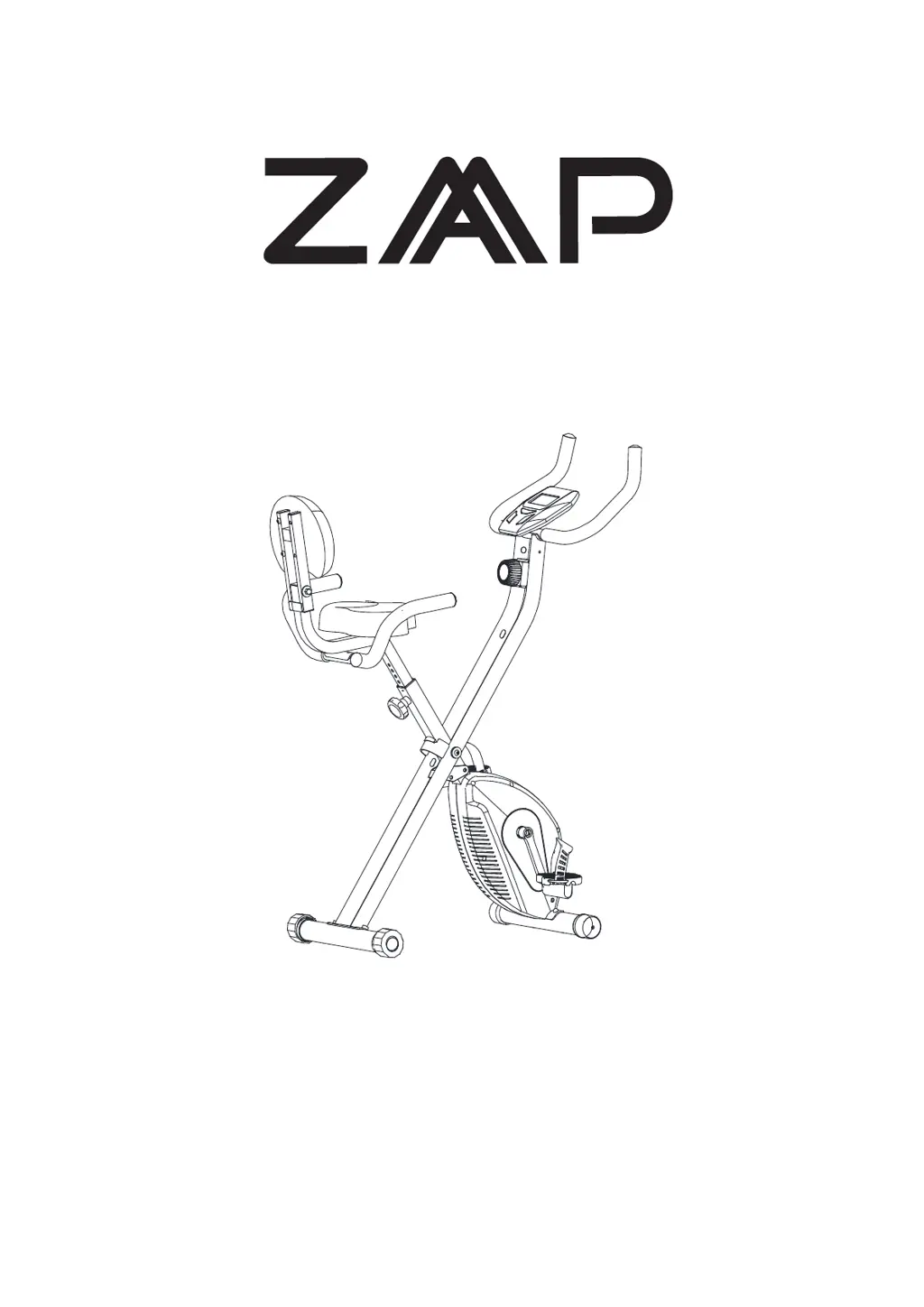
MAGNETIC X-BIKE

Questions and Answers

  • R
    rachel56Aug 4, 2025
    What to do if there is no resistance when riding the Zap Fitness Equipment bike?
    • J
      Jeffrey HoffmanAug 4, 2025
      If you experience no resistance when riding the Zap Fitness Equipment bike, there are several potential causes. First, the interval of the magnetic resistance might have increased, requiring you to open the covers to adjust it. Second, the tension control knob could be damaged, in which case you should replace it. Third, the belt might be slipping, and you'll need to open the covers to address this. Finally, the bearing set might be damaged, necessitating a replacement.
  • H
    Hannah BrownAug 11, 2025
    Why is the handlebar shaking on my Zap HSM-B131B Fitness Equipment?
    • J
      James Thompson PhDAug 11, 2025
      If the handlebar of your Zap Fitness Equipment is shaking, it's likely due to loose bolts. To resolve this, simply tighten the bolts.
  • L
    Linda AllenAug 19, 2025
    How to fix loud noise from the moving parts of Zap Fitness Equipment?
    • J
      James CunninghamAug 19, 2025
      A loud noise from the moving parts of your Zap Fitness Equipment indicates that the interval of the parts is not properly tightened. To fix this, open the covers and adjust the parts.
  • J
    james50Aug 26, 2025
    Why is the base unstable on my Zap Fitness Equipment?
    • S
      Sean WyattAug 26, 2025
      An unstable base on your Zap Fitness Equipment can result from a floor that isn't flat or a small object beneath the front or rear stabilizer. Remove any object present. Alternatively, the rear stabilizer end caps may not have been leveled correctly during adjustment; in this case, adjust the rear stabilizer end caps.

Summary

SAFETY INSTRUCTIONS

MAIN PARTS LIST

HARDWARE PACKING LIST

ASSEMBLY INSTRUCTIONS

Install the Ball Pin

Pull the ball pin out to expand the main frame.

Install the Front and Rear Stabilizers

Attach front and rear stabilizers by loosening screws and tightening them.

Install Handlebar and Control Panel

Connect handlebar to frame, then attach control panel to main frame.

Install the Left and Right Pedals

Attach pedals to corresponding axles using correct threading (left/right).

Install Back Handlebar and Seat Cushion

Mount the back handlebar and seat cushion onto the plate.

Install the Seat Post

Place and tighten the seat post onto the main frame, noting height limits.

OPERATING INSTRUCTIONS

TENSION ADJUSTMENT

Use the tension adjustment knob to increase or decrease resistance levels.

HOW TO ADJUST THE SEATS HEIGHT

Steps to loosen, adjust, and tighten the seat height knob for proper positioning.

How to fold the X-BIKE

SPECIFICATIONS

BUTTON FUNCTIONS

Explanation of MODE, SET, and RESET button operations on the console.

DISPLAY FUNCTIONS

Details on display ranges for TIME, SPEED, DISTANCE, CALORIES, and PULSE.

Warm Up Exercises

Warm-up Exercise Program Overview

Overview of program structure including warm-up, aerobic, and cool-down.

Inner Thigh and Hamstring Stretch

Instructions for Inner Thigh and Hamstring stretches, holding for 15 counts.

Head Roll and Shoulder Lift

Guide to performing Head Rolls and Shoulder Lifts for neck and shoulder flexibility.

Calf-Achilles, Toe Touch, and Side Stretch

Instructions for Calf-Achilles, Toe Touch, and Side stretches, holding for 15 counts.

TROUBLE SHOOTING GUIDE

PRODUCT SPECIFICATION

Zap HSM-B131B Specifications

General IconGeneral
CategoryFitness Equipment
TypeHome Gym System
MaterialSteel
ColorBlack
Included AccessoriesLat bar, Ankle strap