9
English
Start/stop charging
Be in control of who can use your charging station
Start charging
Connect your charging cable
to the vehicle and the charging
station.
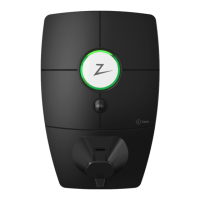
When the status light changes
to pulsating blue, the car
is charging.
Stop charging
You can pause charging via the
app. Alternatively, you can also
stop charging by simply removing
the plug from your electric vehicle.
Please note that you cannot
remove the cable from the Zaptec
Go 2 until charging has finished or
has been stopped by the car.
You can give permissions to multiple
users to access your Zaptec Go 2 via
the Zaptec app.
This is an option if you would like to keep
your charging station private. This setting
can be switched on and off whenever you
need it.
Anyone who has access can start
charging by creating their own account
in the Zaptec app and use the app as an
authenticator.
You can use a device that is equipped
with RFID technology to start charging
as well, such as a Zaptec key. Any RFID
enabled device can be easily added to
an account using the Zaptec app.



 To Next Page