EasyManua.ls Logo

Zeck Audio PT-series - User Manual

Zeck Audio PT-series
30 pages
Go to English
Print Icon
To Next Page IconTo Next Page
Loading...
B e d i e n u n g s a n l e i t u n g
Owner's Manual
Mode d'emploi
Manual de
f u n c i o n a m i e n t o
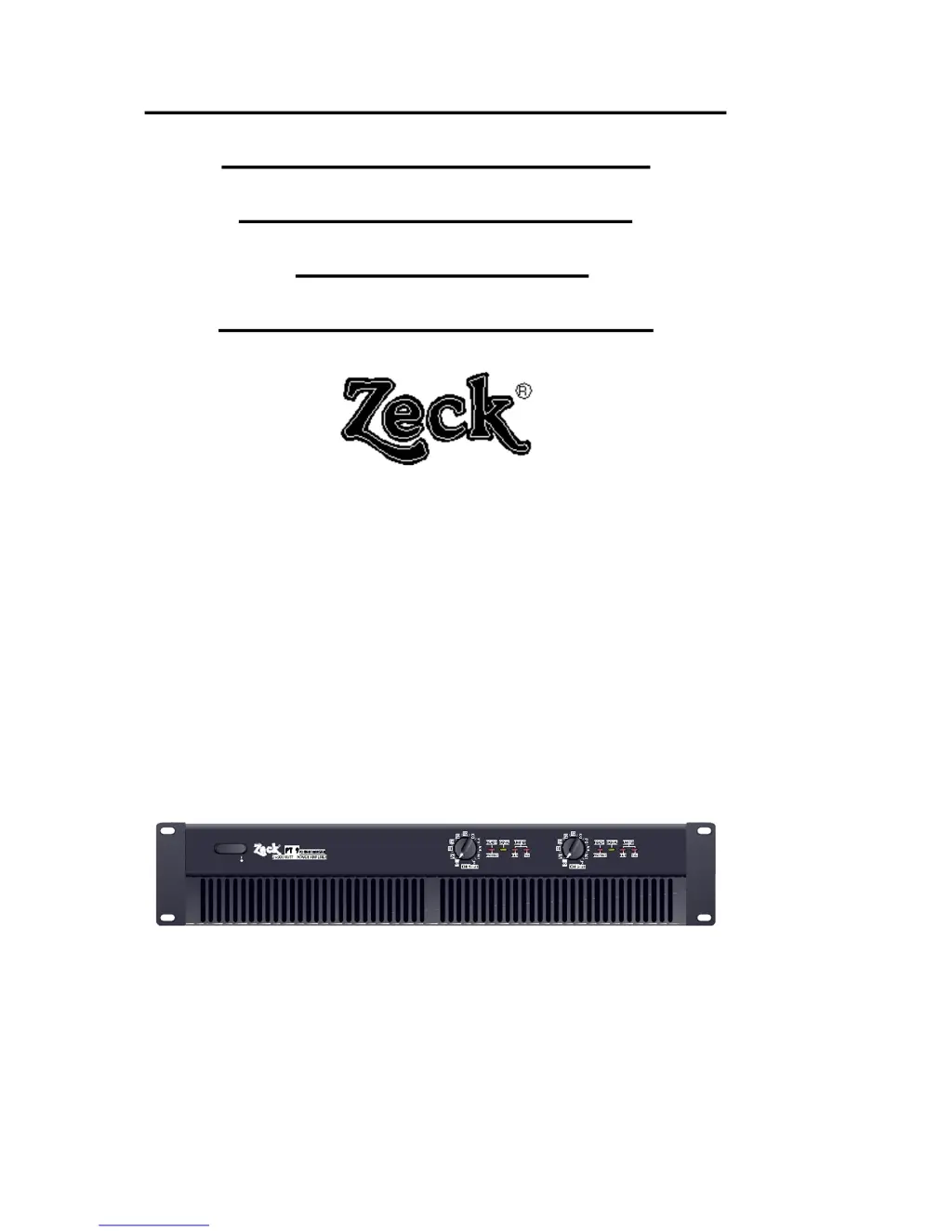
PT series
stereo power amps
R

Questions and Answers

  • C
    Charles WatsonJul 30, 2025
    What to do if the 'Protect' LED remains red on my Zeck Audio Amplifier?
    • C
      Christopher WalkerJul 31, 2025
      If the 'Protect' LED on your Zeck Audio Amplifier stays red after you turn it on, it indicates that the output protection relay has been activated. Check the speaker cables for any short circuits or incorrect wiring. Ensure that the MODE selector switch is set correctly. Also, verify the amplifier's temperature and air supply, and inspect the speakers and crossover networks for short circuits. If the issue persists, the output stage may require professional service.
  • Z
    Zachary ChandlerAug 8, 2025
    Why does the NLR control remain lit for a prolonged time on my Zeck Audio Amplifier?
    • A
      Antonio FerrellAug 9, 2025
      If the NLR control on your Zeck Audio Amplifier stays lit for a long time, it means the amplifier is constantly limiting output power to prevent distortion. To resolve this, check the input level and ensure the output load is not less than 2 ohms. Also, inspect the speakers and crossovers. If problems continue, the output stage may require qualified service.
  • B
    brianperryAug 20, 2025
    Why does the TCL control remain lit for a prolonged time on my Zeck Audio PT?
    • C
      colleendiazAug 20, 2025
      If the TCL control on your Zeck Audio Amplifier remains lit for a prolonged time, it indicates that the amplifier is constantly limiting output power to prevent overheating. Ensure there is sufficient clearance around the back panel for air intake. If the issue persists, the heatsinks may be dirty or the cooling fans may need service by a qualified technician.

Summary

Safety Instructions

Introduction

General Notes

Explains the term 'PT' for Power Transfer and the technical control systems used.

Features of PT Series Amplifiers

Details the key features and technologies incorporated into the PT series amplifiers.

PT Series Models

Lists the available models in the PT series and their specifications.

Setting Up the Amplifier

Installation

Guidance on proper placement and airflow for the amplifier, especially in rack systems.

Mode Switch Operation

Explains the three operational modes (DUAL, PARALLEL, BRIDGE) selectable via the mode switch.

Input Connections

Details on connecting input sources using XLR/phone jack sockets and 'Direct Out' connections.

Speaker Connections

Instructions for connecting speaker systems using Speakon connectors, including impedance considerations.

Mains Connection

Guidance on connecting the amplifier to the mains power supply, including wire color codes.

Operation

Status Indicators and Thermal Management

Explanation of front panel LEDs (READY/PROTECT, SIGNAL, NLR, TCL) and the thermal management system.

Troubleshooting Guide

Technical Specifications

Zeck Audio PT-series Specifications

General IconGeneral
TypePower Amplifier
SeriesPT-series
Signal-to-Noise Ratio>100 dB
Frequency Response20 Hz - 20 kHz
Input Impedance20 kOhms (balanced), 10 kOhms (unbalanced)
Output Impedance4Ω, 8Ω
Weight12 kg
Dimensions483 x 88 x 360 mm

Related product manuals