84 GW28-035_v01
Auto shut-off feature
The Auto shut-off feature will operate automatically when the iron is unat-
tended and it is connected to a mains supply outlet.
Auto shut-off in horizontal position
The iron will switch off automatically at 16-39 seconds if the iron is im- –
mobile in the ironing position (horizontal).
Auto shut-off indicator light (green) pulsates (blinks) – does not glow –
permanently.
Simply moving the iron, the iron will back on. Shut-off indicator light shall –
be off and heater indicator light shall glow – the iron shall heat again.
Auto shut-off in vertical position
The iron will switch off automatically at 5 -10 minutes if the iron is immo- –
bile in the rest position (vertical).
Auto shut-off indicator light (green) pulsates (blinks) – does not glow –
permanently.
Simply moving the iron, the iron will back on. Shut-off indicator light shall –
be off and heater indicator light shall glow – the iron shall heat again.
Each usage – moving the iron brings it back to previously set func-
tion. The iron will take about 60 seconds to reach its previous sole-
plate temperature.
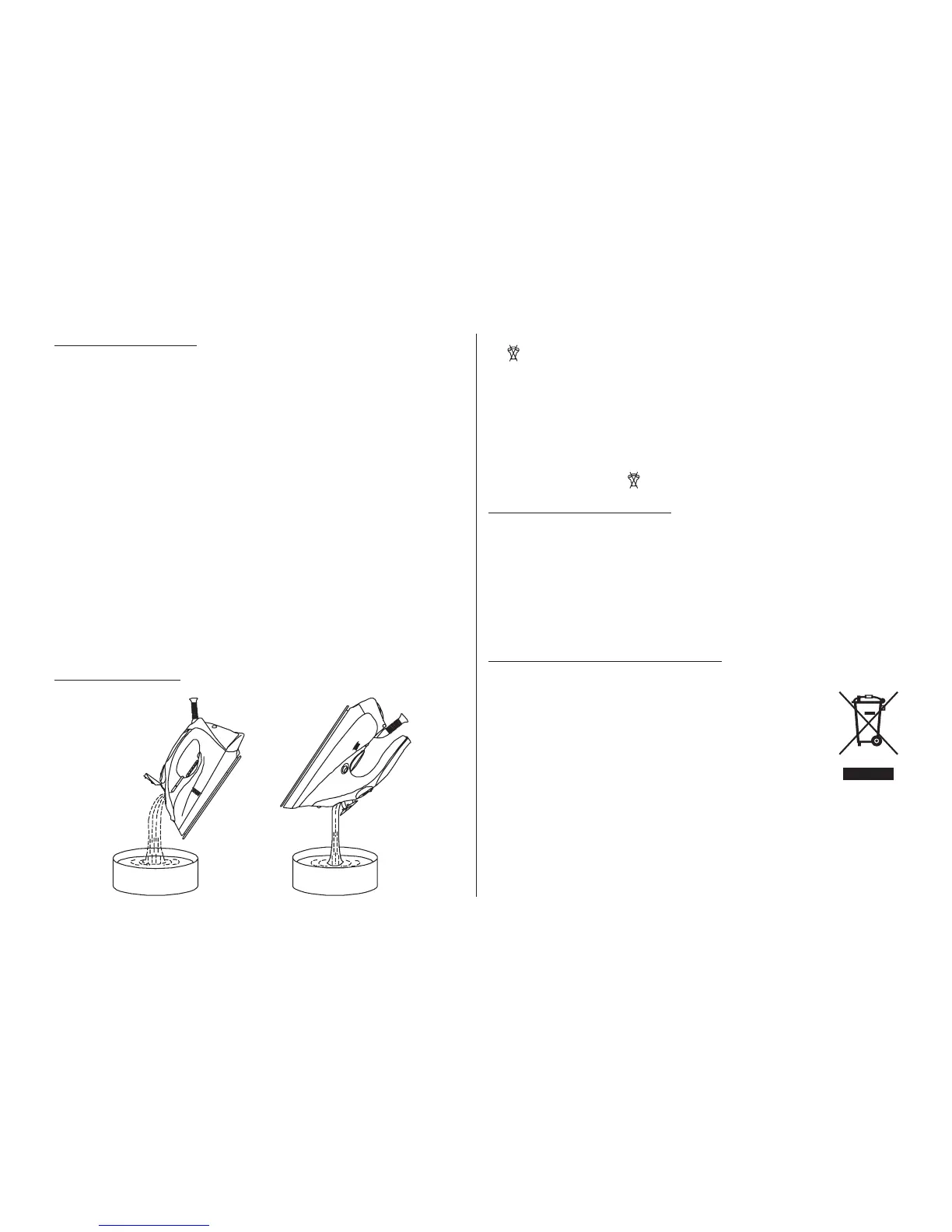
Draining the water
Move the Steam Control Knob (Type 28Z010) or Dial (Type 28Z011) to –
position.
Disconnect the iron from mains supply outlet. –
Press the Burst of Steam Button, to release any trapped water when the –
soleplate still hot.
Press the Spray Button, to release any trapped water. –
Turn the iron upside down and gently shake it to remove the remaining –
water.
Before storage make sure that Steam Control Knob (Type 28Z010) or
Dial (Type 28Z011) is in position.
Cleaning and maintenance
Disconnect the iron from mains supply outlet. –
The iron should get cool completely before cleaning. –
Use a damp cloth and gentle washing liquid for cleaning. –
Do not use aggressive detergents like cream, milk, paste etc. to clean –
the casing. They can remove graphic symbols such as: scales, marking,
caution signs, etc.
Never use sharp or rough objects to remove the deposits on the sole plate. –
Never use any abrasive, vinegar or descaling agents to clean the iron. –
Ecology – environment protection
Each user can protect the natural environment. It is neither difcult nor ex-
pensive.
In order to do it:
Put the cardboard packing into recycling paper container.
Put the polyethylene (PE) bags into container for plastic.
When worn out, dispose the appliance to particular disposal
centre, because of the dangerous elements of this appliance,
which can be hazardous for natural environment.
Please do not dispose this iron into domestic waste disposal!!!
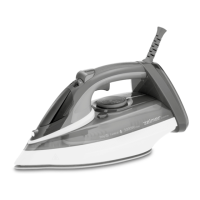
Type 28Z010
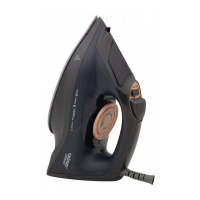
Type 28Z011
The manufacturer/importer does not accept any liability for any damages resulting
from unintended use or improper handling.
The manufacturer/importer reserves his rights to modify the product any time in
order to adjust it to law regulations, norms, directives, or due to construction, trade,
aesthetic or other reasons, without notifying in advance.


 To Previous Page
 Loading...