28 CM4822-001_v02
POWER OFF
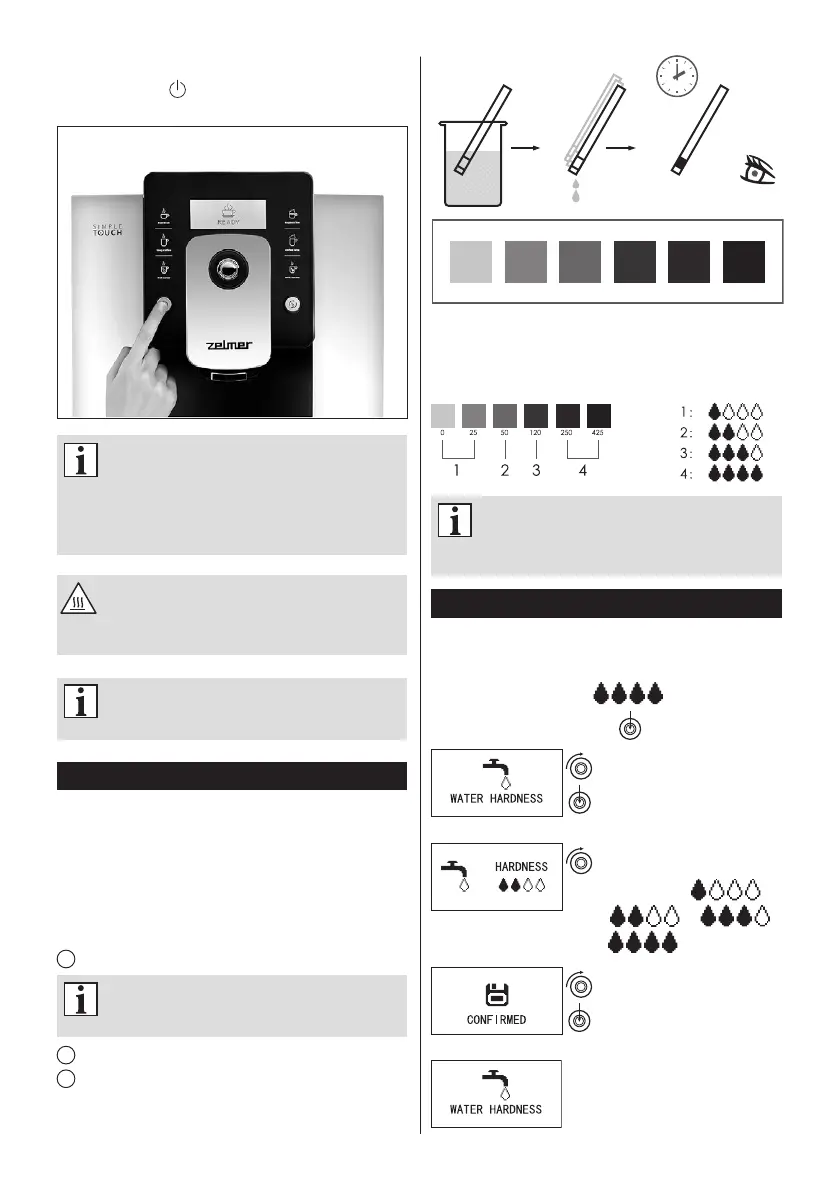
When you press power button, the machine will be
power off after auto cleaning.
Every time when powering off the coffee
machine, it will automatically complete cle
aning process for one time, and the process
cannotbe stopped.Thisoperationistoclean
upthecoffeepipelinesandremovethecoffee
grounds.
During the cleaning process, some hot water
willow outof thecoffee spoutinto thedrip
tray.Avoidtouchingspilthotwater,soasnotto
beburned.
Onlyafterusingmilk/cream/cappuccino/lattee,
the Rinse Milk Unit function will be operated
whenpoweroff.
Testing and setting water hardness
●
The appliance needs to be descaled more often when
water is harder.
●
Check the water hardness when you change source of
water intake.
●
If the water hardness setting in the coffee machine does
not match the actual water hardness, you might not be
able to achieve the optimal coffee avour, and this can
even lead to the unit damage.
1
Prepare a test strip to determine the water hardness.
Water hardness test strips are not included
withthecoffeemachine,youneedtopurchase
theminaspecialtystore.
2
Dip the test strip in water for 2 seconds.
3
Remove the test strip, shake off excess water and watch
the colour.
0 25 50 120 250 425
Water hardness contrast card
2 sec.
15 sec.
Then set the number representing the water hardness
according to colour scale. See “Adjust water hardness” for
information on water hardness settings.
Variousbrandsofteststripsmaydifferslightly
fromoneanother.Beforegoingaheadwiththe
test, refer to the manufacturer’s instructions
howtointerprettheresults.
Adjusting the water hardness setting
Please refer to “Test and set water hardness” and then
adjust the water hardness setting depending on the results
of the water hardness test using a test strip.
The factory default setting: „ ”
Press and hold the control knob
After entering the program
setting, please turn the rotary
button to the “WATER
HARDNESS” option, and then
press the rotary button.
By turning the rotary button, you
can adjust water hardness
parameters to: ” ”,
“ ”,” ”,
“ ”
By pressing the rotary button
to conrm the selection, the
setting is completed.
After completing the setting,
the machine will return to the
“WATER HARDNESS ” option.


 To Next Page