PAGE 23
206-3371-A
OPERATION MENUS
AUX+1, AUX+2, AUX+3
Control up
to seven
different
devices with
your remote!
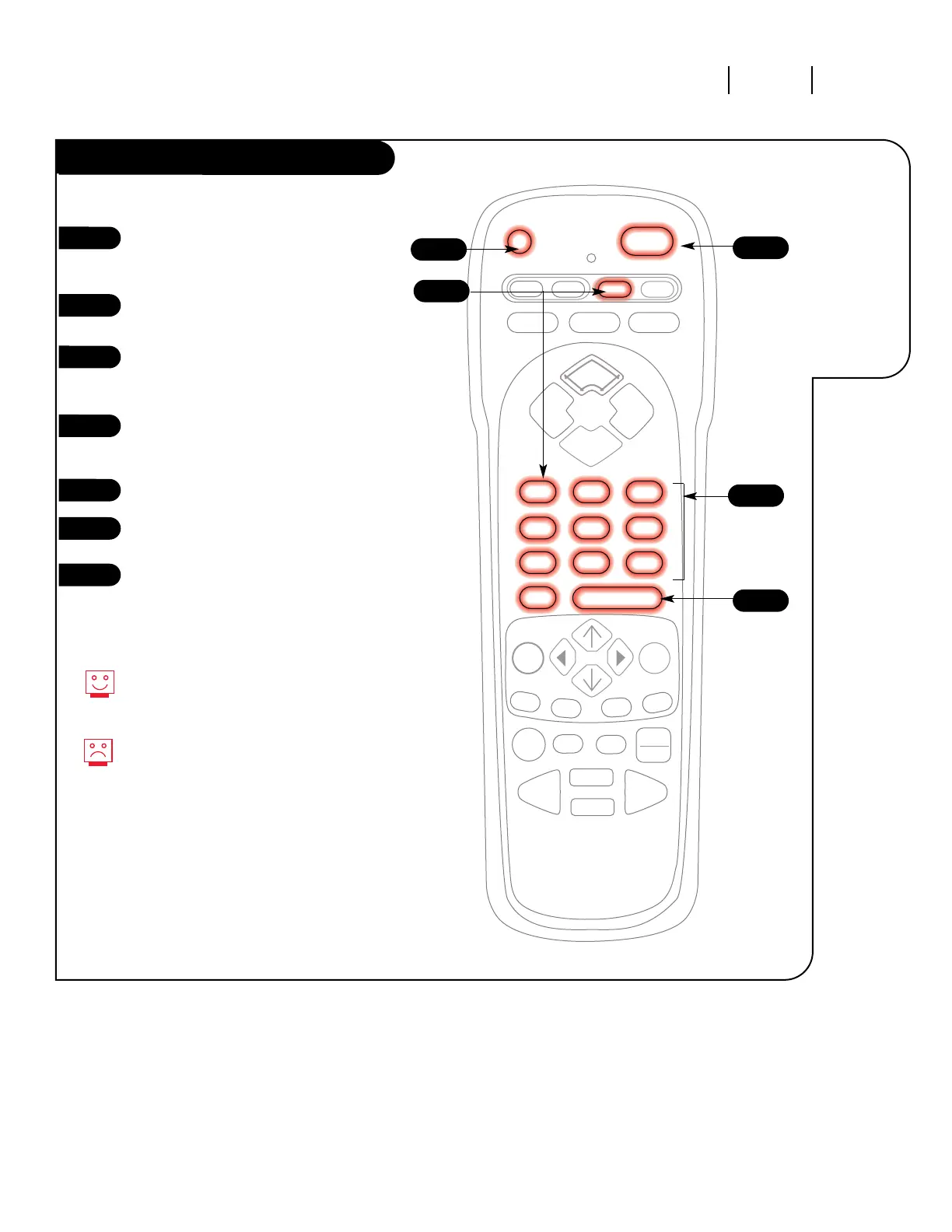
Refer to the chart on page 25 to
find the type and brand name of
the device you're programming.
Press and hold the PRG key until
the indicator light turns on.
Press the AUX key and the 1 on
the NUMBER key pad at the same
time (for AUX +1).
Using the NUMBER key pad, enter
the three-digit code for the
device you've selected.
Press ENTER to save the code.
Aim the remote at the device and
press POWER. It should turn off.
Repeat the steps for AUX+2, and
AUX+3.
1
2
3
4
5
6
7
5
6
2
4
3
Programming your Zenith remote
will allow you to use one remote
to work up to 7 different devices.
Some devices may not work with
your Zenith remote control.



 To Next Page