5/7
3
6
2
4
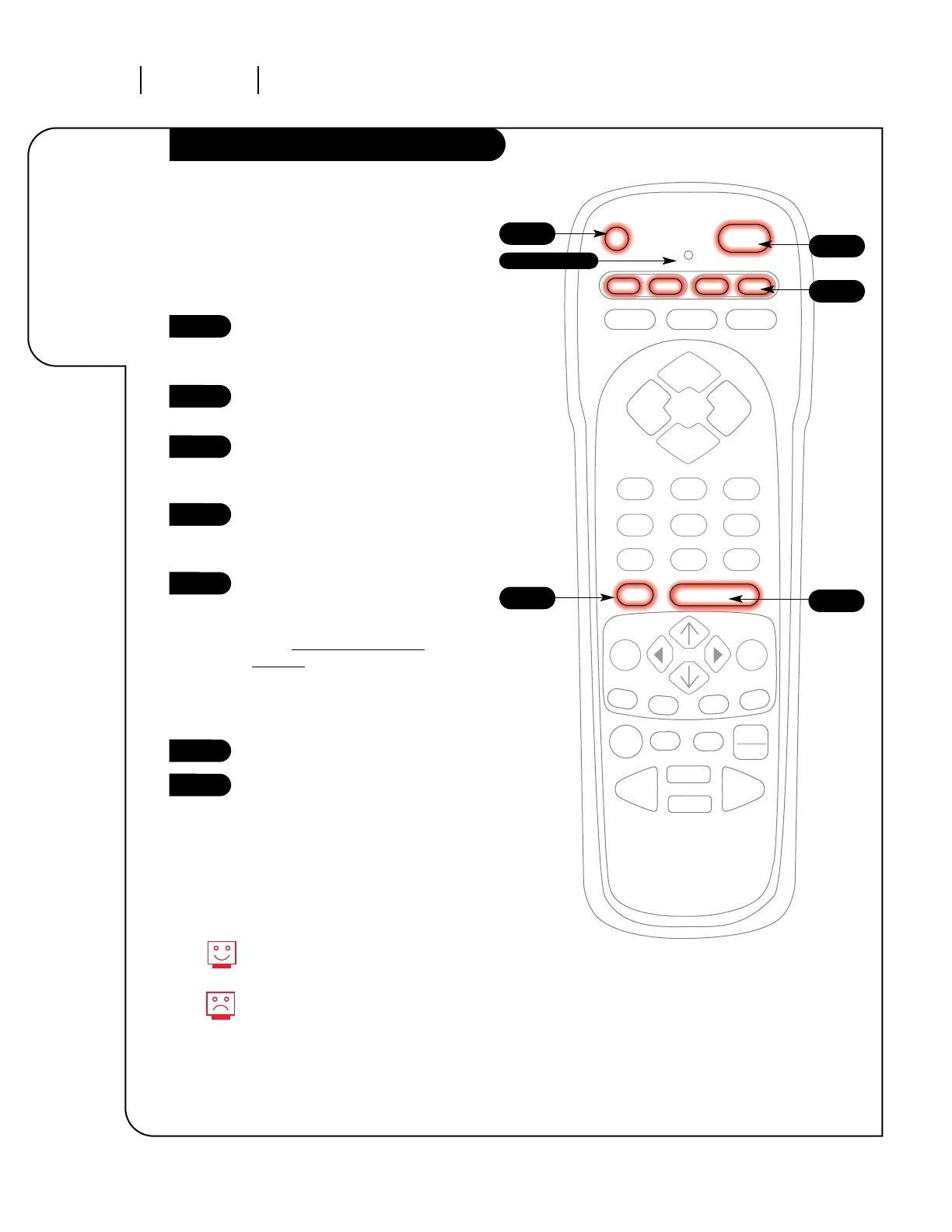
Indicator Light
Remote Control Auto-Find
Turn on the device you’re
programming for the
remote control.
Press and hold the PRG key until
the indicator light turns on.
Press the key for the device you’re
trying to program (CABLE, VCR,
AUX, TV).
Enter the code 0-0-0 (zero-zero-
zero), then press the ENTER key
right away.
Aim the remote at the correct
device and press the POWER
button. Allow a second to pass,
then push the POWER button
again. Repeat un
til the device
turns off. (This is a trial and error
process, so it may be necessary to
repeat these steps until the
remote finds your code.)
Push ENTER to save the code.
Press POWER to turn the device
back on.
1
2
3
4
5
6
7
You can quickly get out of Auto
Find by pressing the Quit button.
If the indicator light stays on
while you push Power, instead
of turning off, all the codes have
been tried and your device can’t
be programmed.
If Programming the Remote did not find your
code, try this procedure to automatically find
the code for your device. If your remote
becomes inoperable, go back to “Programming
your Remote” and enter the Zenith TV code for
step five.



 To Next Page