1 3
2
An example of
using the
panel on the
front of your
Entertainment
Machine.
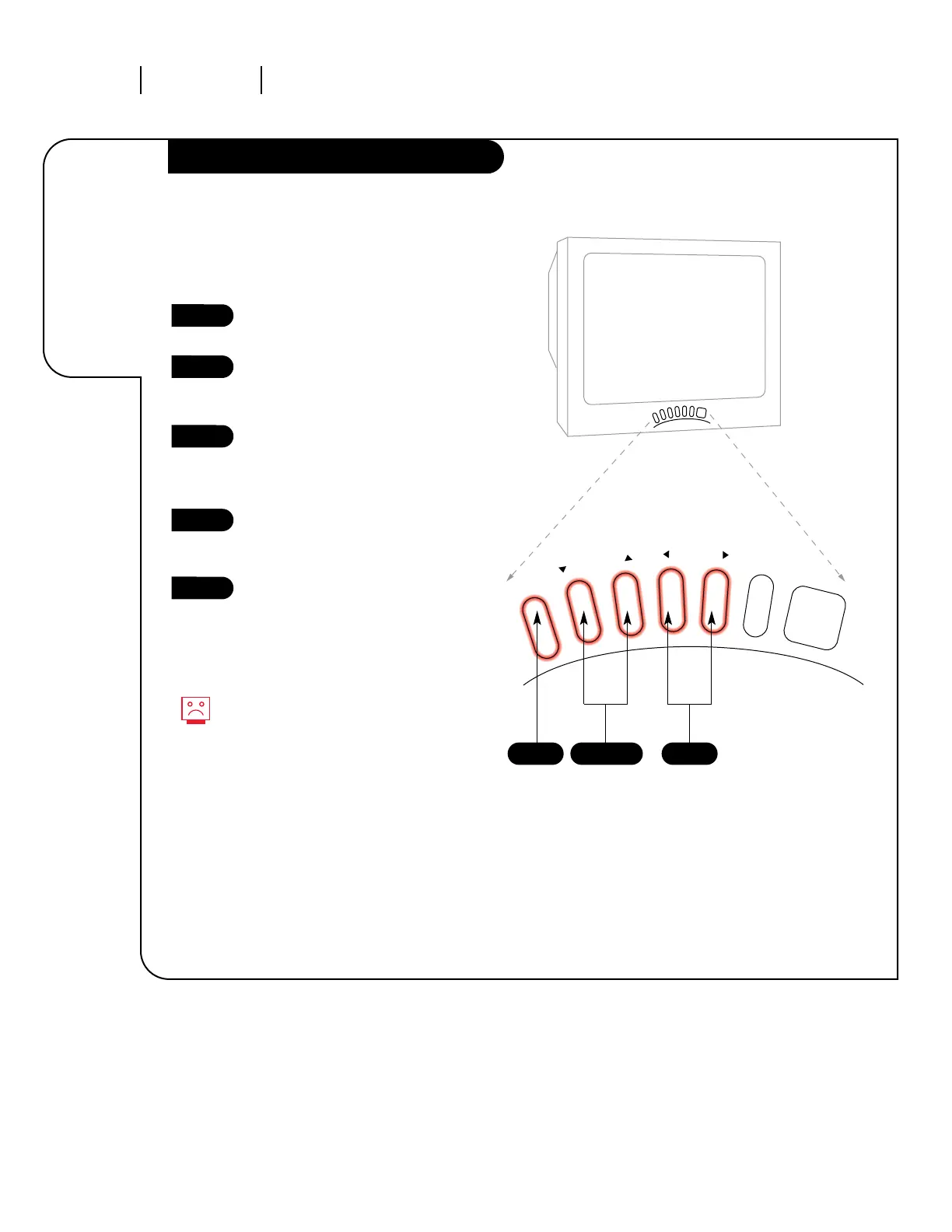
Access the Setup Menu by press-
ing MENU on the front panel.
Using the CHANNEL Up/Down
keys, select Language on your
screen.
Press the VOLUME Right/Left
arrows to adjust the language you
want your on-screen menus to
appear in.
Repeat the above steps for the
other options in the Setup and
Video menus.
When finished, wait ten seconds
and the menus will disappear.
Here’s an example of how to use the front panel
to work with menus:
1
2
3
4
5
Without a remote, you may not
be able to use all the options in
your menus, such as those that
require the NUMBER key pad on
the remote.



 To Next Page