PAGE 8
206-3371-A
INSTALLATION QUICK START
Mini glossary
AUTO PROGRAM Auto Program is how your Entertainment Machine finds all the channels available in your area and stores them in memory.
Use Auto
Program to
automatically
find and
store all of
the stations
available in
your area.
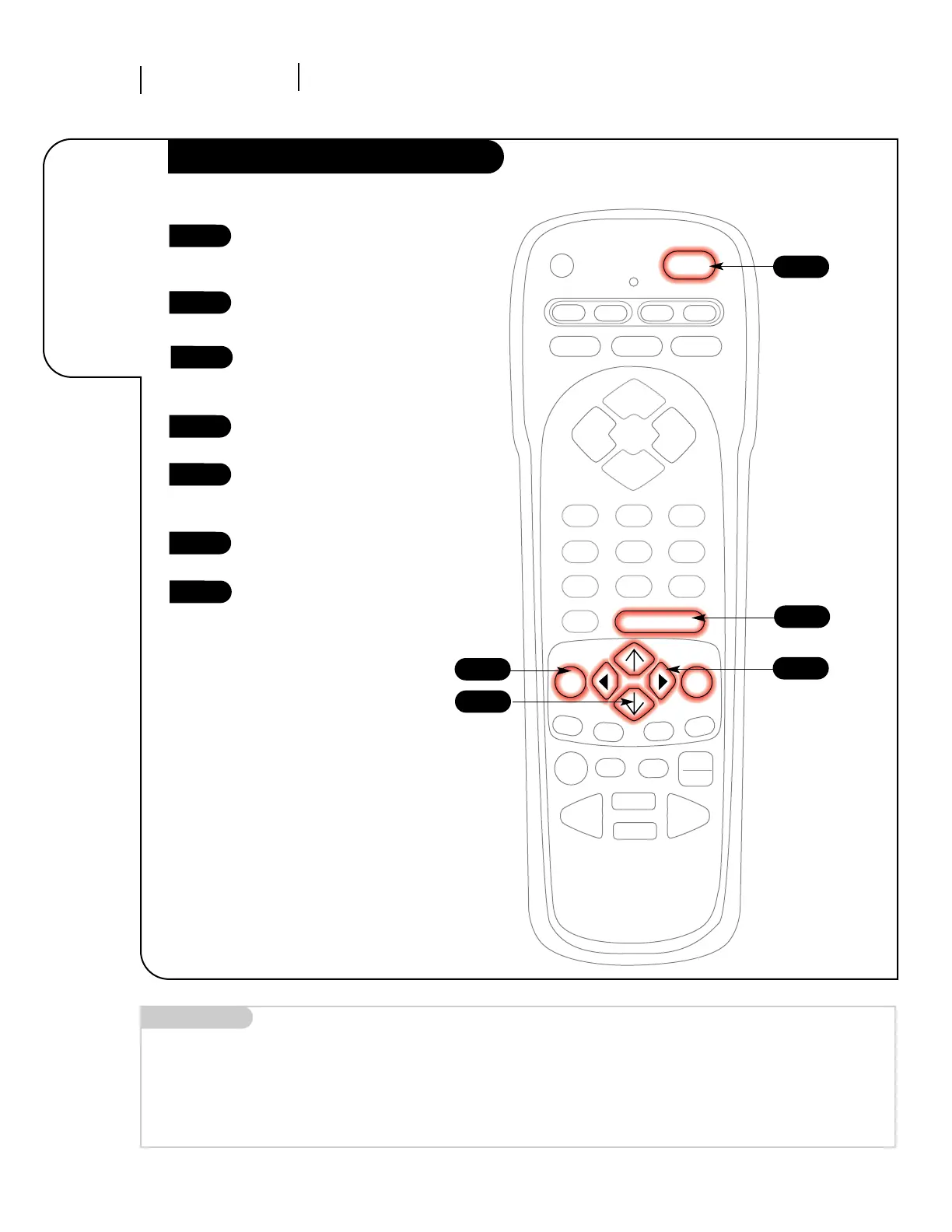
Auto Program
With the remote control in hand,
press the POWER key to turn on
your Entertainment Machine.
Press the MENU key so the Setup
menu appears.
Using the UP/DOWN arrows on
the remote control, select Auto
Program on your screen.
Press a RIGHT or LEFT arrow to
reach the Auto Program screen.
Using the UP/DOWN arrows,
choose either Cable TV or Off-Air
Antenna on your screen.
Press a RIGHT or LEFT arrow to
begin Auto Program.
Press ENTER or QUIT to return to
TV viewing.
1
2
3
4
5
6
7



 To Next Page