PAGE 18
206-3371-A
Mini glossary
STEREO SOUND Stereo (stereophonic) sound refers to audio that’s divided into right and left sides.
MONO SOUND Mono (monaural) sound is one channel of sound. On more than one speaker, all the speakers play the same audio.
OPERATION MENUS
Choose
between
stereo sound
and mono
sound.
Audio Mode
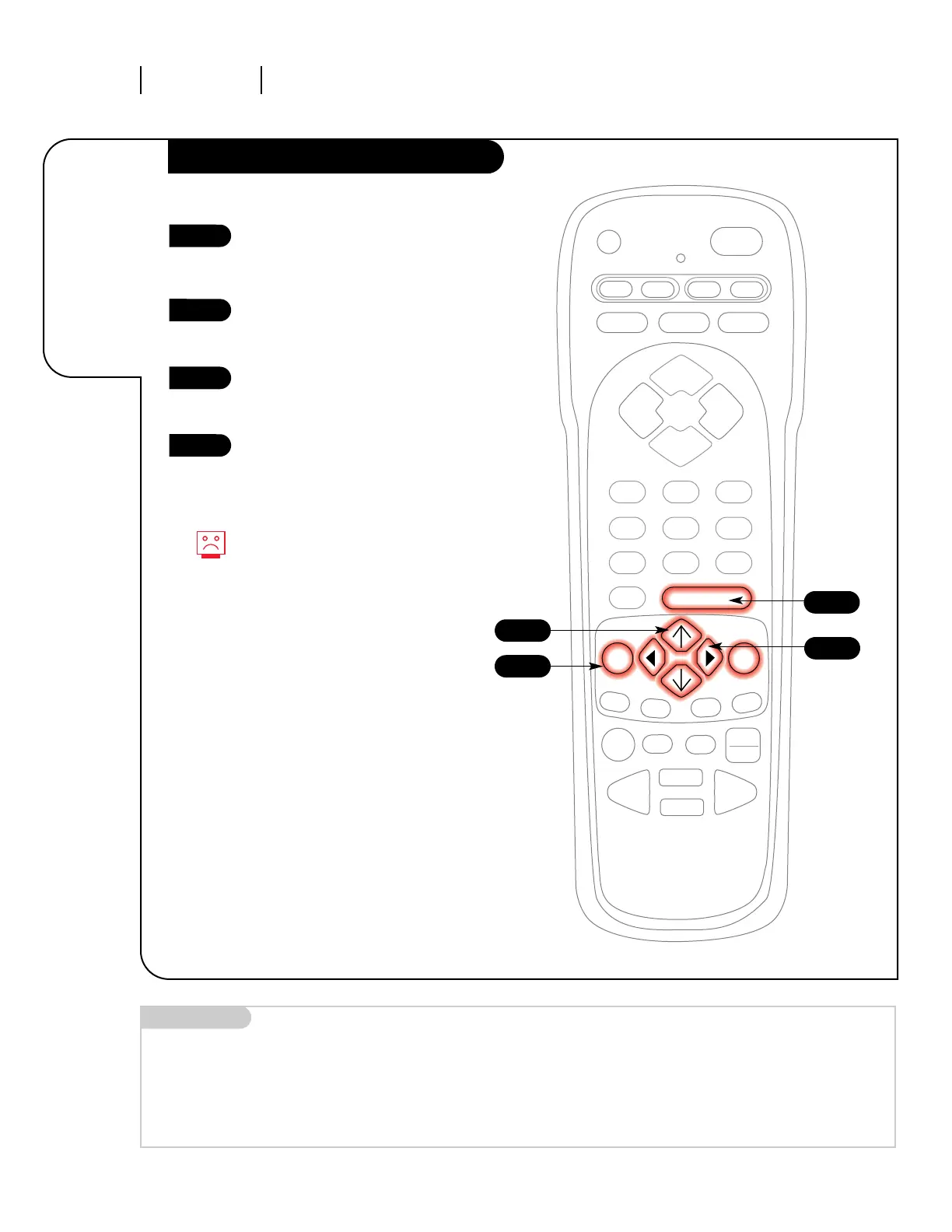
Press the MENU key on the
remote control so the Setup
menu appears.
Using the UP/DOWN arrows on
the remote control, select Audio
Mode on your screen.
Press a RIGHT/LEFT arrow to
select either of the following
options: Stereo or Mono.
Press ENTER or QUIT to return to
TV viewing.
1
2
3
4
3
4
1
Not all programming is broadcast
in stereo sound.
2



 To Next Page