Caption/Text
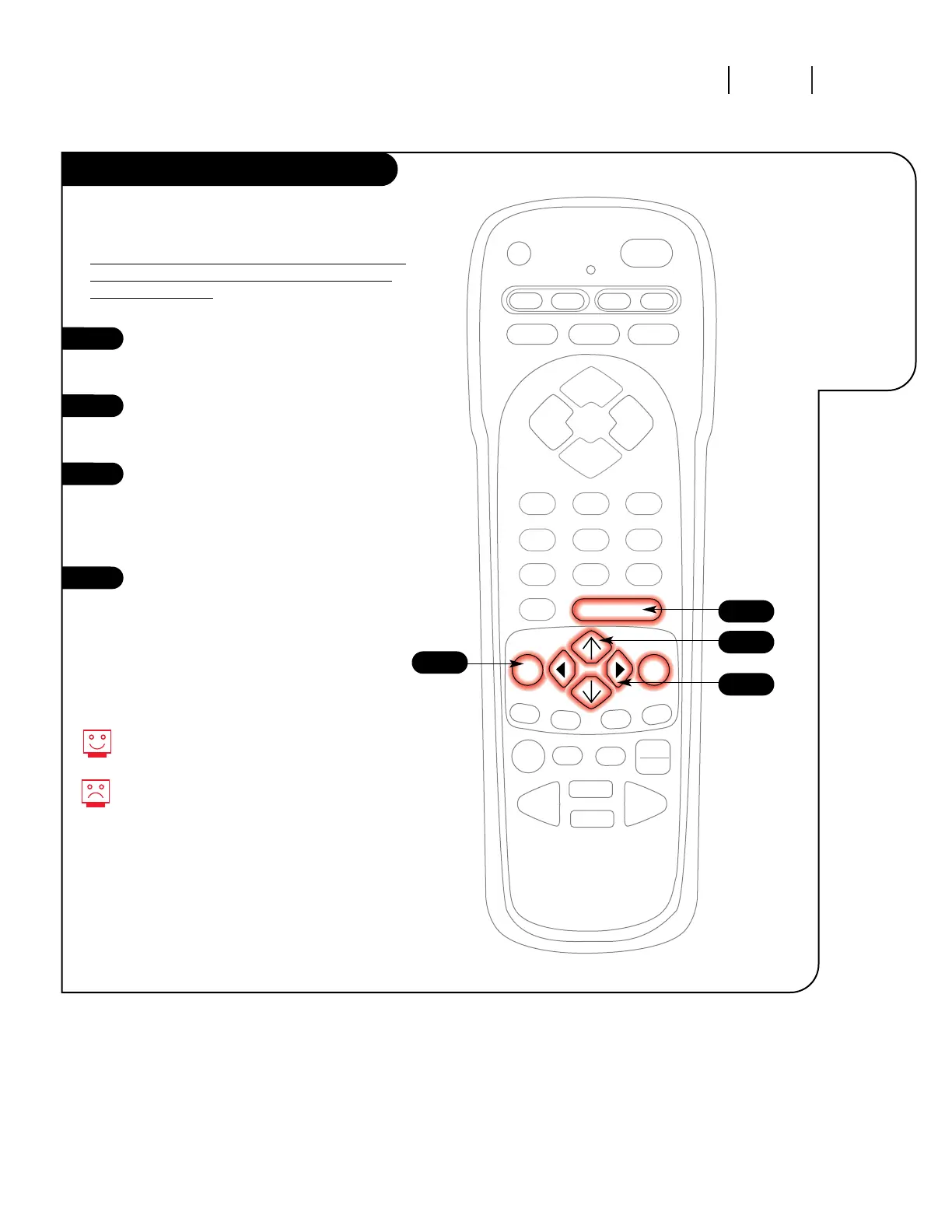
Press the MENU key on the remote
control so the Setup
menu appears.
Using the UP/DOWN arrows on the
remote control, select Caption/Text
on your screen.
Press a RIGHT/LEFT arrow to
choose any of the following
options: Caption 1, Caption 2,
Caption 3, Caption 4, Text 1,
Text 2, Text 3 or Text 4.
Press ENTER or QUIT to return to
TV viewing.
Standard closed captioning is avail-
able using the Caption 1 option.
Not all programming has closed cap-
tioning or text available.
1
2
3
4
3
1
4
2
Turn on closed
captioning or
text that
appears on
your screen.
Caption/Text is a feature which allows your
Entertainment Machine to receive various closed cap-
tion and text options provided by your broadcaster.
A
vailability and functionality of Caption/Text feature is
determined only by your broadcaster and may not be
available in your area.



 To Next Page