EasyManua.ls Logo

Zenith System 3 - Table of Contents

Zenith System 3
16 pages
Print Icon
To Next Page IconTo Next Page
To Previous Page IconTo Previous Page
Loading...
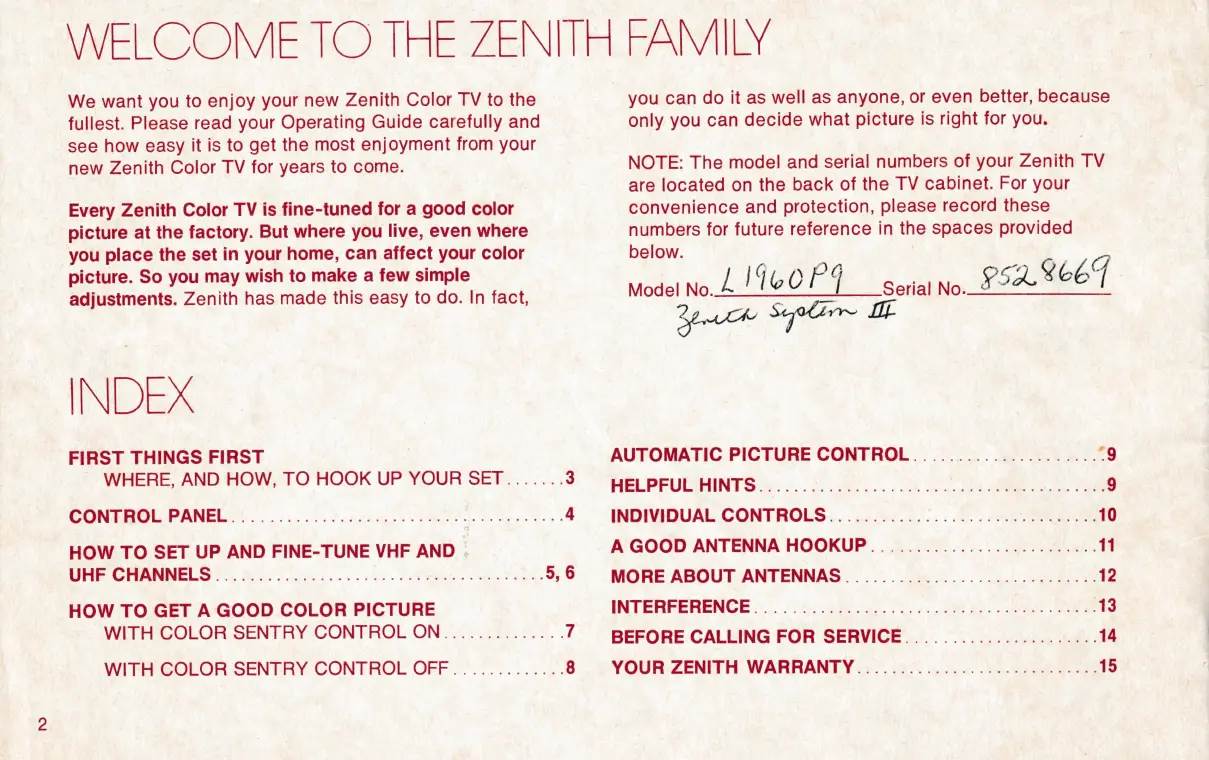
WELCOME
TO
THE
ZENITH
FAMILY
We
want
you
to
enjoy
your
new
Zenith
Color
TV
to
the
fullest.
Please
read
your
Operating
Guide
carefully
and
see
how
easy
it
is
to
get
the
most
enjoyment
from
your
new
Zenith
Color
TV
for
years
to
come.
Every
Zenith
Color
TV
is
fine-tuned
for
a
good
color
picture
at
the
factory.
But
where
you
live,
even
where
you
place
the
set
in
your
home,
can
affect
your
color
picture.
So
you
may
wish
to
make
a
few
simple
adjustments.
Zenith
has
made
this
easy
to
do.
In
fact,
INDEX
FIRST
THINGS
FIRST
WHERE,
AND
HOW,
TO
HOOK
UP
YOUR
SET.......
3
CONTHOL
PANEL((
0
hh
ely
ne
4
HOW
TO
SET
UP
AND
FINE-TUNE
VHF
AND
|
Ore
OMNI
SO
8
ee
a
5,6
HOW
TO
GET
A
GOOD
COLOR
PICTURE
WITH
COLOR
SENTRY
CONTROL
ON..............
7
WITH
COLOR
SENTRY
CONTROL
OFF.............
8
you
can
do
it
as
well
as
anyone,
or
even
better,
because
only
you
can
decide
what
picture
is
right
for
you.
NOTE:
The
model
and
serial
numbers
of
your
Zenith
TV
are
located
on
the
back
of
the
TV
cabinet.
For
your
convenience
and
protection,
please
record
these
numbers
for
future
reference
in
the
spaces
provided
below.
Model
no
LALOOED
sorts
No.
PERL
CEY
AUTOMATIC
PICTURE
CONTROL.....................
“9
HEL
PRULSHINTS
4
eg
ee
9
INDIVIDUAL
CONTROLS......................
ie
10
A
GOOD
ANTENNA
HOOKUP..........................
11
MORE
ABOUT:
ANTENNAS
oom
Oe
12
INTERFERENCE
(i.
ke
OS
ee
Se
ee
BEFORE
CALLING
FOR
SERVICE......................
14
YOUR
ZENITH
WARRANTY............................
15

Other manuals for Zenith System 3

Related product manuals