EasyManua.ls Logo

Zenith System 3 - Basic TV & VCR Hookups

Zenith System 3
16 pages
Print Icon
To Next Page IconTo Next Page
To Previous Page IconTo Previous Page
Loading...
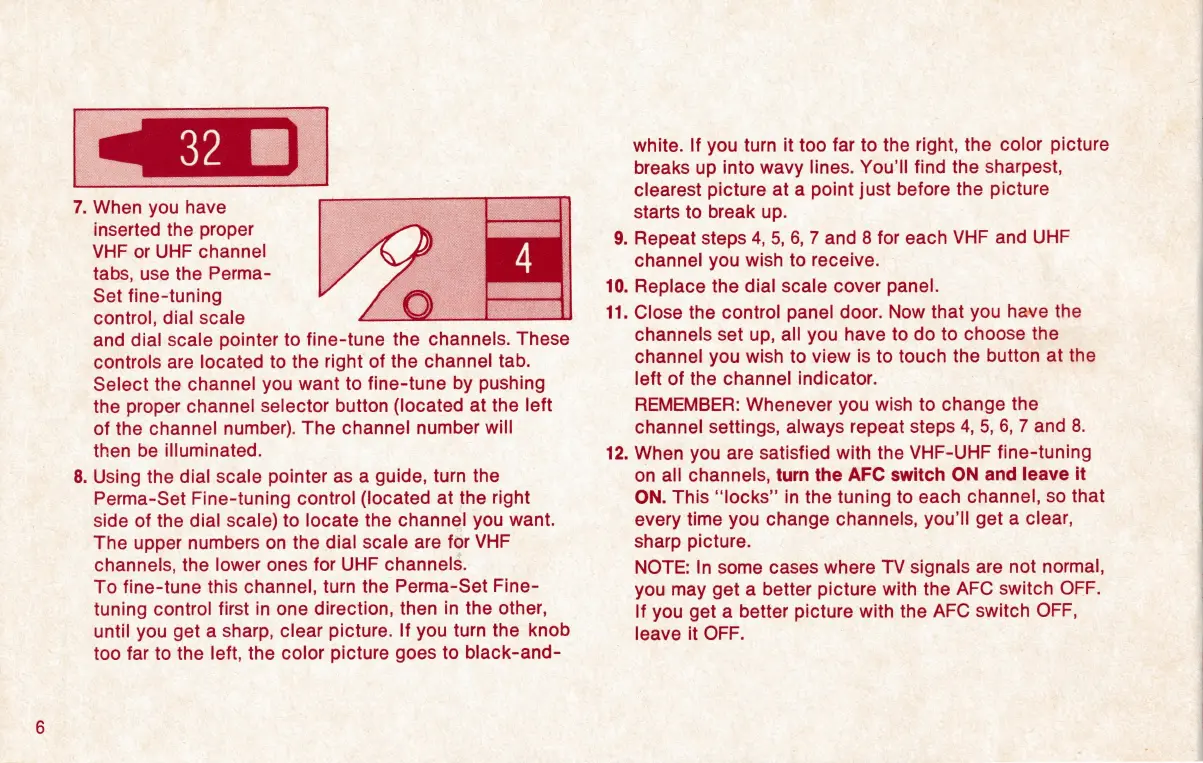
7.
When
you
have
inserted
the
proper
VHF
or
UHF
channel
tabs,
use
the
Perma-
Set
fine-tuning
control,
dial
scale
and
dial
scale
pointer
to
fine-tune
the
channels.
These
controls
are
located
to
the
right
of
the
channel
tab.
Select
the
channel
you
want
to
fine-tune
by
pushing
the
proper
channel
selector
button
(located
at
the
left
of
the
channel
number).
The
channel
number
will
then
be
illuminated.
.
Using
the
dial
scale
pointer
as
a
guide,
turn
the
Perma-Set
Fine-tuning
control
(located
at
the
right
side
of
the
dial
scale)
to
locate
the
channel
you
want.
The
upper
numbers
on
the
dial
scale
are
for
VHF
channels,
the
lower
ones
for
UHF
channels.
To
fine-tune
this
channel,
turn
the
Perma-Set
Fine-
tuning
control
first
in
one
direction,
then
in
the
other,
until
you
get
a
sharp,
clear
picture.
If
you
turn
the
knob
too
far
to
the
left,
the
color
picture
goes
to
black-and-
10.
11.
12.
white.
If
you
turn
it
too
far
to
the
right,
the
color
picture
breaks
up
into
wavy
lines.
You’ll
find
the
sharpest,
clearest
picture
at
a
point
just
before
the
picture
starts
to
break
up.
.
Repeat
steps
4,
5,
6,
7
and
8
for
each
VHF
and
UHF
channel
you
wish
to
receive.
Replace
the
dial
scale
cover
panel.
Close
the
control
panel
door.
Now
that
you
have
the
channels
set
up,
all
you
have
to
do
to
choose
the
channel
you
wish
to
view
is
to
touch
me
button
at
the
left
of
the
channel
indicator.
REMEMBER:
Whenever
you
wish
to
change
the
channel
settings,
always
repeat
steps
4,
5,
6,
7
and
8.
When
you
are
satisfied
with
the
VHF-UHF
fine-tuning
on
all
channels,
turn
the
AFC
switch
ON
and
leave
it
ON.
This
“locks”
in
the
tuning
to
each
channel,
so
that
|
every
time
you
change
channels,
you'll
get
a
clear,
sharp
picture.
NOTE:
In
some
cases
where
TV
signals
are
not
normal,
you
may
get
a
better
picture
with
the
AFC
switch
OFF.
If
you
get
a
better
picture
with
the
AFC
switch
OFF,
leave
it
OFF.

Other manuals for Zenith System 3

Related product manuals