INSTALLATION PAGE 7
Things you
must do
before you
can operate
your VCR
Before you operate your VCR
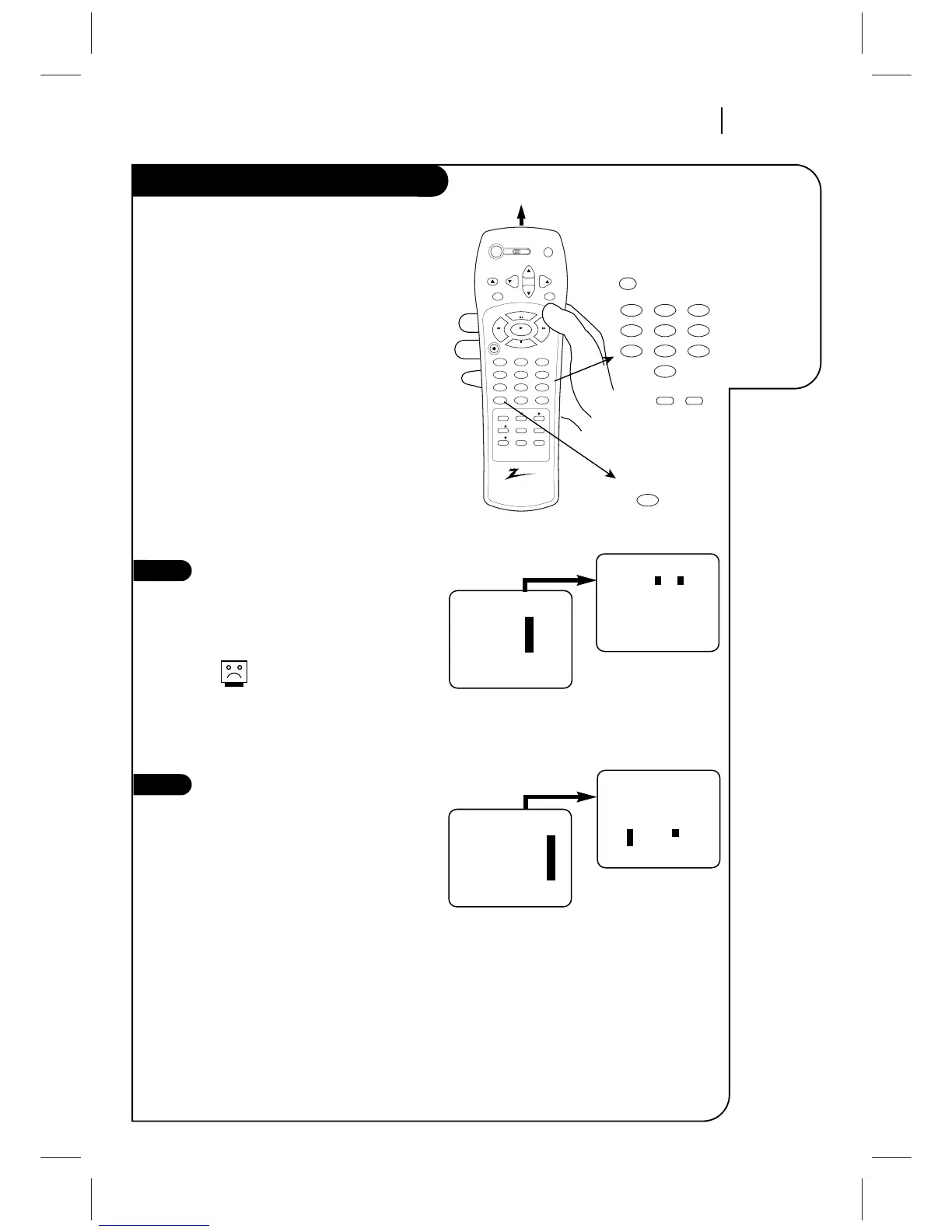
How to Access Menus
1. Press MENU to see Main Menu.
2. Press NUMBER (1, 2, 3, or 4) to see
desired sub menu to be used.
3. Press NUMBER to choose desired
option to be changed.
4. Press QUIT/CC to exit menu, or wait a
few minutes and the VCR returns to
normal operation.
Select SpeakEZ Function ON/OFF
A voice tells you how to use the features
in the menus if SpeakEZ is ON. (ON is
recommended.).
See the AUDIO Menu for details.
SpeakEZ only functions with
ENGLISH.
Select Language for VCR
Menus/Displays
(Optional) Select English, Spanish, or
French for VCR menus and status dis-
plays. See the LANGUAGE SELECT option
on the SETUP menu for details.



 To Next Page