SETUP MENU
Press NUMBER
(1, 2, or 3) to select
the desired source
Press 3.
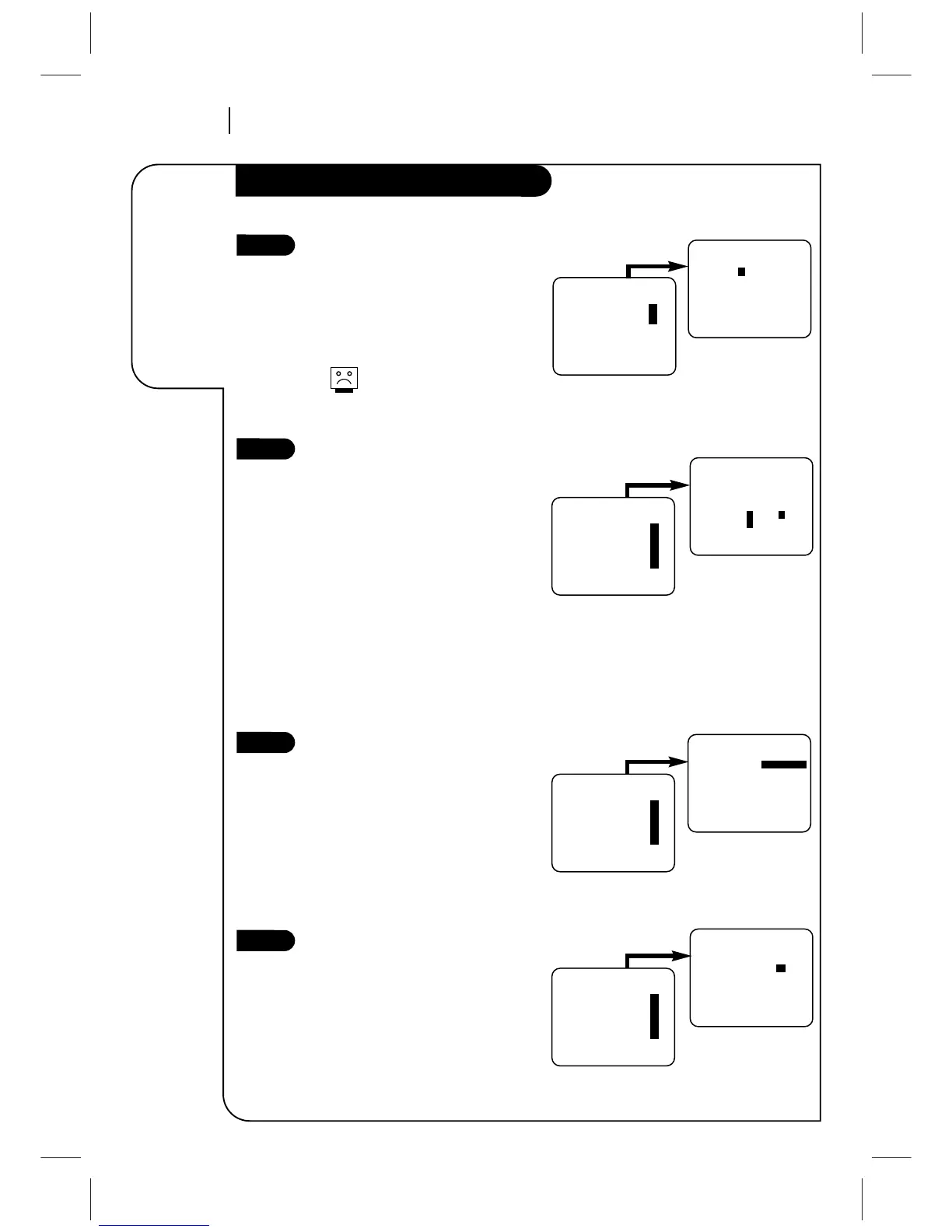
Set Date and Time for Clock
Set the clock in the VCR to the current
date and time. See CLOCK Menu for
details.
Your VCR also has an Auto-Clock Set
feature. See CLOCK Menu for details.
The Timer features will not
function unless the Clock has
been set.
Select Source for VCR
(Optional) Set the source of the VCR for
the type of program signal you have
connected to the ANT IN jack on the
back of the VCR. Choose TV if you have
an antenna connected to the VCR.
Choose CATV if you have a cable system
(with or without a cable box) connected
to the VCR. Choose AUX if you have an
accessory Audio/Video (A/V) connected
to the VCR.
See SOURCE option on SETUP menu for
details.
Use Auto Program to Find
Channels
(Required) Use AUTO PROGRAM to find
active channels in your broadcast area.
AUTO PROGRAM stores the active chan-
nels that you can access by using the
Channel Up/Down arrows. See AUTO
PROGRAM on the SETUP Menu for
details.
Use CH. ADD/DEL to Create
Favorite Channels
(Optional) Use CH. ADD/DEL to change
the list of active channels found when
using AUTO PROGRAM, so you can list
your favorites. See CH.ADD/DEL on the
SETUP Menu for details.
6



 To Next Page