OPERATION I PAGE 19
TheAUDIO Menuspecifiesthe audio format to be usedwhen recordingor playinga tape.
(Audio menu's PLAYBACKand RECORDoptionsare avaltabie only with stereoVCRs.)
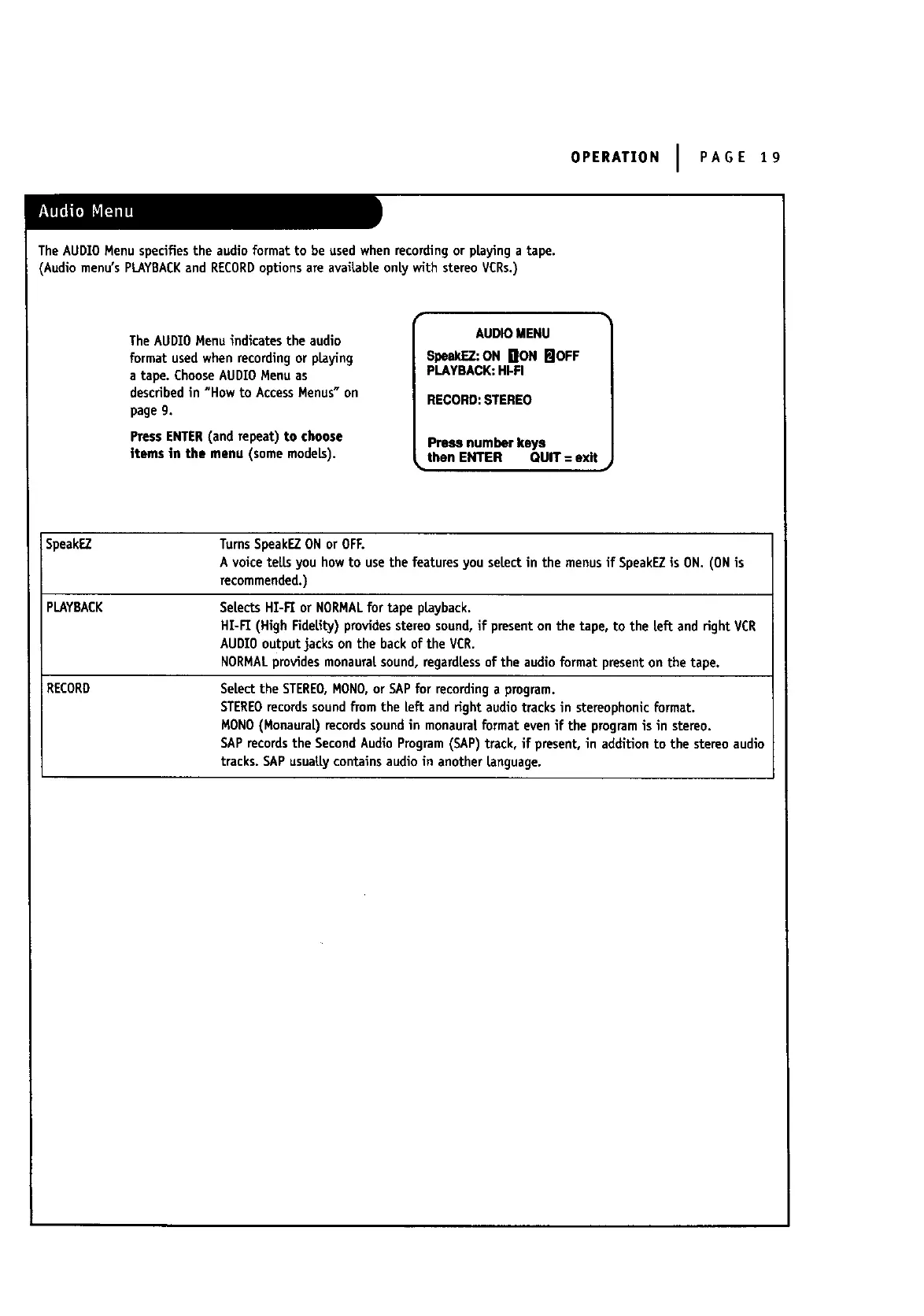
TheAUDIO Menu indicates the audio
format used when recordingor playing
a tape. ChooseAUDIOMenu as
describedin "How to AccessMenus" on
page9.
PressENTER(and repeat) to choose
items in the menu (somemodeLs).
AUDIOMENU
SpeakEZ:ON iliON FJOFF
PLAYBACK:HI-FI
RECORD:STEREO
Press number keys
then ENTER QUIT = exit
SpeakEZ TurnsSpeakEZONor OFF.
A voice telLsyou howto usethe featuresyou selectin the menus if SpeakEZis ON. (ONis
recommended.)
PLAYBACK SeLectsHI-FI or NORMALfor tape playback.
HI-FI (High FideLity)providesstereosound,if presenton the tape, to the left and right VCR
AUDIOoutputjacks on the back of the VCR.
NORMAl_providesmonauraI. sound, regardless of the audioformat presenton the tape.
RECORD Selectthe STEREO,NONO,or SAPfor recordinga program.
STEREOrecords sound from the [eft and rightaudio tracks in stereophonicformat.
MONO(Monaural) records soundin monaure{ format evenif the programis in stereo.
SAPrecordsthe SecondAudioProgram(SAP)track, if present,in addition to the stereoaudio
tracks.SAPusuallycontainsaudio in another Language.



 To Next Page