13
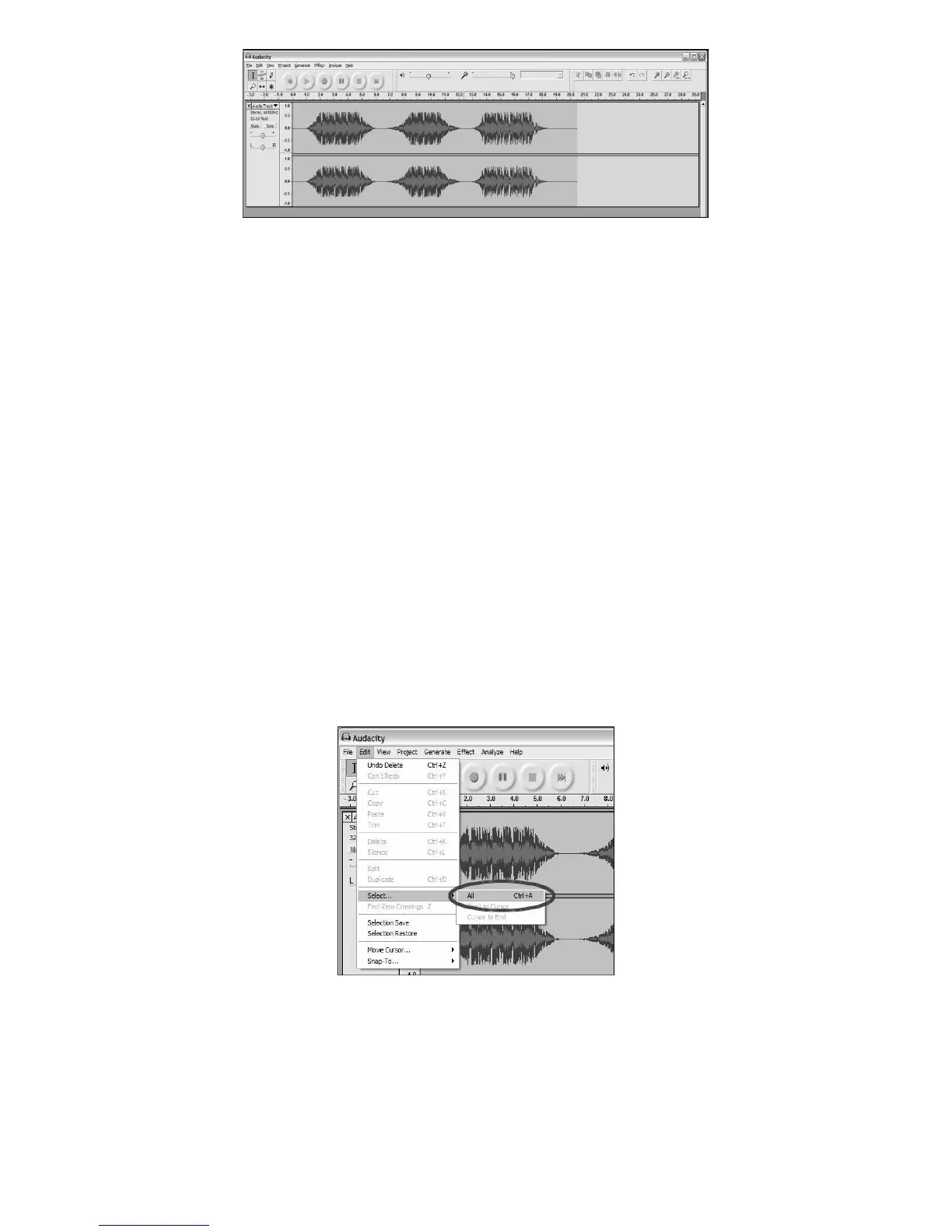
Figure 3: Recording Sample
ADJUSTING YOUR AUDIO LEVEL (OPTIONAL)
1. Select your entire recording by selecting Edit, then Select… then click all. You can also use Ctrl+A on a PC or
APPLE+A on a Macintosh to quickly select all.
Figure 4: Select All
2. Select the Effect menu and choose the desired effect.
a. There are various types of effects which are described further in the software’s help section as well as on the
web (See Figure 5).
b. Normalize should be used to have the correct volume on the recording. (See Figure 6)



 To Next Page