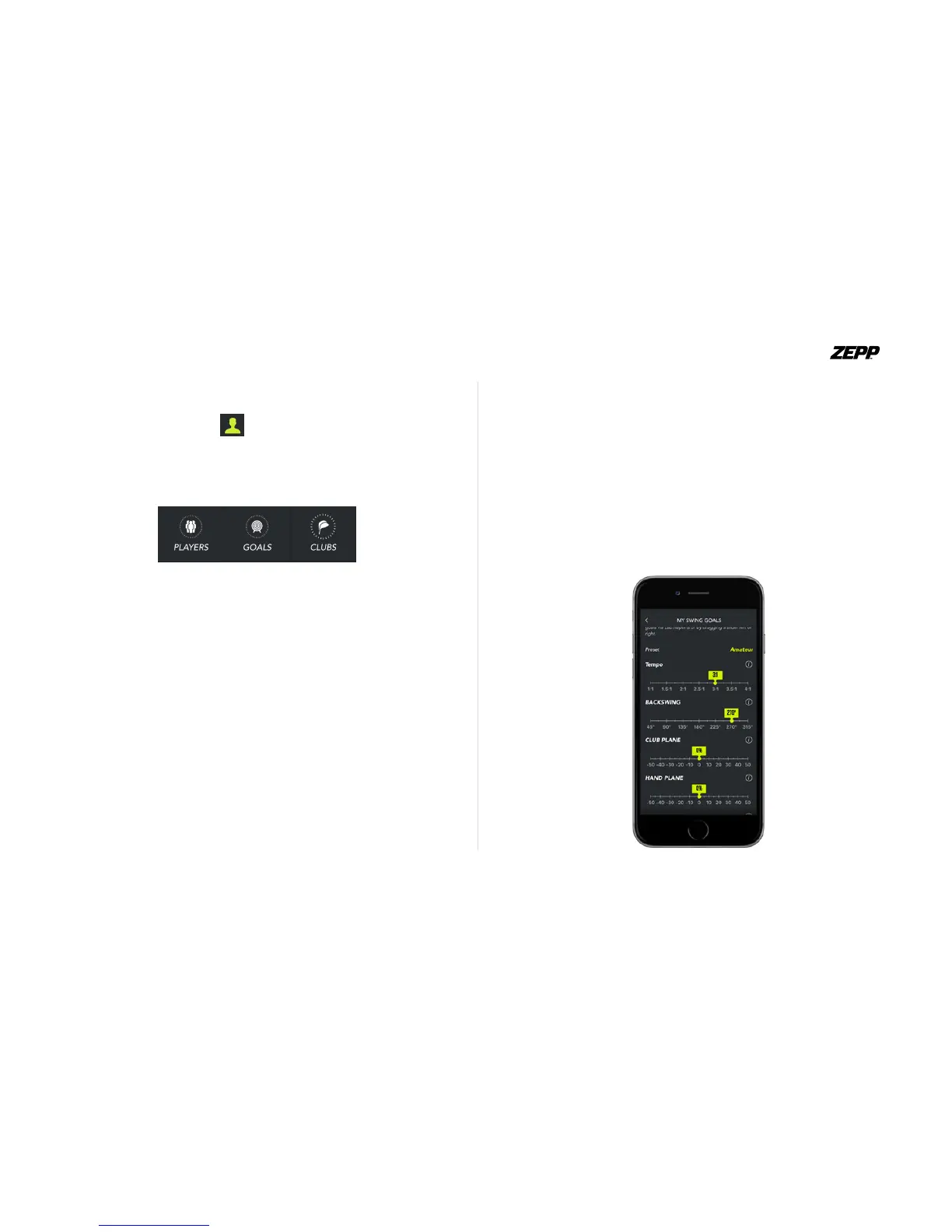
Set Goals and Track Improvements
Set Swing Goals according to your age or customize goals for
each metric to track how each swing compares to your ideal
metrics. Zepp generates an analysis of every swing based on
your goals and color codes them according to how well you
perform. Colors range from green (performing well), yellow
(needs minor improvement) or red (needs major improve-
ment).
ZEPP GOLF USER GUIDE Page 21
User Prole
Tapping on the prole icon you will have your lifetime stat-
ics of all your swings that you have taken, along with a month to
month trend of your swing score. You can add your sub users,
goals and your clubs.
Tapping on the “edit” button you can set your grip, choose your
handicap and select which role you prefer.
Clubs
There are various makes and models of clubs to choose from in
the Zepp Golf app. If you don’t see your club, select “Generic” and
ensure that your club’s shaft length is set correctly before you
proceed


 To Next Page