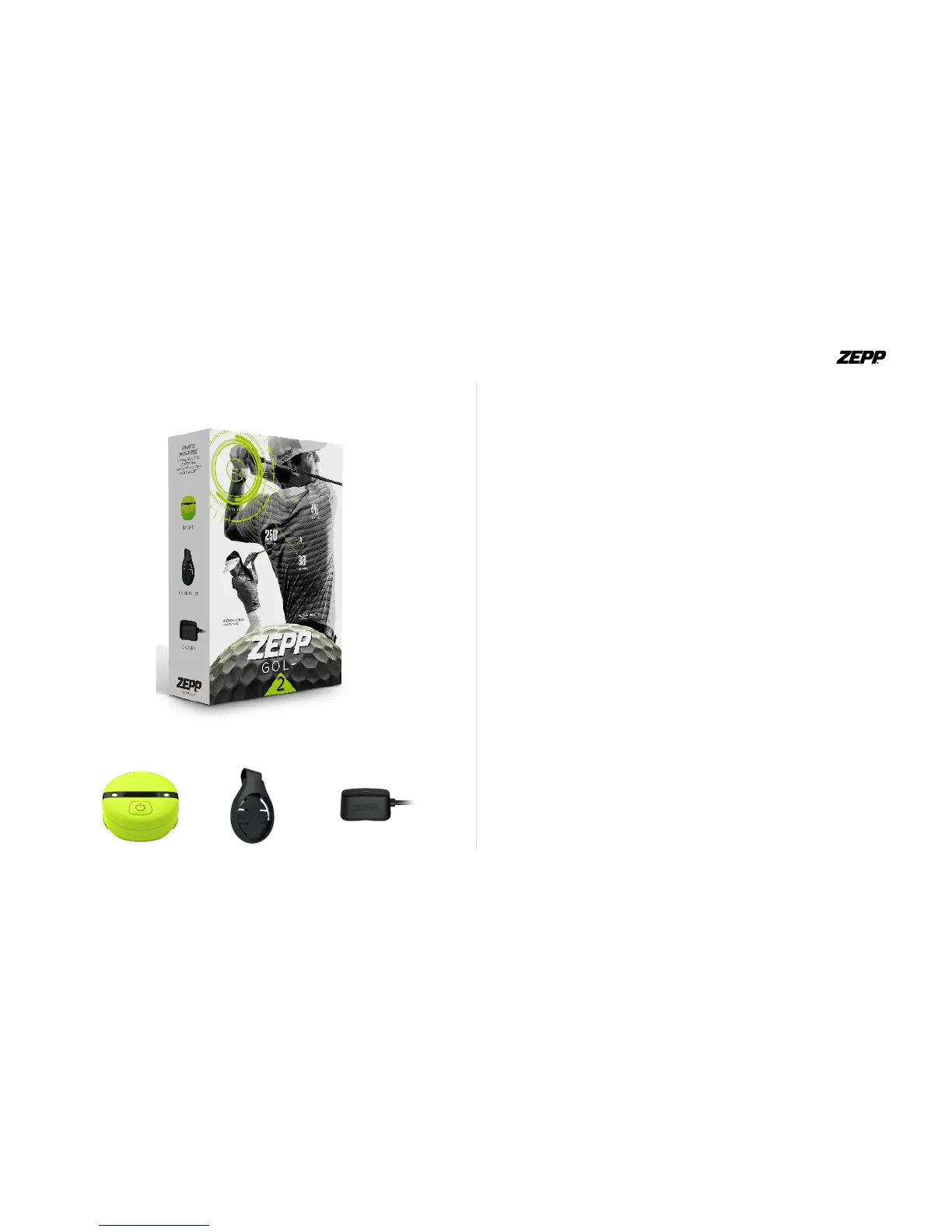
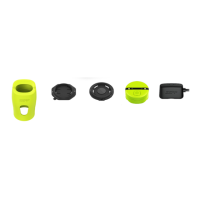
What’s Included
iOS & Android Requirements
iPhone 4S+ and newer, iPad 3rd Generation, iPod Touch 5th Generation
iOS 8 +
Android 4.4.2 +
* Please Note: that iPhone 4s may have limited compatibility
Downloading the Zepp Golf App
You will need to download the free Zepp Golf app to use your sensor or the
video feature.
1. Tap on the App Store or Google Play icon on your iOS or Android device.
2. In the search toolbox, enter Zepp Golf.
3. There will be an icon with an add feature that says “Free” for iOS users
and “Install” for Android users. Click this icon. A new green icon will ap-
pear asking “Install App”. Tap it.
4. Once the download is complete you can nd Zepp Golf on your device.
ZEPP GOLF USER GUIDE Page 2


 To Next Page