Controls and Components
3.15
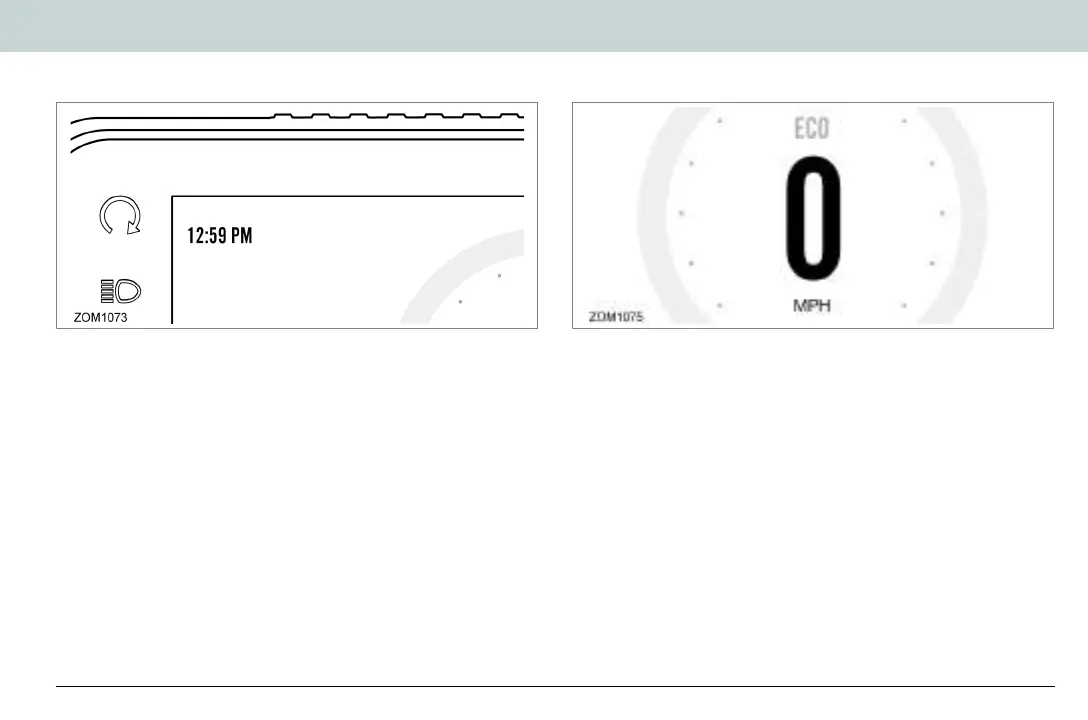
Setting the Clock
To set the clock with the dash in its normal operating mode,
press and hold the SEL button for 5 seconds, then momentarily
press the SEL button once more. The clock display will start to
flash.
• Hours - Press and release the ADJ button to increase the
hour setting.
• Minutes - Press and release the SEL button once to select
the minute display, then press and release the ADJ button to
increase the minute setting.
• Standard or 24 Hour Mode - Press and release the SEL
button to select the time format, then press the ADJ button to
select PM (am/pm mode) or 24:00 (24 hour mode).
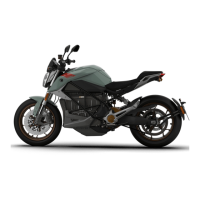
Unit Display - Speed
To change the units that speed is shown in:
1. With the dash in its normal operating mode press and hold
the SEL button for 5 seconds.
2. Momentarily press the ADJ button to select English (MPH) or
metric (km/h).
3. Momentarily press the SEL button to return to normal
operating mode.
Zero Owner's Manual (FX and FXS).book Page 15 Thursday, May 13, 2021 10:53 AM


 To Next Page