Need help?
Do you have a question about the ZERO-X Scout and is the answer not in the manual?
Covers essential pre-flight checks, general safety precautions, and local drone usage legislation.
Details all items included in the Zero-X Scout drone package.
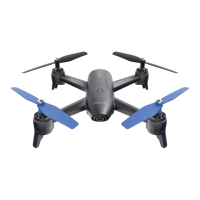
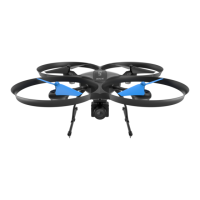
Overview of the Scout drone and its remote control components.
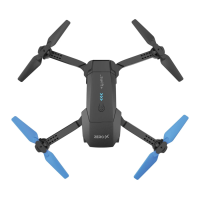
Diagram identifying key parts of the Zero-X Scout drone.
Diagram identifying buttons and controls on the remote transmitter.
Step-by-step guide on how to charge the drone's battery.
Instructions for inserting and securing the battery into the drone.
Instructions for connecting the drone's camera to the body.
Guide on how to insert a Micro SD card into the camera.
Procedure for attaching or detaching the optional rotor guards for safety.
Steps to attach the landing feet to the drone's body.
Instructions for powering and installing batteries in the remote control.
Safety guidelines and regulations for flying the drone in various environments.
Step-by-step guide on how to power on, connect, and prepare the drone for flight.
Common issues and troubleshooting steps for connection and flight problems.
Details the three available speed modes (Low, Mid, High) and their effects.
Instructions on how to adjust drone stability using trim controls for pitch, roll, and yaw.
Guide on how to perform 360-degree flips and stunts with the drone.
How to use the drone's camera for photos, videos, and SD card requirements.
Explanation of the Directional Lock mode for easier beginner flight control.
Step-by-step guide on how to enable and disable the Directional Lock feature.
Advice on cleaning the drone and instructions for replacing damaged rotor blades.
List of spare parts and accessories available for the Zero-X Scout drone.
Key technical details of the Zero-X Scout drone, including dimensions, weight, and battery.

 To Next Page
 General