Installation
30 025-9346N
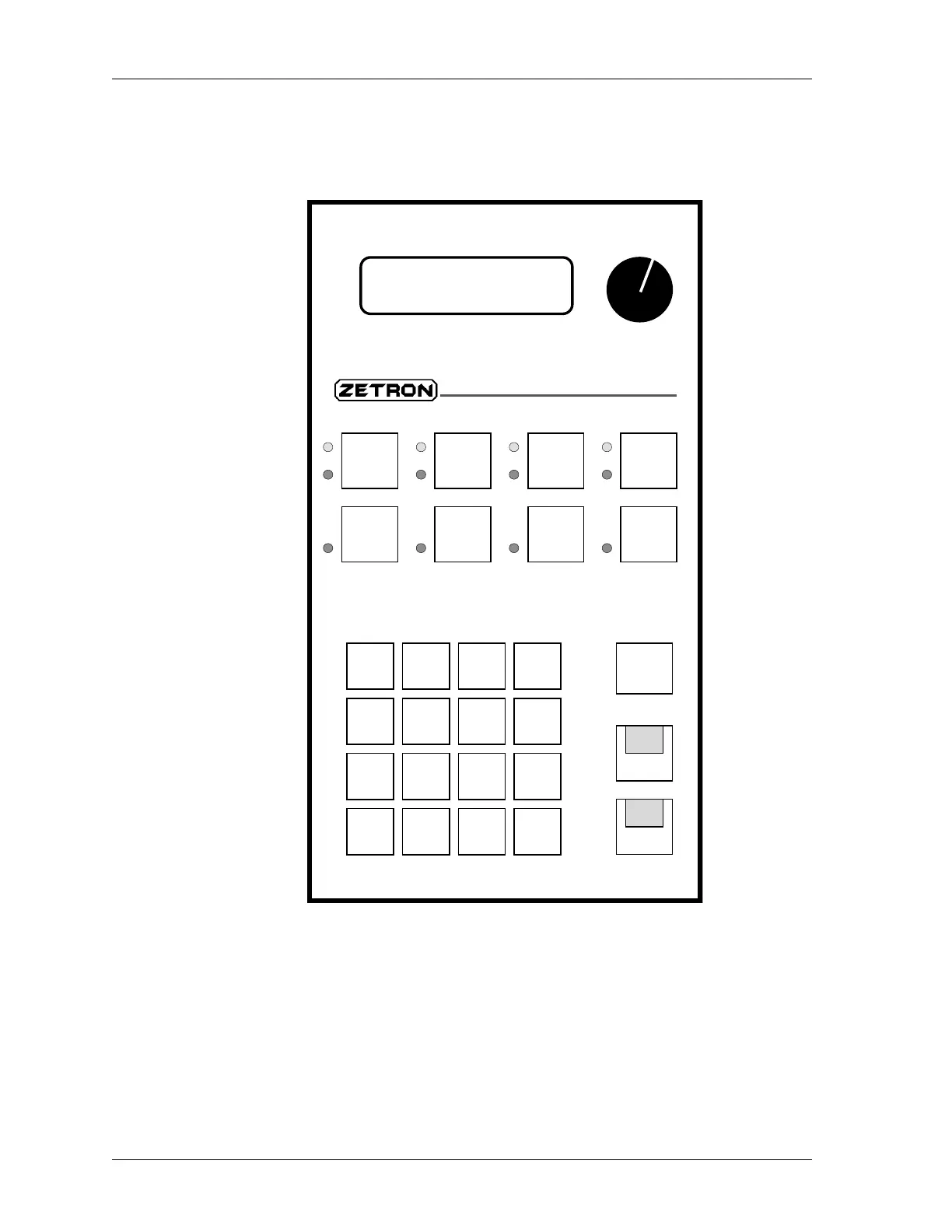
Figure 7: Key Functions in Setup Mode
Paging Encoder Setup
In addition to the function keys used in the basic setup mode, there are additional keys
which are assigned special functions used for editing the equalization curves (used to
compensate for the frequency response of the line during the transmission of paging
tones). These keys are shown in Figure 8. The “1” and “2” keys on the paging keypad are
used to select an equalization curve.
“4”
TX
Level
“3”
RX
dBm
“2”
Minutes
Up
“1”
Hours
Up
“6”
Minutes
Down
“7”
Line
Level
“8”
12/24
Clock
“5”
Hours
Down
Setup Mode
Volume
-20-15-10 -7 -5 -3 -1 0 +1 +2
dBm
Model 280
Tone Remote
C
4
1
EQ 1
5 6 B
2
EQ 2
3 A
“9”
Cancel
CLEAR



 To Next Page