Programming
66 025-9346N
Selecting Key Functions
The Model 280 has nine programmable function keys. The default file loaded at the
beginning of this example has already assigned the following functions to these keys:
Key #1: Fa/Fb Select Key #6: PL2 Select
Key #2: Alert (slow siren) Key #7: PL3 Select
Key #3: Repeater on/off Key #8: PL4 Select
Key #4: 2nd Receiver Mute Key #9: Monitor
Key #5: PL1 Select
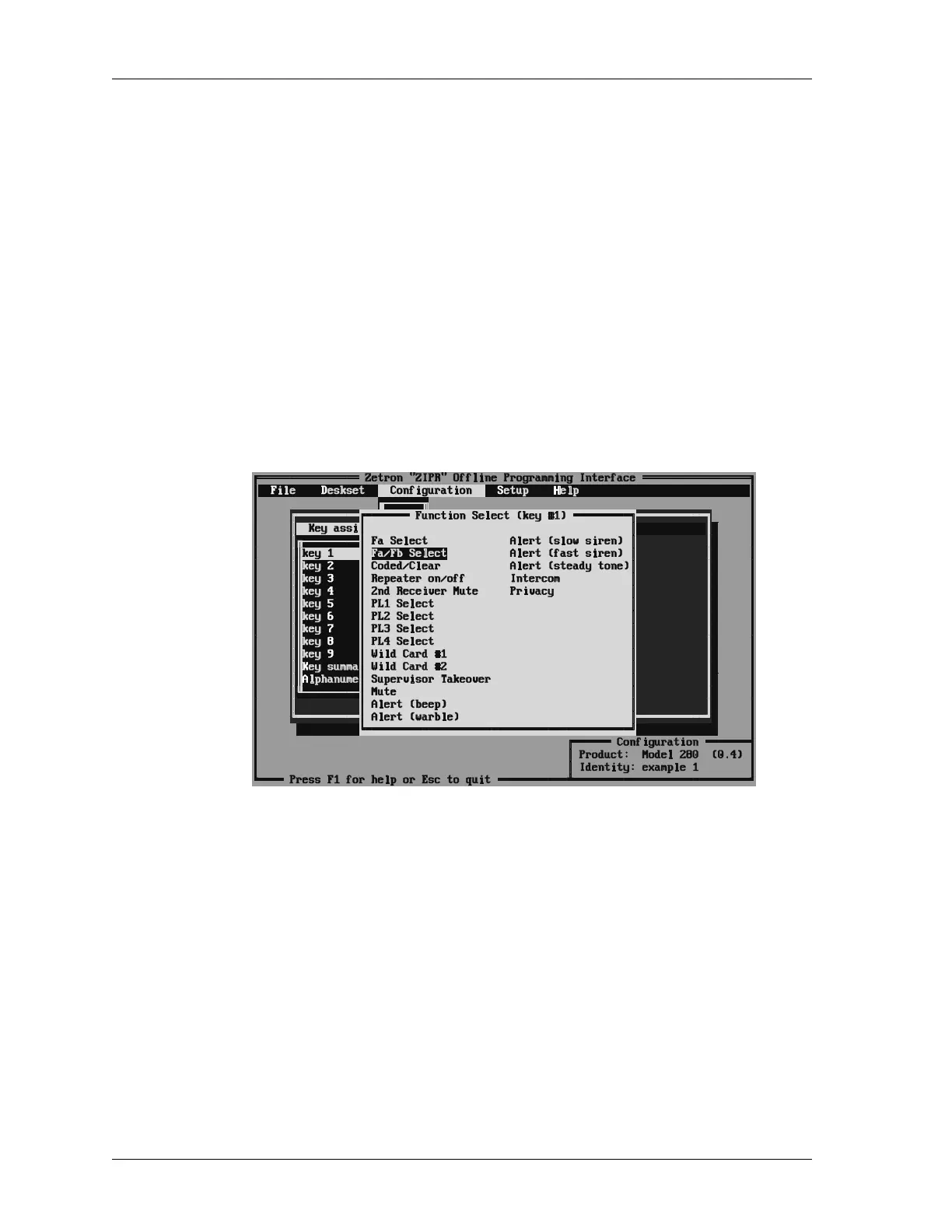
We will be looking at key #1 and changing the functions of keys #7, #8, #9. Use the arrow
keys to select the (K)ey assignments menu (or press ALT+K), then select key #1. The
screen shown in Figure 17 will appear.
Figure 17: Function Select Screen for Key #1
Highlight the “Fa/Fb” function arrow keys and then press ENTER. The next screen to
appear is shown in Figure 17. Whenever a function is assigned to a key that requires
control tones, the program will prompt for the frequency of the tones for that function.
You can either accept the default value that is offered, or use the arrow keys to select
another frequency from the list. The tones selected for a function will be determined by
the programming of the termination panel at the base station or repeater. Press ENTER to
accept the selected frequency.



 To Next Page