EN | 11
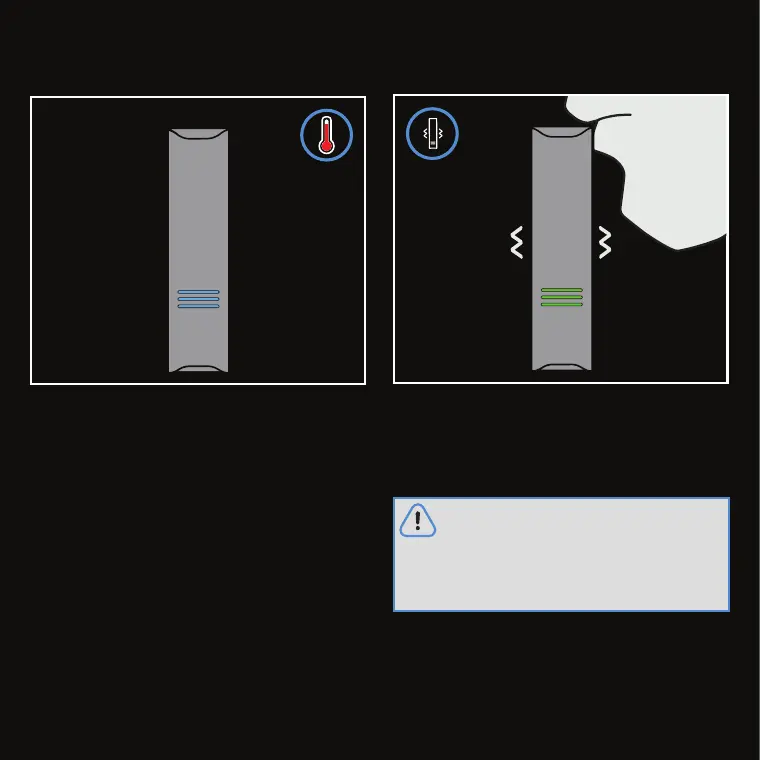
Heating will then begin which is indicated by a
pulsing blue
LED Status Interface
.
The device is ready to use when the
LED Status
Interface
turns green. Proceed to take slow and
long draws.
Parts of the unit or the ZEUS ARCPOD™
become HOT during normal use.
Exercise care when removing the ZEUS
ARCPOD™ or accessing the
Heating
Chamber
and do not touch the heating
elements during operation and cooling.



 To Next Page