14 | EN
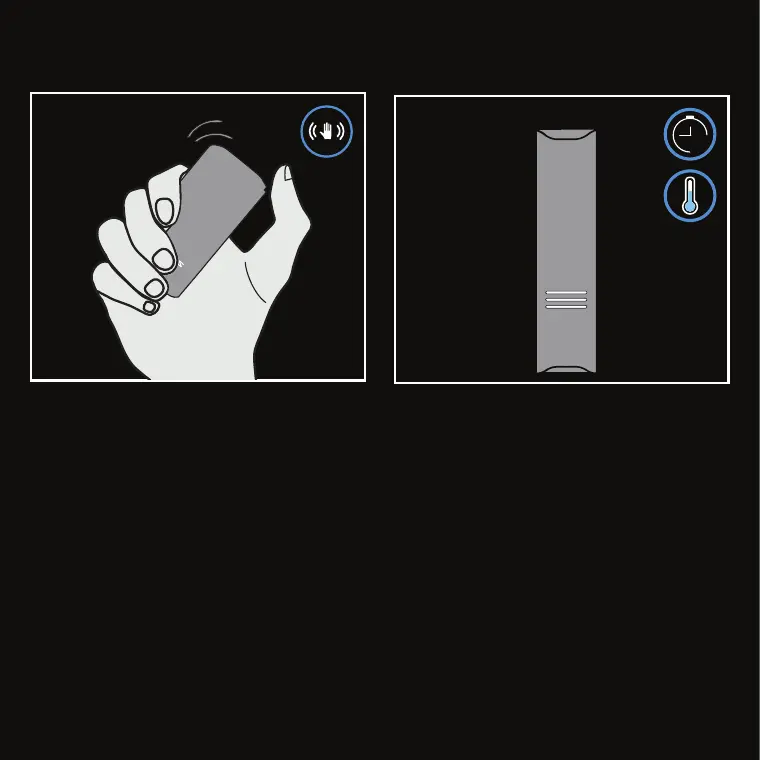
To check battery level during operation, shake the
device twice during use. The
LED Status Interface
will display the level in red.
45S
ADDITIONAL FEATURES
When ZEUS ARC S™ does not detect motion for 45
seconds, the cool-down feature will activate to save
battery; the
LED Status Interface
pulses white to
indicate cool-down.



 To Next Page