Page 6 Decoder-Update-and-Sound-Loading-device MXULFA, Test and Connection boards MXTAPS, -V, MSTAPK, -G
7. Decoder software and sound from computer
The same things that are loaded from the USB stick into the decoder (see previous chapter) can also
come directly from the computer (via the programs ZSP and ZSC in different ways and to different ex-
tents depending on the expansion state of the programs). In contrast to the use of the USB stick, the de-
coder software update and the sound project loading from the computer are not operated on the
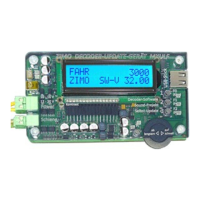
MXULFA itself (but on the computer), which therefore only shows the number of received and sent data
on the display.
So this is also about the "standard procedures" for
single ZIMO decoders of the generations MX... and MS...,
either on rail (decoder built into loco) or connected to MXTAP..., MSTAP...,
optionally via rail protocol (in loco or MXTAP ... or SUSI interface (1/10 time requirement).
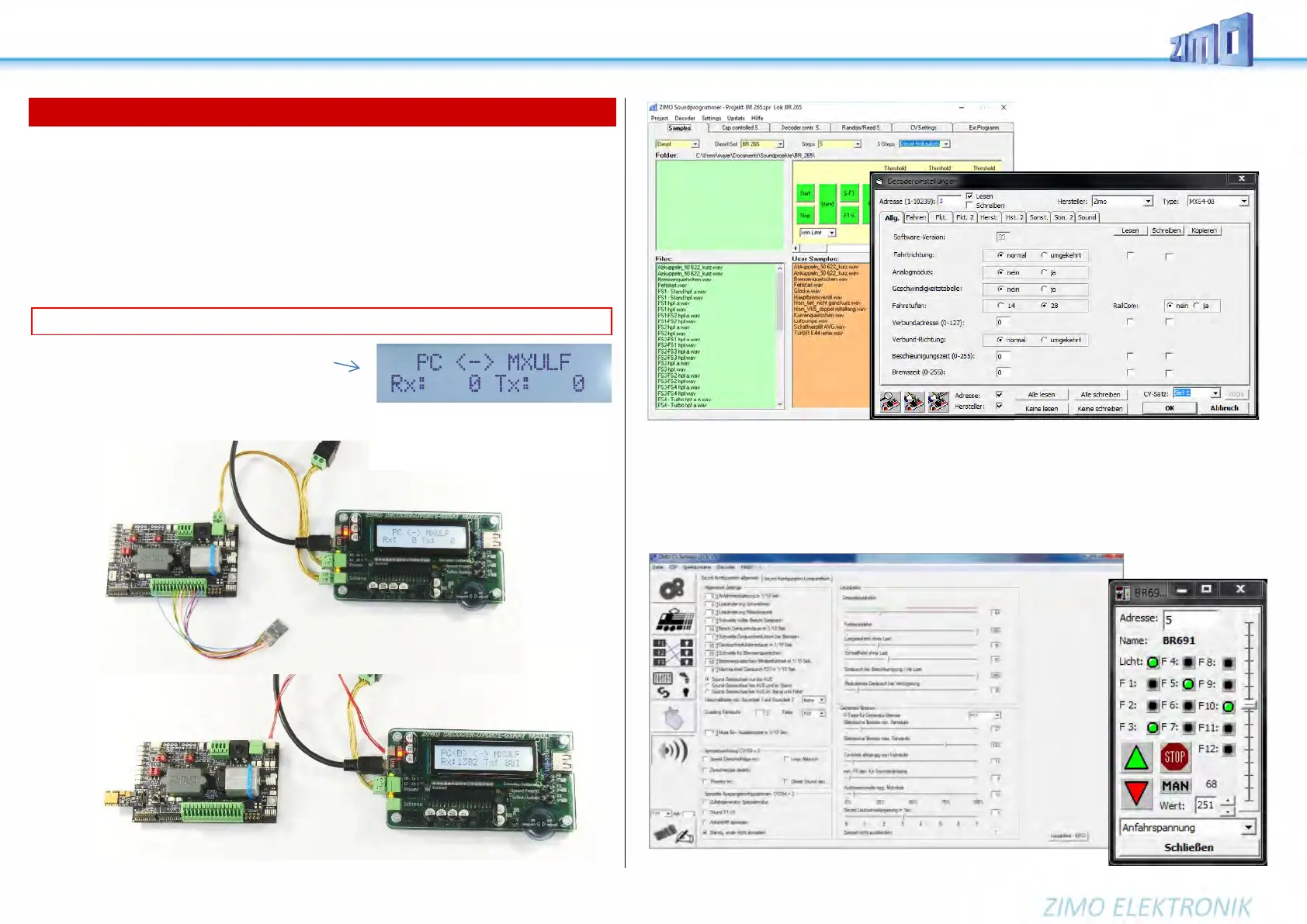
• Prepare MXULFA (same as for USB stick operation), if not
already switched on:
Connect "Power" (power supply unit, ...) to MXULF.
→
LED „Power“ green.
• Execution of the software (ZSP, ZCS, or possibly also
other programs); display of the MXULFA logs the data
traffic.
ZSP ZSP (creation of sound projects, decoder update, sound loading):
in the above picture the recordings during software update of a sound decoder MX645; MXULF is
recognized as MX31ZL (because MXULF behaves the same way).
ZCS („ZIMO CV Setting“, by Matthias Manhart, http://www.beathis.ch/zcs/index.html):
Comfortable tool for decoder configuration with a number of setting windows, especially for modifying
sound projects and also for adjusting in real time, i.e. the parameters are modified directly during driving
and take effect immediately.
ATTENTION: the self-update of the MXULFA is NOT possible from the computer (only via USB stick).
The same arrangements as when using the
USB stick, except that the USB cable to the
computer is used instead of the USB stick.


 To Next Page