806835 v1.00 12.20 G5 User guide
36
Initiate the filter flush programme by scrolling through the
menu screen (see page 19).
Clean up and dispose of old cartridge and packaging.
If the HydroTap is switched off for a long period of time
(e.g. more than a weekend), run water through the chilled
water outlet for at least 60 seconds before consumption.
Rotate
Insert
SECTION 4: User maintenance
Push up
Moisten connector o-rings.
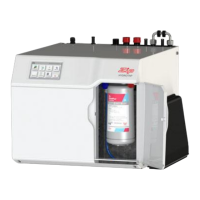
Fit new filter.


 To Next Page
 Loading...