27
COMPUTER MANUAL
START/STOP
The device starts 5 seconds after pressing the START/STOP button.
ENERGY SAVER
The treadmill computer automatically goes into the energy saving mode if no action is performed within
10 minutes. Press any button to wake the system up.
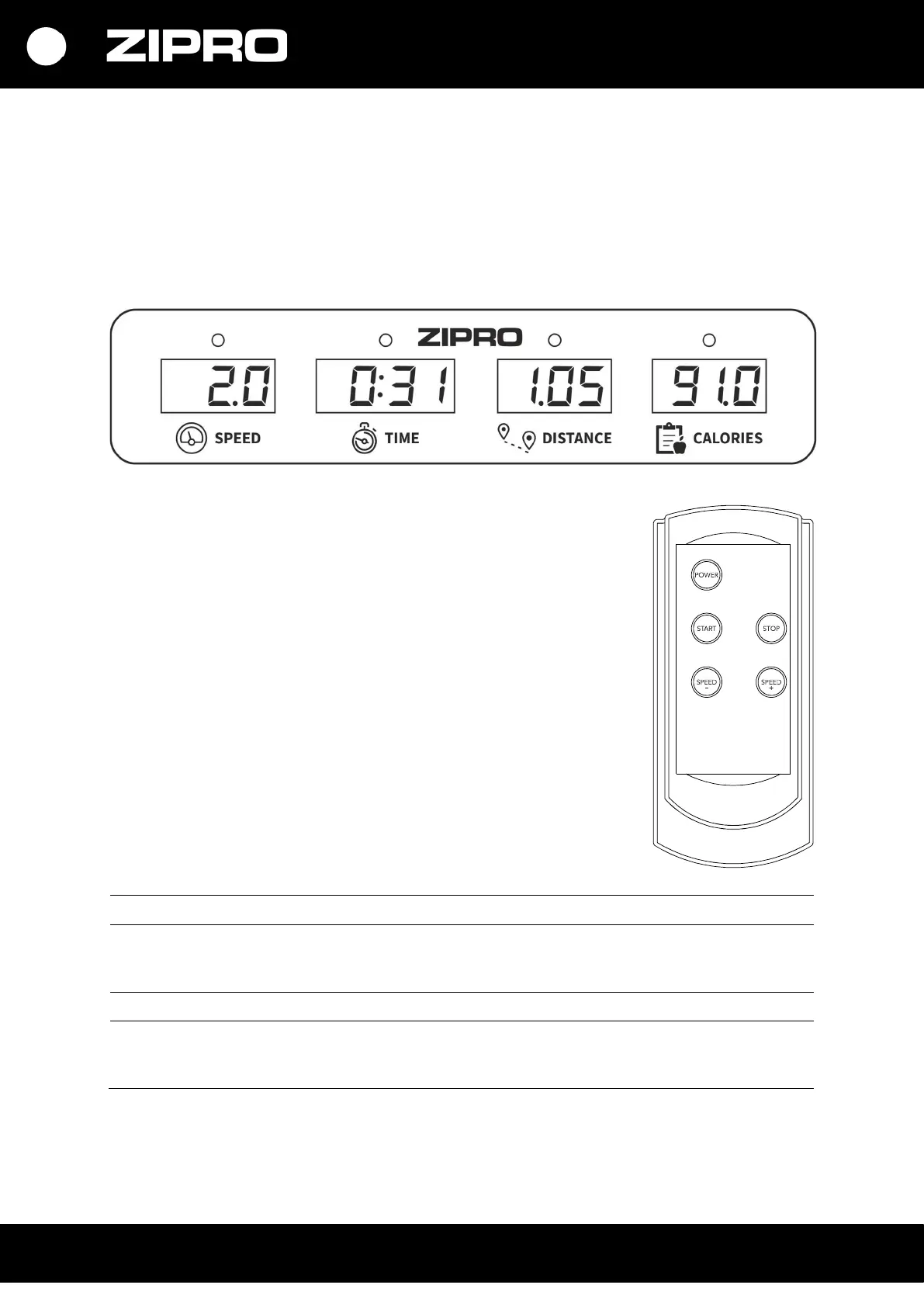
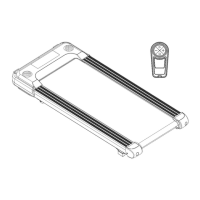
DESCRIPTION OF REMOTE CONTROL BUTTONS
POWER - when the treadmill is turned off, pressing the button will
enter the standby mode. When it is in standby mode - after pressing the
button, the monitors will be turned off and the treadmill will go into
sleep mode.
START – if the treadmill is not running, it will start at 1 km/h when the
button is pressed.
STOP – stops a running treadmill. When it is pressed, settings are reset
as well. After a restart, the device is in the manual mode.
SPEED +/- – it is used to adjust (increase and decrease ) the speed in
0.1 km/h steps.
FUNCTIONS (SPECIFICATION)
SPEED Displays the current speed. 1-6 km/h
TIME Total exercise duration, from the start to the end.
PLEASE NOTE: if the workout duration exceeds 100 minutes, the
device will stop automatically.
00:00-99:59 min
DISTANCE Total distance from the start to the end of the exercise. 0.0-99.9 km
CALORIES Total calories burnt from the start to the end of the exercise.
(The measurement is an approximation for comparing training
sessions. Do not use for medical purposes).
0.0-999 kcal


 To Next Page