GO WAVING
5
MP3
1.2 Lock/unlock control
To unlock the set, press and hold “M” key again till Lock icon disappear fro
m the top line of screen. To cancel or adjust lock setting, please go into Set
tings and choose Auto Lock by clicking the volume button.
1.3 Reset
Press“+”and“-” key at the same time. The unit will reset.
2. Using the menu
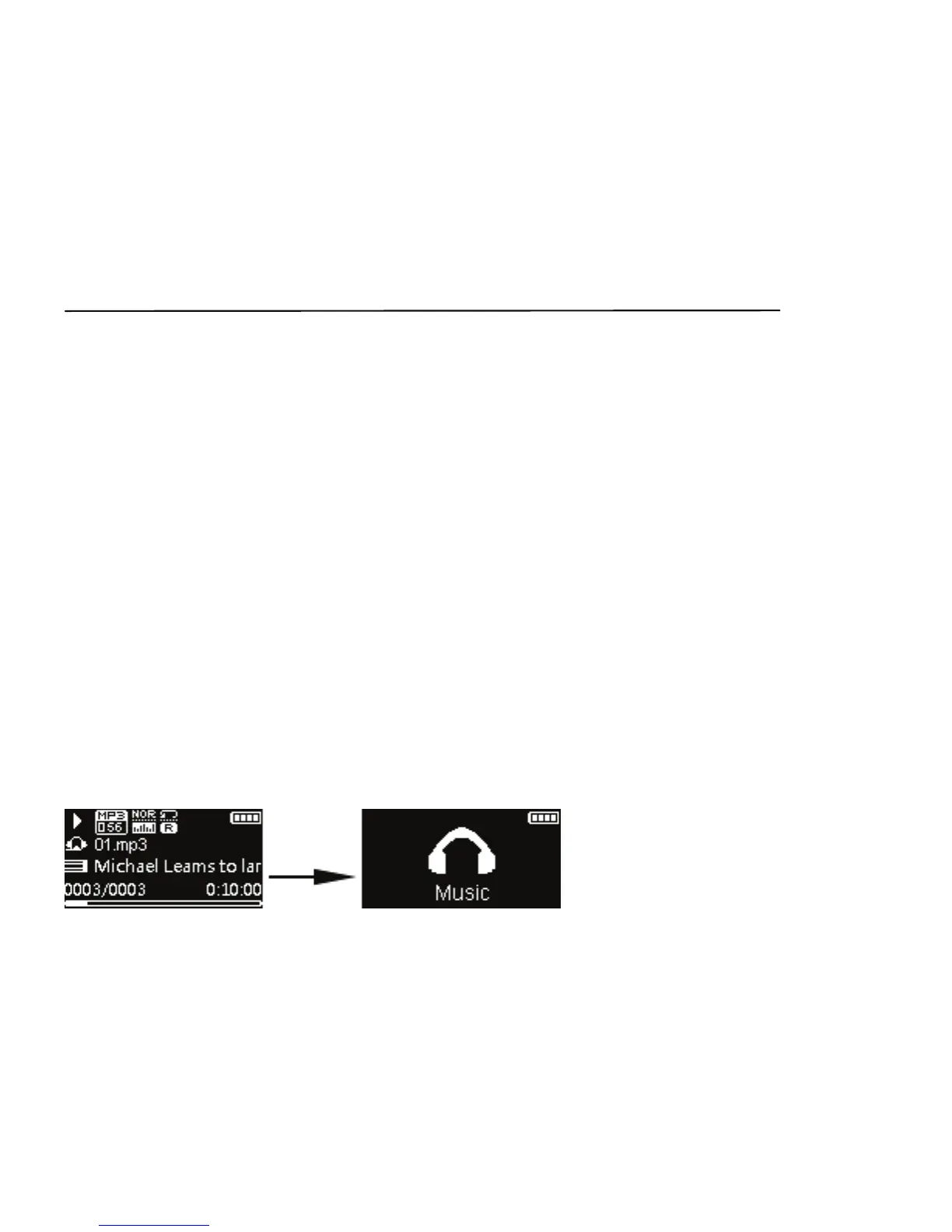
2.1 Main menu (Home menu)
The player’s main menu allows you to access Music, Radio, Pedometer,
Swim Fitness and Settings. Press +/- to scroll up and down the list of menu
items. Press Ⓘ to enter your selection. Hold M to go back to upper menu
level.


 To Next Page