USER GUIDE
6
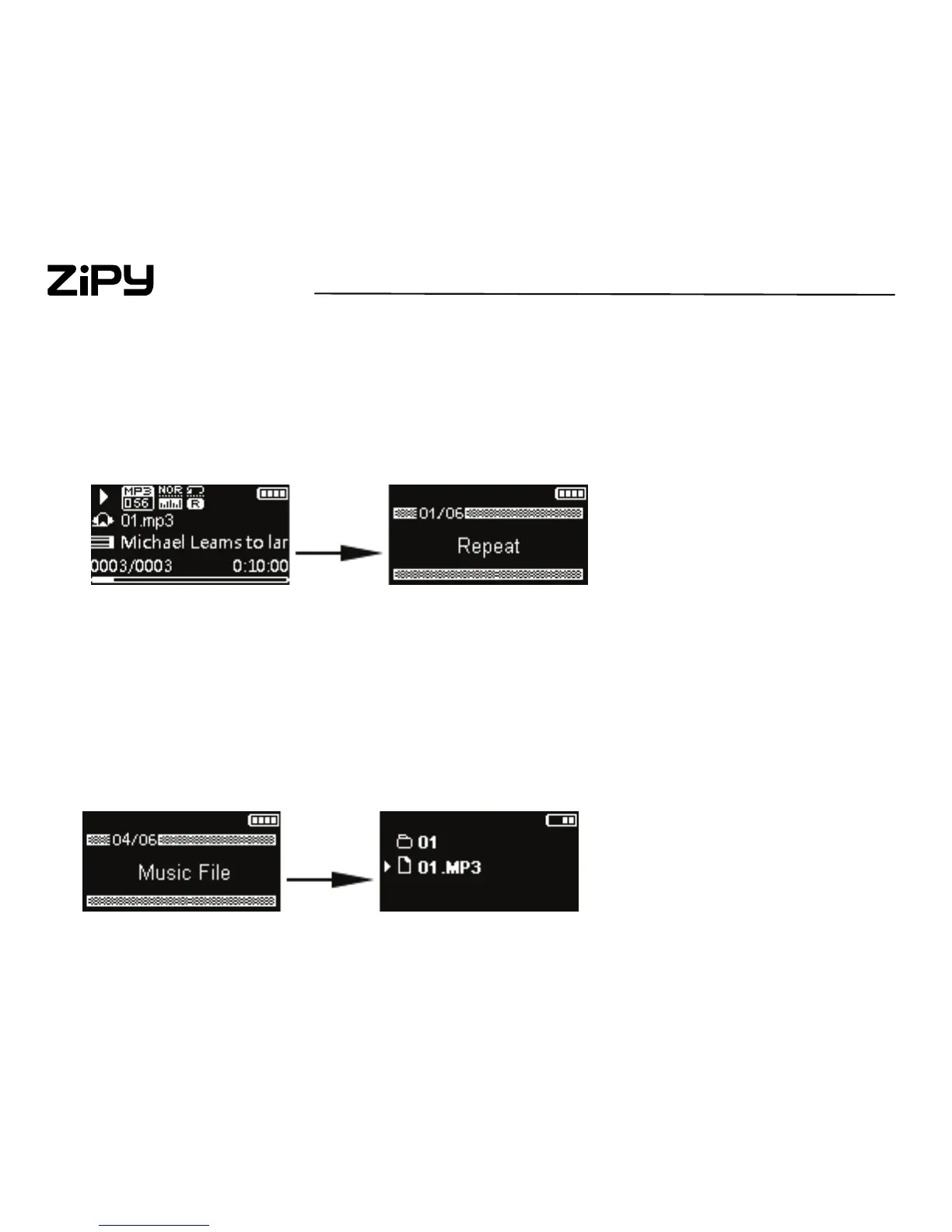
2.2 Option menu
The option menu appears if you press “M” key at the playback (Now playing)
screen while listening to the player or Pedometer operating. It provides diffe
rent options depending on what you are listening to when you press “M”.
2.3 Menu navigation
When a menu is displayed:
Press + and – to scroll up and down the list of menu items
Hold “M” to return to the previous menu level



 To Next Page