USER GUIDE
12
To turn the radio on
In the home menu, press + or – to select Radio and press “Ⓘ” to enter in, t
he last frequency will be automatically tuned.
Radio menu
To access menu press “M” key during Radio playing.
(1) Save : store the currently playing station as a preset, maximum 30
stations can be saved.
(2) Auto Search: search the radio stations automatically and save them.
(3) Pedometer: Go into the Pedometer screen.
(4) Swim Fitness: Go into the Swim Fitness screen.
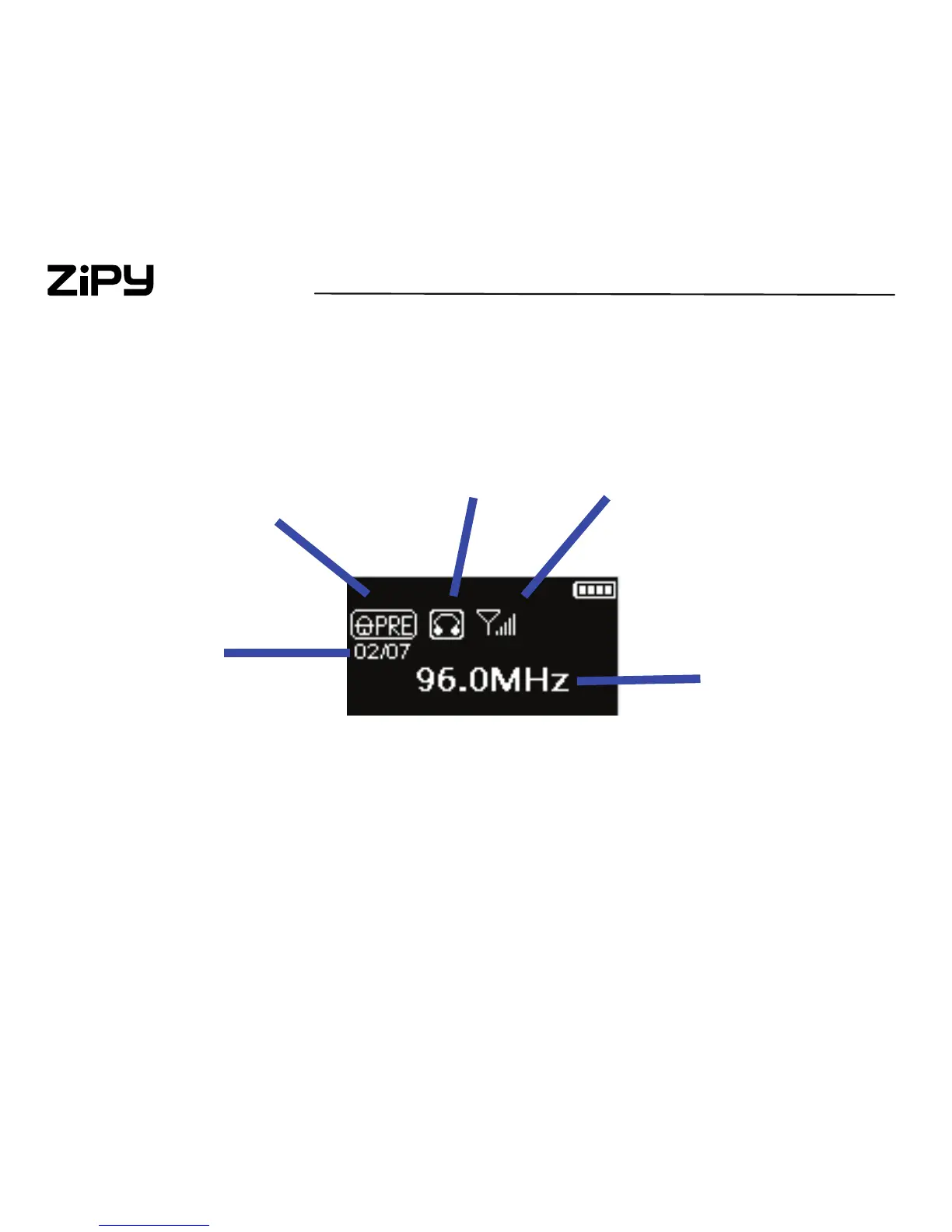
Manual / Preset Mode
Stereo / Mono Mode
Signal Strength
Preset Station
Number
Frequency



 To Next Page