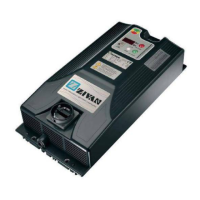
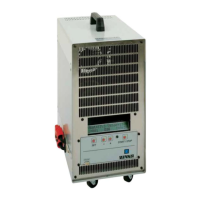
Battery charger UBC English
D01236-14 7
LED Indicator
RED LED shows that the battery is in initial charging phase.
YELLOW LED shows that the battery charger has reached 80% of charge.
GREEN LED shows that the battery has reached 100% of charge.
Further information can be found in the description of the Charging Curve.
Example: the RED LED on blinking indicates a constant tension phase.
Alarms
The flashing LED shows that an Alarm situation has occurred:
GREEN flash Timeout
Phase 1 have a duration in excess of the maximal allowed. (Verify the
battery capacity).
RED-YELLOW flash Battery Current Loss of output Current control. (Failure of the control logic).
RED-GREEN flash Battery Voltage
Battery not in conformity (verify the nominal voltage) or loss of output
Voltage control. (failure of the control logic).
RED-YELLOW-GREEN flash Thermal Overheating of semiconductors. (Verify the fan operation).
YELLOW-GREEN flash Selection
An unavailable configuration has been selected (Verify the selector’s
position)
When there is an alarm the battery charger stops supplying current.
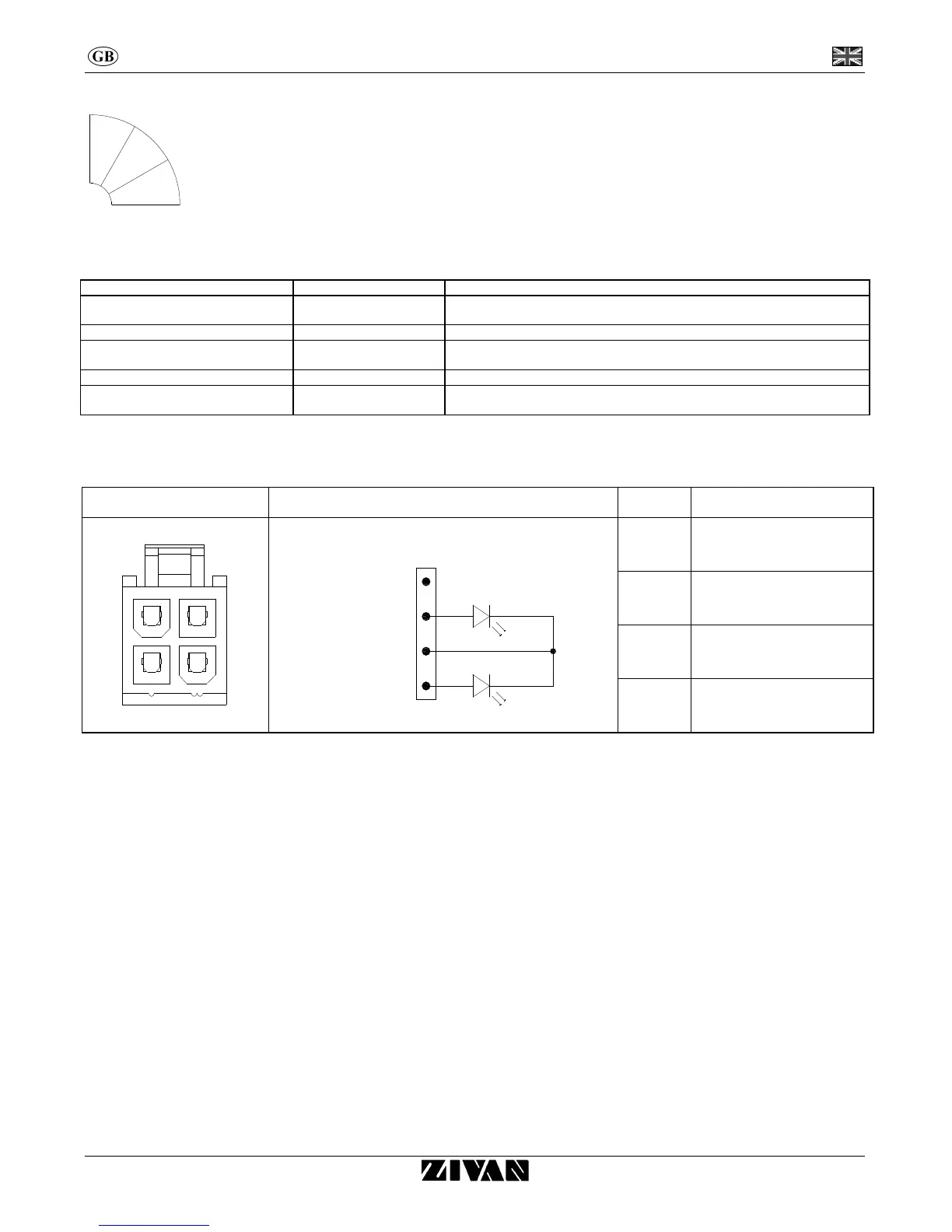
External LED Indicator
Connector Diagram connection PIN Use
34
12
2
1
3
4
INSIDE OUTSIDE
LR
LV
1
Red LED anode
2
Not used
3 Common cathode LED
4
Green LED anode
80%


 To Next Page