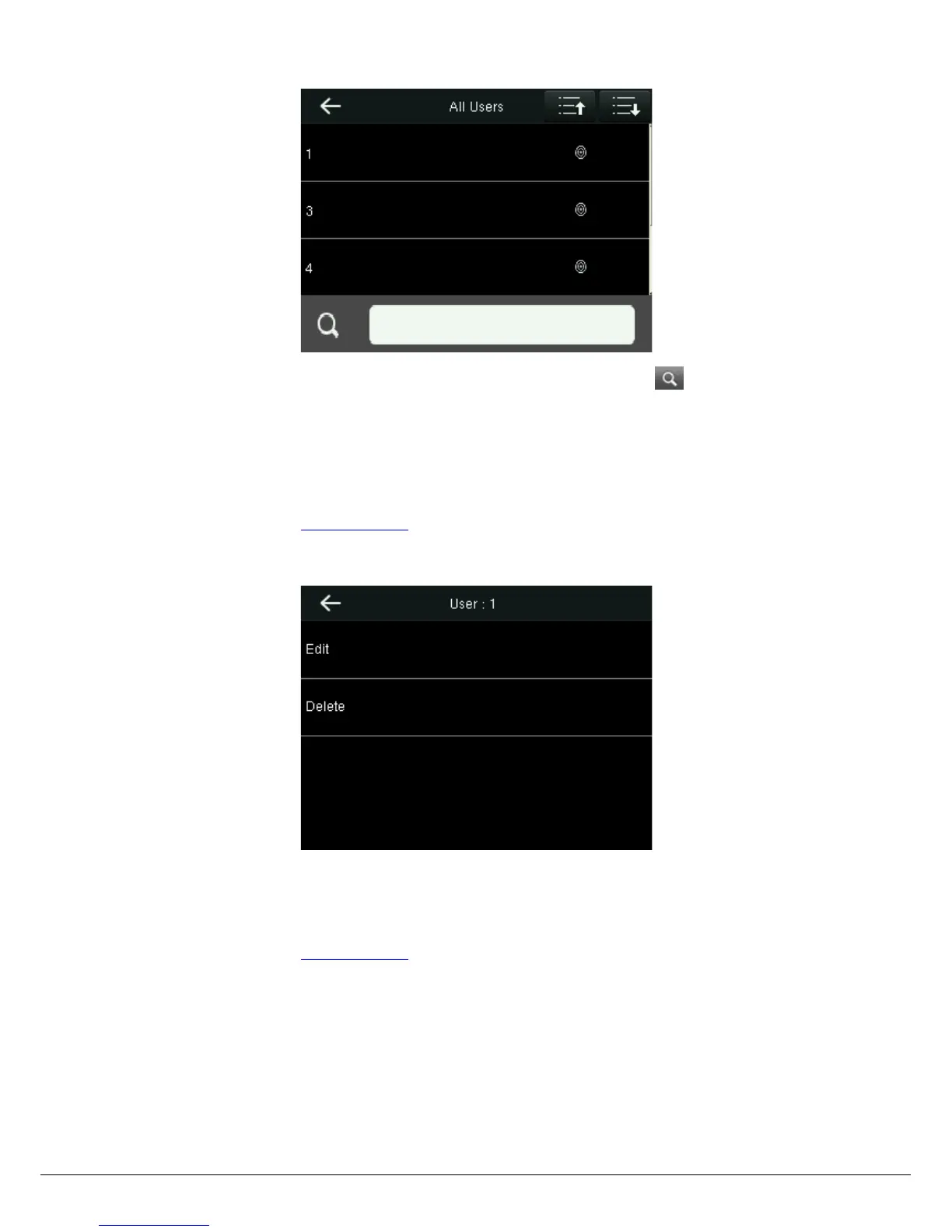
User Management>All User to enter All Users interface. Input “User ID” or “User Name” in , the corresponding user
will be shown.
3.3 Editing User
After a user is chosen through 3.2 Searching User, select [Edit] to enter user editing interface.
Or in the initial interface press User Mgt. > All Users > Search a user > Edit to enter user editing interface.
The operation method of editing user is the same with that of adding user, but the user ID cannot be edited.
3.4 Deleting a User
After a user is chosen through 3.2 Searching User, select [Delete] to enter user deleting interface.
Or in the initial interface User Mgt. > All Users > Search a user > Delete to enter user deleting interface.
Notes:
Only when the user has registered fingerprint, password, badge, will the corresponding to-be-deleted item be shown.


 To Next Page