EasyManua.ls Logo

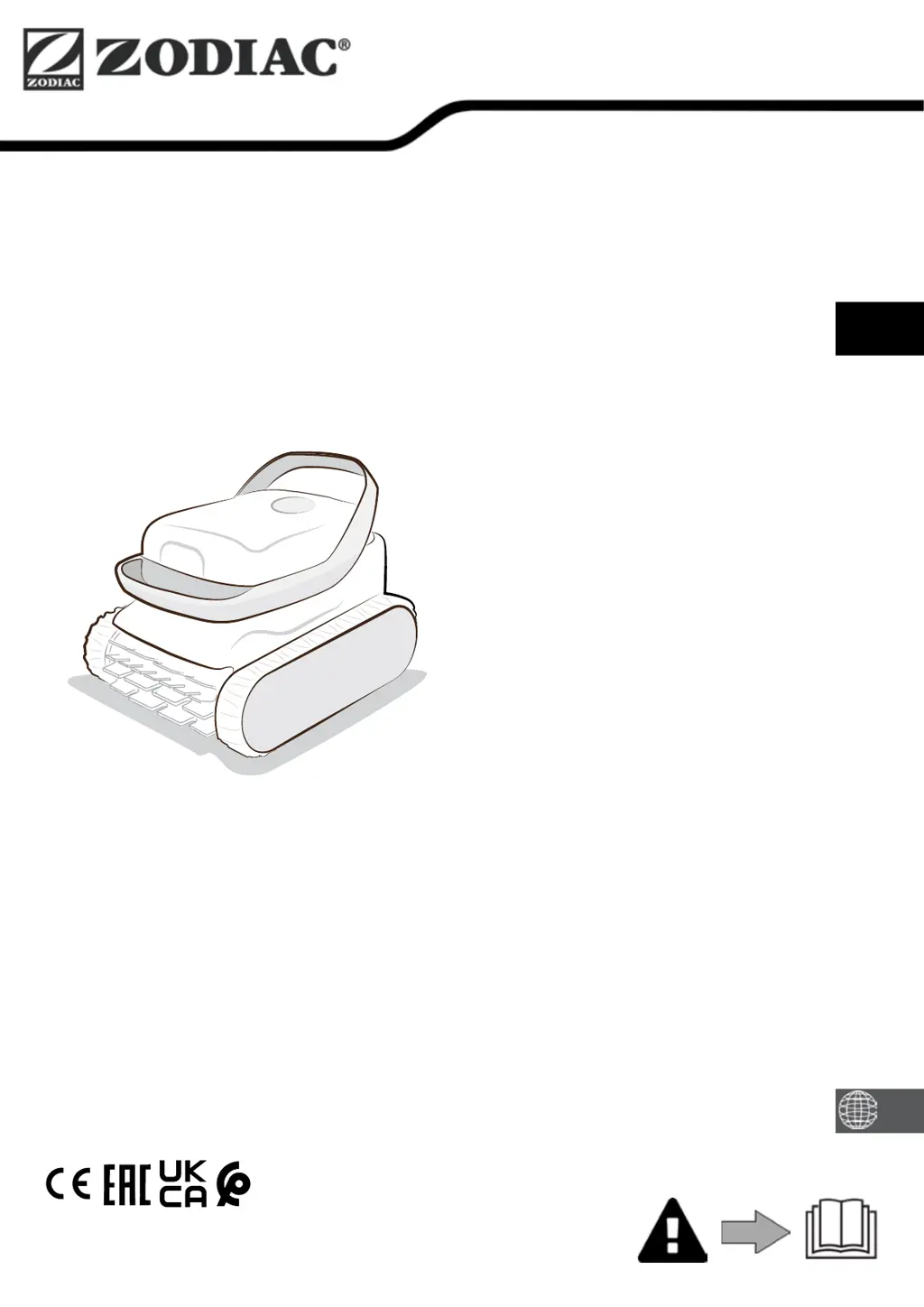
Zodiac Pixel OP-Li 2100 - User Manual

Zodiac Pixel OP-Li 2100
17 pages
Print Icon
To Next Page IconTo Next Page
Loading...
More documents on:
www.zodiac.com
Instrucons for installaon and use - English
Baery-powered electric cleaner
Translaon of the original instrucons in French
EN
H0783900_REVA - 2023/10 - EB31--
according to product marking

Questions and Answers

  • K
    Katelyn LaneAug 3, 2025
    How to make my Zodiac Swimming Pool Cleaner clean the entire pool?
    • K
      kellerjodiAug 3, 2025
      To ensure your Zodiac Swimming Pool Cleaner covers the entire pool, repeat the immersion steps, varying the location in the pool until you find the optimal spot. Also, a full or dirty filter can prevent the cleaner from functioning correctly; clean the filter to resolve this issue.
  • M
    Mr. Nathan JacksonAug 7, 2025
    What to do if my Zodiac Swimming Pool Cleaner does not collect debris?
    • P
      Peter HawkinsAug 7, 2025
      If your Zodiac Swimming Pool Cleaner isn't collecting debris, the filter may be full or dirty, so clean it. If cleaning doesn't help and the filter remains clogged, replace it. Also, debris or objects might be preventing the filter valves from closing, or getting trapped in the front brush or cover seal. Clean the brush regularly and the cover seal after every cycle. If the filter valves are blocked, contact your retailer.
  • L
    Laura GomezAug 12, 2025
    Why my Zodiac Swimming Pool Cleaners does not stay firmly on the pool floor?
    • B
      Brandy OliverAug 12, 2025
      If your Zodiac Swimming Pool Cleaner isn't staying firmly on the pool floor, try these steps: * Repeat the immersion operations to remove any air trapped in the appliance's casing. * Clean the filter, as a full or dirty filter can cause this issue. * If the filter remains clogged after cleaning, replace it. Note: If the propeller is damaged, there is no suggested solution.
  • M
    Morgan MontgomeryAug 16, 2025
    What to do if my Zodiac Swimming Pool Cleaner is not charging?
    • G
      Gene MooreAug 16, 2025
      If your Zodiac Swimming Pool Cleaner is not charging: * Ensure the indoor charger's LED turns green when plugged in without the cleaner. If not, check the power supply or replace the charger. * When the cleaner is connected, the charger's LED should turn red. If not, inspect the wire and charger output plug for damage or corrosion. Clean the contacts if necessary or replace the charger. Also, check the cleaner's contacts and clean them with a small brush, replacing the pins if needed. If problems persist after cleaning the charge port, contact your retailer. * When connected to the charger, the cleaner's LED should blink orange or green. If it doesn't, contact your retailer.
  • M
    Monica WelchAug 20, 2025
    Why my Zodiac Pixel OP-Li 2100 does not turn ON when pulling the slider down?
    • B
      Bryan Allen DDSAug 20, 2025
      If your Zodiac Swimming Pool Cleaner doesn't turn on when pulling the slider down, it might be due to the cleaner turning off after inactivity. Plug it back into the indoor charger to wake it up. If the battery is fully discharged, plug it into the indoor charger for a complete charging cycle.
  • S
    Sarah PetersonAug 25, 2025
    What to do if Zodiac Pixel OP-Li 2100 is ON but does not react while operating?
    • M
      michael59Aug 25, 2025
      If your Zodiac Swimming Pool Cleaner is on but not reacting, ensure it's charged (the battery indicator should blink or be steadily green). Check that the slider moves properly to its down position and returns to its initial position. The propeller should turn on intermittently to sense water; if not, check for debris blocking it. If the cleaner's LED is green but the propeller doesn't turn, contact your retailer.
  • D
    dawn89Aug 29, 2025
    How to adjust the floating ring of my Zodiac Pixel OP-Li 2100?
    • S
      Stephanie GrantAug 29, 2025
      If the floating ring of your Zodiac Swimming Pool Cleaner is not on the surface of the water, check the cord and adjust the length if necessary.

Summary

Safety and Warnings

General Safety Precautions

Essential safety measures, user qualifications, intended use, and general prohibitions.

Electrical System Warnings

Precautions for power supply, extension cords, grounding, and damaged cords.

Battery Operation Safety

Hazards and safety guidelines for battery handling, charging, and temperature limits.

Pool Type and Material Warnings

Specific warnings for using the cleaner in different pool types, liners, and stainless steel pools.

Environmental Disposal Guidelines

Instructions for the proper recycling and disposal of the appliance and its battery.

Product Information

Component Identification

Illustrates and names the main parts of the pool cleaner for easy recognition.

Technical Specifications and Parts

Details the product's technical data, dimensions, power, and includes a parts list.

Operational Guide

Cleaner Operating Principle

Explains the autonomous cleaning function and debris collection process.

Pool Preparation Checklist

Essential steps to prepare the pool and the cleaner before operation.

Charging the Pool Cleaner

Step-by-step instructions for safely charging the cleaner's battery.

Starting and Immersing

How to initiate a cleaning cycle and safely place the cleaner into the pool water.

Removing Cleaner from Water

Procedures for safely retrieving the cleaner from the pool after a cleaning cycle.

Maintenance and Care

General Cleaner Cleaning

Guidelines for regular cleaning of the cleaner's exterior and internal parts.

Filter Cleaning and Maintenance

Detailed steps for cleaning the debris filter to maintain optimal performance.

Brush and Seal Care

Instructions for cleaning the brush and cover seal to ensure proper operation and waterproofing.

Propeller Access and Cleaning

Safe method for accessing and cleaning the propeller to remove debris.

Parts Replacement Procedures

Guidance on replacing components such as brushes, tracks, and charging pins.

Winter Storage Instructions

How to prepare and store the cleaner during winter or long periods of non-use.

Troubleshooting Common Issues

Appliance Behavior Solutions

Addresses common operational problems and provides troubleshooting steps.

Error Indicator Lights

Interprets LED blink codes and offers solutions for reported errors.

Zodiac Pixel OP-Li 2100 Specifications

General IconGeneral
BrandZodiac
ModelPixel OP-Li 2100
CategorySwimming Pool Cleaners
LanguageEnglish

Related product manuals