9
© 2020. All rights reserved.
These instructions provide an overview of what the
app will do. You may find additional steps needed.
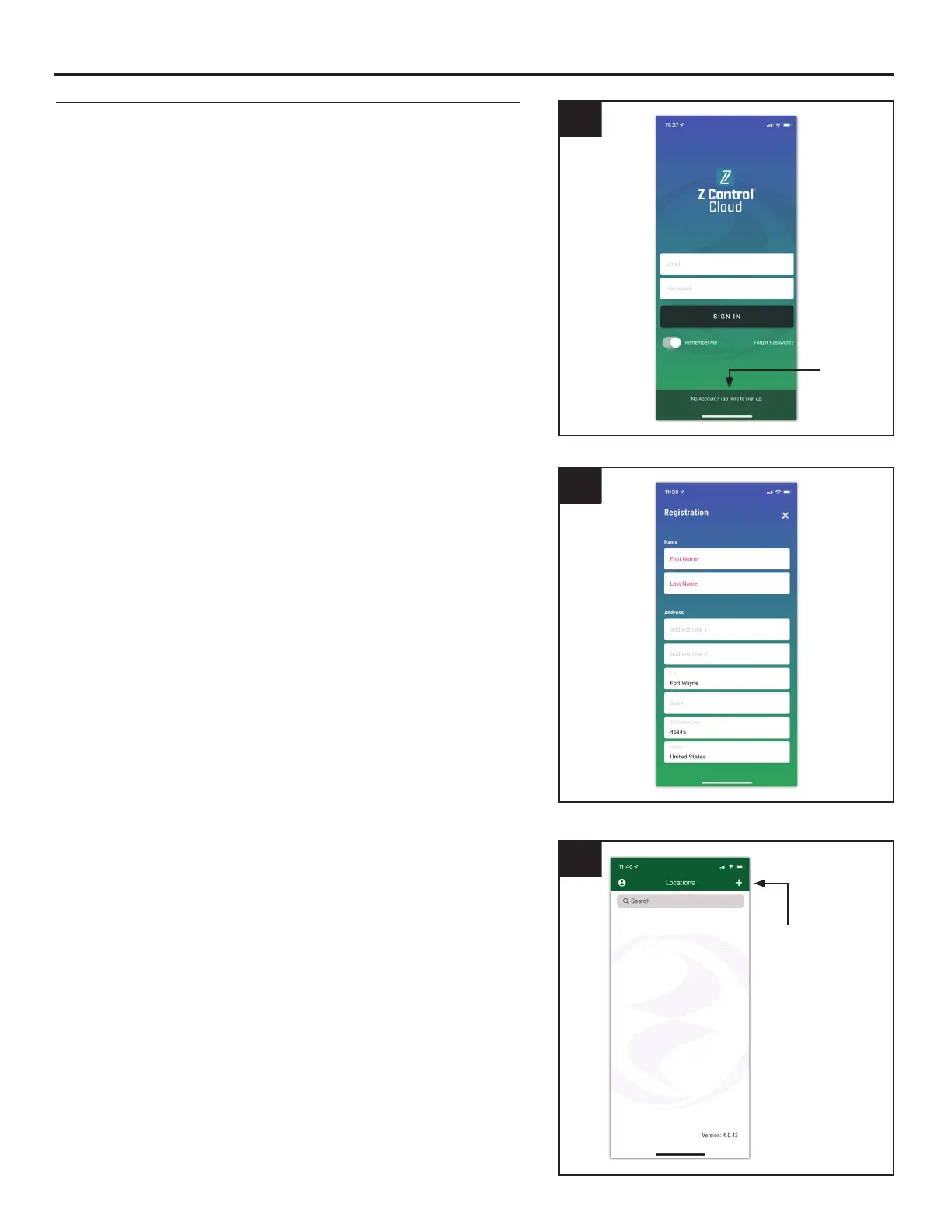
1. Open the app and sign in to your account, or create
an account using the link at the bottom. If you do
not have an account, you will need to click the
link at the bottom of the home screen to create an
account.
2
3. Once you’re logged in to your account, create locations
by touching the “+ “ from the Locations screen.
2. Open your profile to set up any additional phone
numbers or email addresses where notifications
should be sent.
3
Touch +
to create
locations
CONNECTING THE CONTROLLER TO Z CONTROL
®
Option 1 - Use the Mobile App (iOS and Android) (Continued)
1
Click to
create
account




 To Next Page