Operation and Debugging 20X Bar-tacking and Button Sewing Machine(LCD N)
51
conditions, activate the continuous running mode; turn off the power to release the continuous running mode.
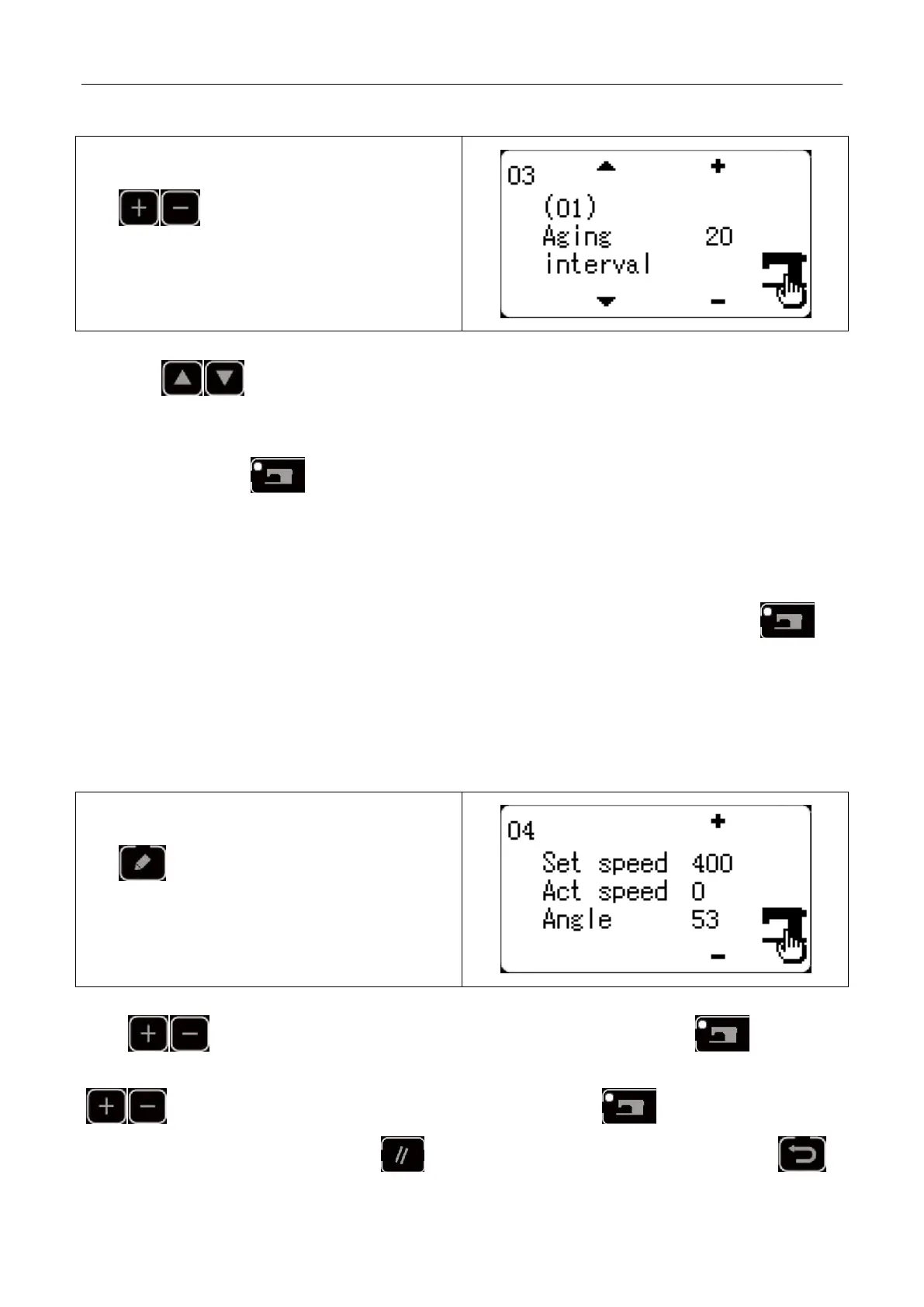
1) Interval Time Setting
When the screen displays “(01) aging interval”, press
key to set the interval time between
two operations.
The setting range: 0~9900ms (by an increment of
100ms); default value: 2000ms.
2) Origin Search at Sewing End
Press key to shift to “(02) origin search” to set the origin search at sewing end.
OFF: invalid (default)
ON: valid (origin search at each sewing end)
After setting, press key to save and enter the main interface of normal sewing mode.
3) Continuous Operation
Under sewing mode of normal patterns, user can set pattern No., X/Y scale rate, max. rotation speed and other
conditions before starting sewing. At sewing end, if the origin search is set to be valid in step 2, the system
will conduct the origin search of X/Y presser foot and thread-catching/trimming motors. After the set interval
time, the system will automatically start sewing again. If user need stop continuous sewing, press
key at sewing end to pause and turn off the power to terminate the continuous sewing.
2.3.4 Main Shaft Detection
Set the rotation speed of the machine, and then drive the main motor of the machine to display the actual
rotation speed under the set rotation speed.
1) Preparation
Select “04 main shaft detection” and then press
key to enter. Each motor will
automatically execute origin research. The screen
will display the “target rotation speed”, “actual
rotation speed” and “main shaft angle” of the main
shaft motor.
2) Operation
Press key to change the target rotation speed of the main shaft, and then press key to
operate the machine at the set rotation speed. If the set rotation speed need changing, user can continue pressing
key during the operation to set the rotation speed and then press key again to operate the
machine at the new set rotation speed. Press key to stop the machine. After machine stops, press



 To Next Page