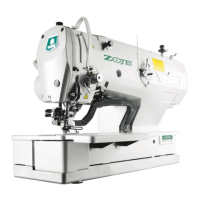
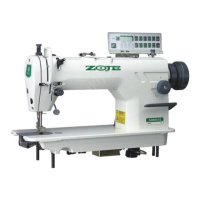
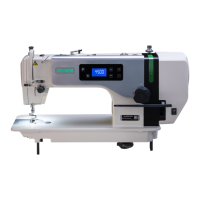
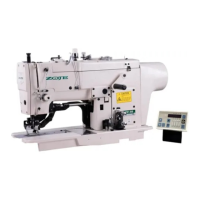
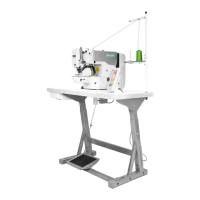
Appendix 1 20X Bar-tacking and Button Sewing Machine(LCD N)
81
6 Appendix 1
6.1 Main Control Error List
Pedal not in the
middle position
Pedal is stepped down when entering
the ready sewing status
Make sure the pedal is not stepped down when entering the
ready sewing status
RESET key is pressed while sewing
machine is running. The machine
pauses.
Restart or return-to-origin after pressing RESET key for
thread-trimming.
Head tilt detection switch is set as
ON.
The sewing machine cannot be operated with the head
tilted. Return the sewing machine head to its proper
position.
The voltage of power is too low.
Sampling UZKIN analog quantity is too low. Confirm the
voltage of power and related circuit.
The voltage of power is over the
specified value.
The detected signal of AC_OVDT is high. Confirm the
voltage of power and related circuit.
Main shaft driver
abnormal
The error is detected in main shaft
driver.
Turn off the power and repower the machine after a while.
Turn off the power supply and then turn it on again after a
while.
Turn off the power supply and then turn it on again after a
while.
After start, the system detects
abnormal signal about the voltage of
the air valve or fan.
Shut down the machine to check if there is any short circuit
Presser Foot
Position Error
Presser foot is not at proper position.
Turn off the power and check connection of the CZ025 at
the head signal circuit board. If the connection is ok, check
the optocoupler.
The system can’t detect ADTC signal.
Turn off the power, and confirm whether plug X5 is
connected properly.
When the main shaft motor is
running, the range of the electrical
angle is abnormal at 0°
Shut down the machine to check the motor encoder.
The sewing area is beyond the limit.
Press RESET switch to confirm the pattern and its X/Y
scale rate.
Triggering condition: pattern computation error.



 To Next Page