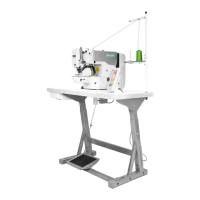
Appendix 1 20X Bar-tacking and Button Sewing Machine(LCD N)
87
There is problem with reading pattern
data from external pattern storage
area.
Please select other patterns.
When importing or exporting
patterns, the panel detects abnormal
USD storage device.
Change another USB storage device
The Size of
Imported Pattern
Too Large
When importing patterns, the panel
detects that the imported pattern is too
beyond the size limitation.
Make sure the imported pattern is within the size range.
External Pattern
Not Found
Under sewing ready status, the
external pattern to be read is not
found.
Please select other patterns.
P Pattern to Be
Deleted is Cited by
C Pattern
When being deleted, the P pattern is
found to have been added to certain C
pattern.
First delete the P pattern from the C pattern and then
delete the P pattern.
The pattern number to be imported
can’t be found after USB connection
Make sure the pattern is correctly named and saved under
the designated directory of the USB storage device.
Before entering the P pattern or C
pattern copy/deletion mode, no P
pattern has been registered.
Please register P patterns before entering those modes.
All Normal
Patterns Shut Down
Before entering P pattern registration
mode, all normal patterns are found to
have been shut down.
Please unlock normal patterns.
No More
Registration of P
Patterns
Before entering P pattern registration
mode, it is found that all P patterns
have been registered.
Please delete some P patterns before registering new ones.
No Deletion of the
Last C Pattern
The C pattern to be deleted happens
to be the last one.
The deletion of the remaining last C pattern is prohibited.
Alarm to Lubricate
the Machine
It is time to add lubricating oil to
certain parts of the machine, so the
machine stops working.
Restart the machine, enter parameter No. 245 and press
RESET key, and then power on again
Undefined error of the operation
panel
Shut down the machine and update the control panel
program.
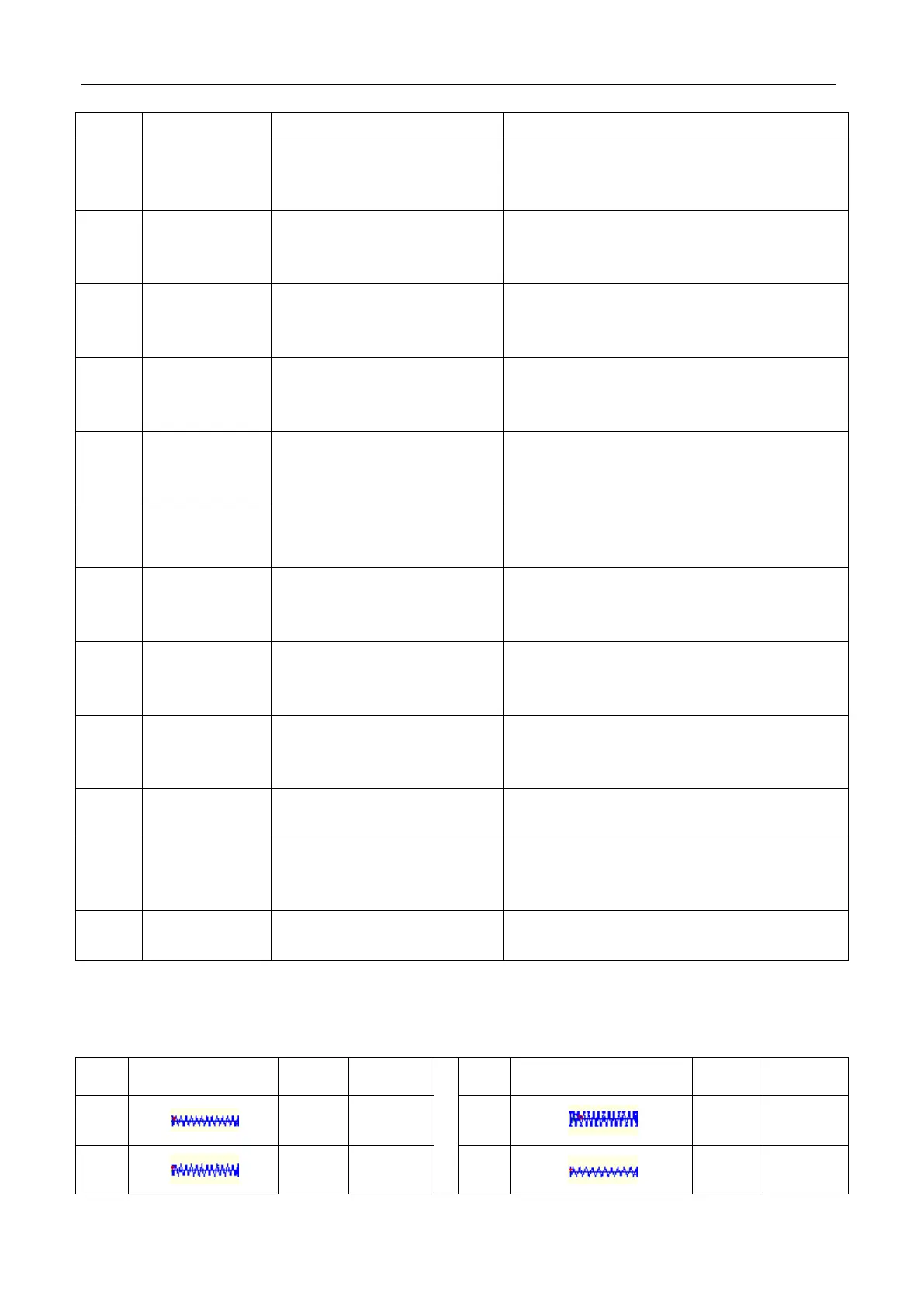
6.3 Standard Button Sewing Pattern List



 To Next Page