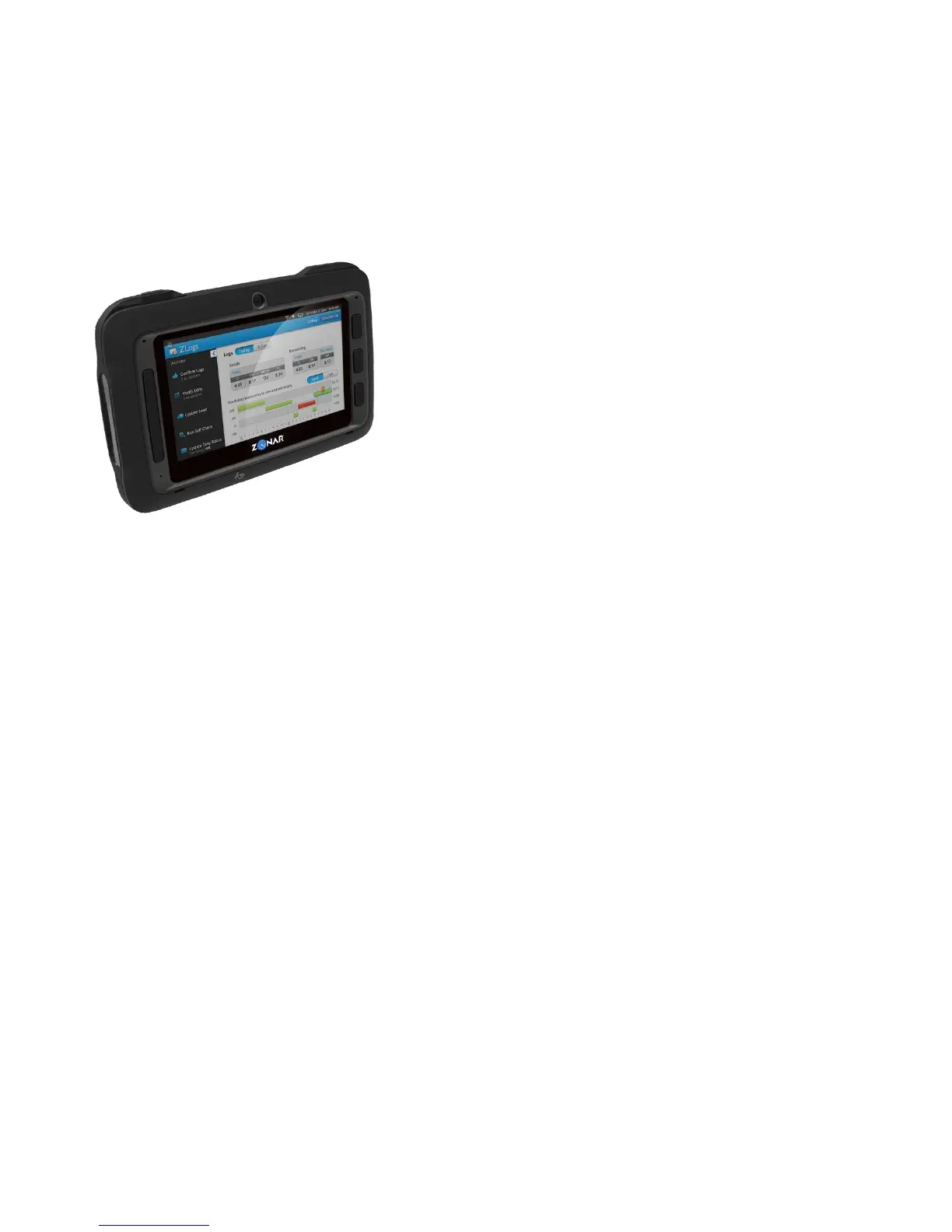
Zonar Connect®
Installation/User Guide
Zonar Connect Install & Checkout List
Task #. Task Page #
Complete?
1 Inventory all the Zonar Connect items 9
2 Ensure V3 is connected to a minimum 1.5 Amp circuit (only required
for the Zonar Connect operations) See V3 Installation Manual
3 Ensure V3 is fully functional (3 solid Green LED with engine running) 16
4 Shut-off engine
5 Disconnect vehicle battery (suggested) 13
6 Disconnect 4 Pin connector at rear of V3 13
7 Layout the Zonar Connect hardware and cables to desired location 13
8 Install RAM mount and backing plate 13
9 Route and connect the Zonar Connect Power/Data cable 13
10 Re-connect vehicle battery 13
11 Connect 4 Pin power connector into V3 13
12 Start engine
13 Ensure V3 has 3 solid Green LED’s 13
14 Snap the Zonar Connect into the dock (if it is not already there) 13
15 Log into the Zonar Connect with ID number and PIN 17
16 Perform the Zonar Connect system check 16
17 Shut-off engine



 To Next Page