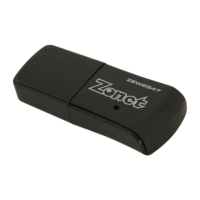
802.11n Wireless Nano USB Adapter
34
5.
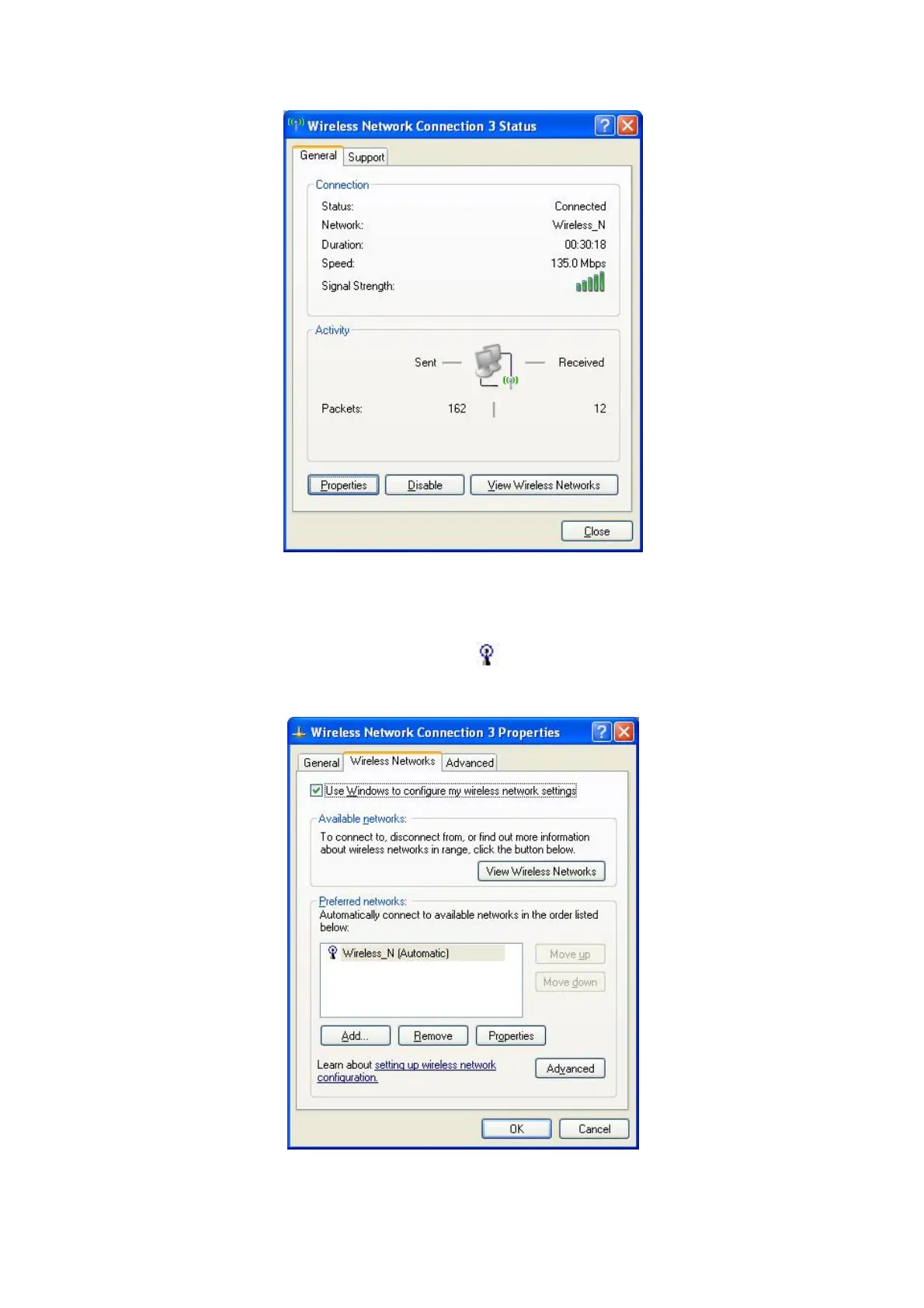
Click Properties button in General page and choose the tab Wireless
Networks to add the SSID of available network by clicking Add, if there are
several available networks, linking priority could be configured by the button
Move up and Move down. The icon shows the current linked AP. Click
Properties to configure authentication of wireless connection.


 To Next Page