802.11n Wireless Nano USB Adapter
3
1.4 Before You Begin
You must have the following:
A laptop computer/desktop PC with an available USB 2.0 slot
Minimum 300MHz processor and 32MB memory
Windows 2000, XP, Vista, 7; Macintosh; Linux
A CD-ROM Drive
USB controller properly installed and working in the computer
802.11n or 802.11b/g Access Point (for infrastructure Mode) or another
802.11n or 802.11b/g wireless adapter (for Ad-Hoc; Peer-to-Peer
networking mode.)
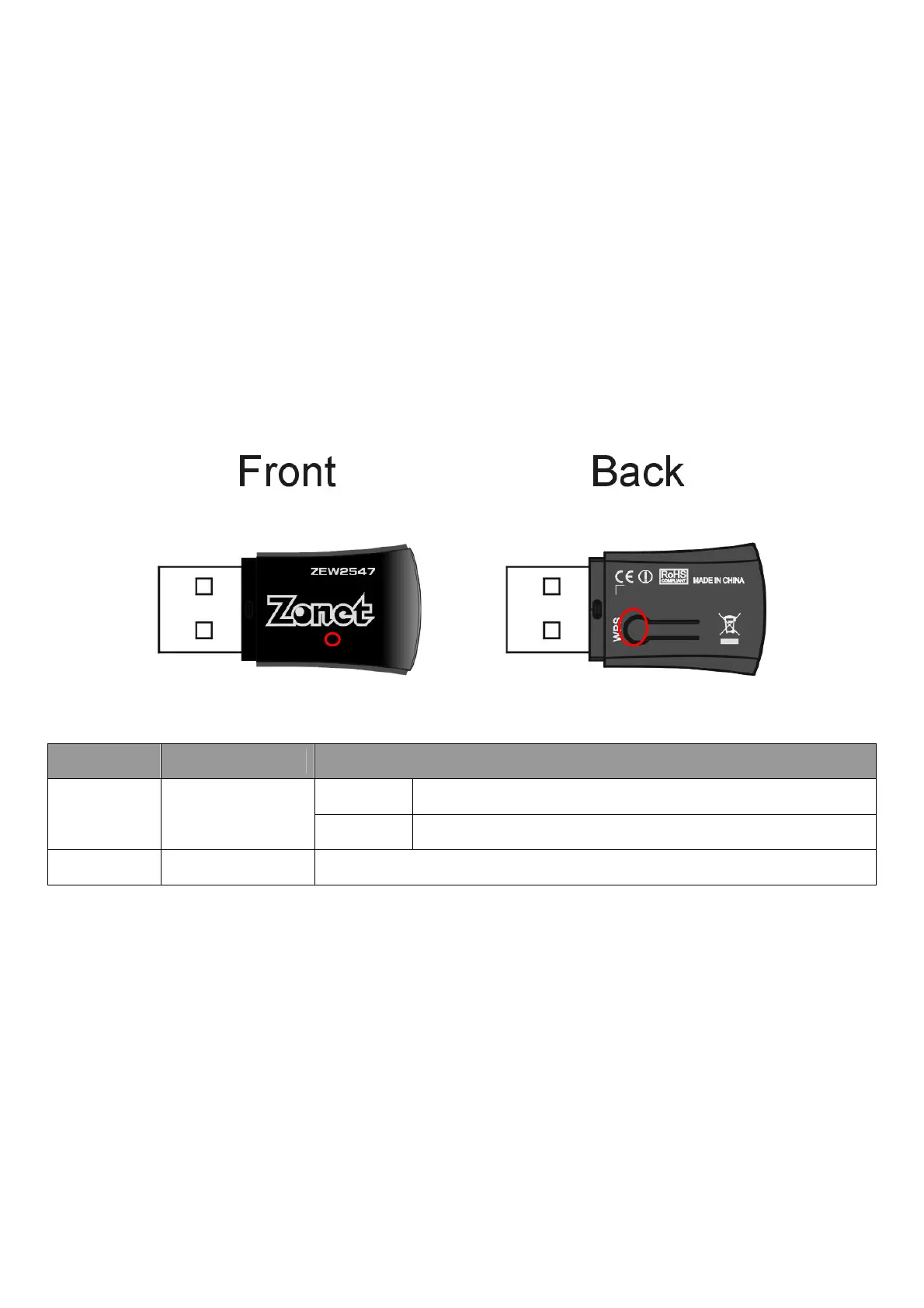
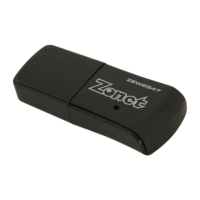
1.5 Know Your ZEW2547
Location
Item Description
ON ZEW2547 is switched on and correctly powered
FRONT LED Indicator
Flashing
ZEW2547 is transmitting or receiving data
REAR WPS Button Press this button for 1 second to start WPS function


 To Next Page