802.11n Wireless Nano USB Adapter
38
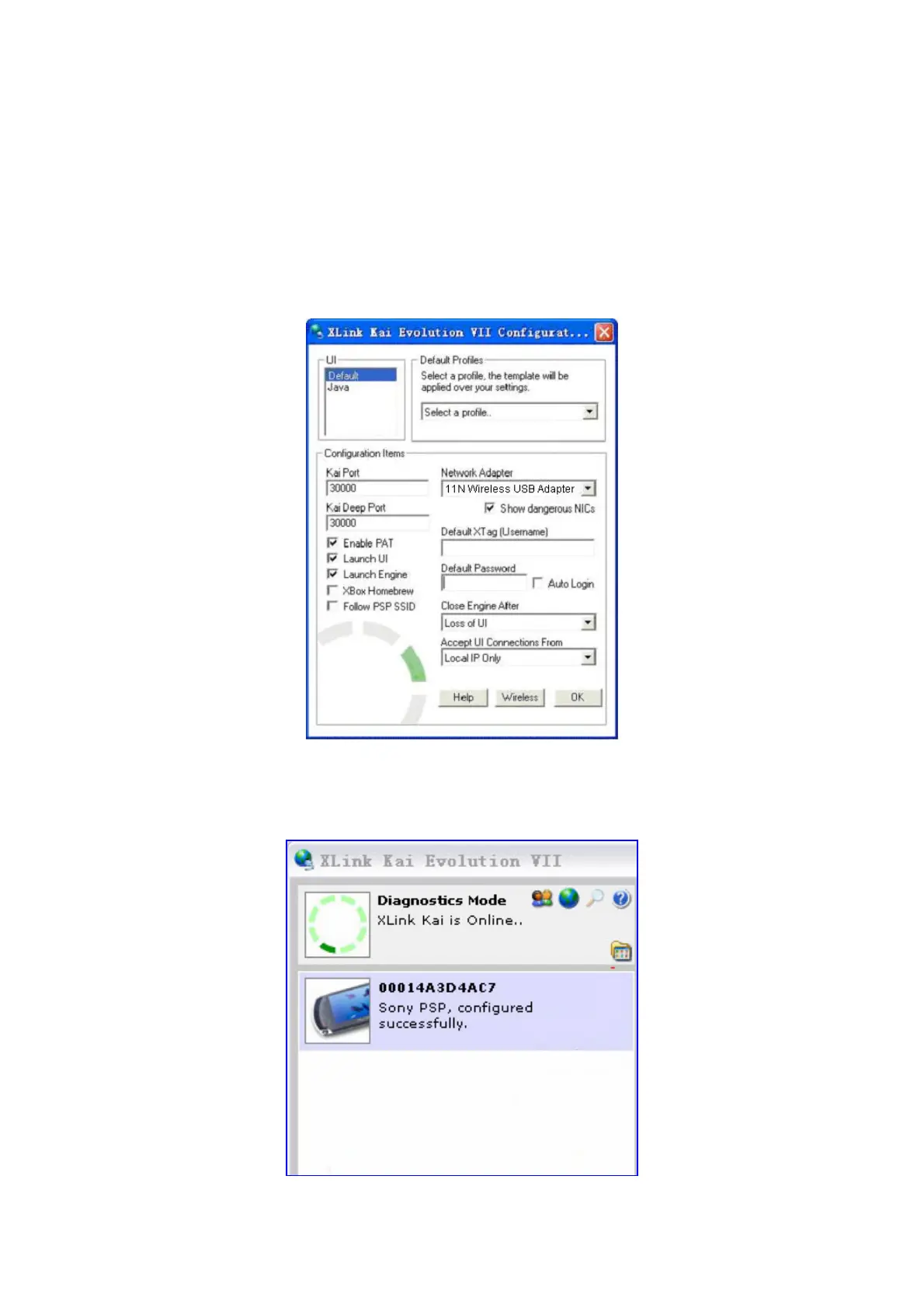
4.2 Configure XLink Kai
XLink Kai is a global gaming network - bringing together XBox, Playstation,
Gamecube and PSP users, in one integrated community. It is software running on
your PC or Macintosh that allows you to play system-link enabled games online
for free.
Select Start →
→→
→ All programs →
→→
→ XLink Kai Evolution VII →
→→
→ Start Kai Config
to configure the user name, password and other parameters.
Login XLink Kai: Select Start →
→→
→ All programs →
→→
→ XLink Kai Evolution VII →
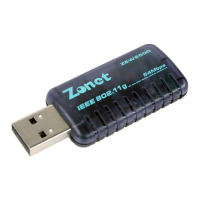
Start Kai. PSP will connect with XLink Kai automatically. The following window
will indicate the connection is established well now.


 To Next Page