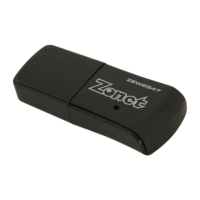
802.11n Wireless Nano USB Adapter
7
2.2 Windows 2000/XP/Vista
NOTE:
Snap-shot screens of the following installation procedure are based on Windows XP.
Installation procedures will be similar for other windows operating systems.
1. Power on your PC, let the
operating system boot up
completely, and log in as
needed.
2. Attach the external antenna to
ZEW2547’s antenna port.
Then insert ZEW2547 into a
USB slot of your computer
3. Select Cancel when Found
New Hardware window
appears.
4.
Insert Installation CD to your
CD-ROM drive. B
r
owse CD and
double-click
Setup.exe
in
Driver folder to execute it. The
wizard will run and install all
necessary files to your
computer automatically.


 To Next Page