7
Using the Modem’s Header
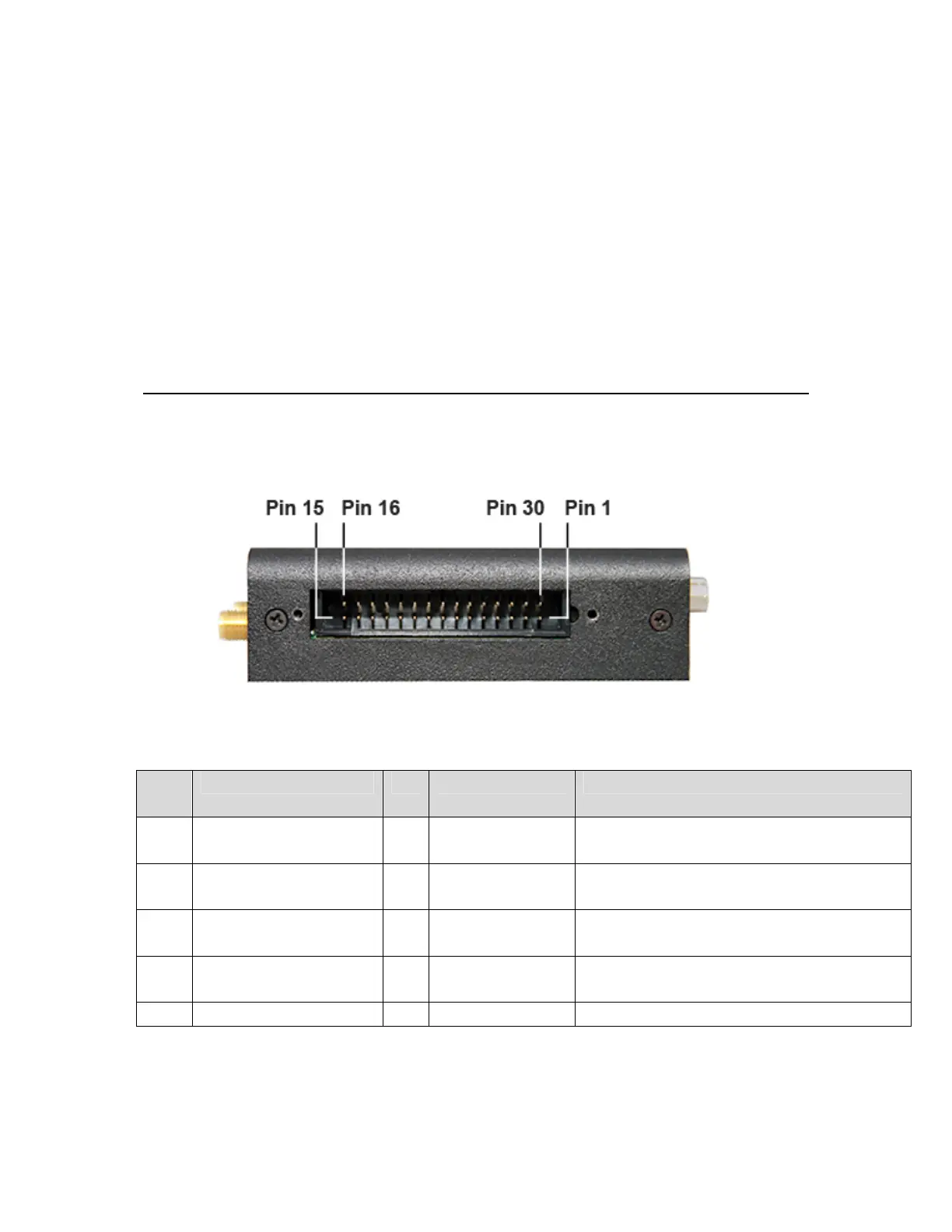
To access the modem’s header on model 4575 remove the cover on the side of the unit
using the included wrench. The header is shown below:
The pins are defined in the table below for Models 4575 and 4576.
Pin
Num
Name I/O Volts
1 DSR# O 0VOn
1.8VOff
0VmeansDataSet(Modem)Ready
2 RTS I 1.8Vto25VHigh
‐25Vto.6VLow
HighmeansRequestToSend
3 CTS# O 0VOn
1.8VOff
0VmeansClearToSend
4 RING# O 0VOn
1.8VOff
0VmeansRing
5 PowerOut O 3.92VOn 3.92Vcomesfromahigh‐power
45



 To Next Page